Custom CRM for Small Businesses: What It Is, When It Pays Off, and How to Build One
11 min read · AstraLoop Studio
A custom CRM for small businesses is a contact and sales management system built around your process, not the other way around. You don't start from a menu of pre-packaged features and try to force your business into it. You start from how you actually work — how leads come in, how you qualify them, who does what, which data matters — and the system is shaped around that.
This is a topic that causes plenty of confusion, because today the word "CRM" can mean very different things: a HubSpot subscription, a module bolted onto your accounting software, a shared spreadsheet, or a purpose-built application. In this guide we clarify what a custom CRM actually is, how it differs from SaaS and off-the-shelf business software, when it truly pays off for a small or mid-sized business, how to build one step by step, what it costs, and the return you can expect. This is the article to start with — throughout it you'll find links to deeper dives on pricing, industry verticals, and comparisons with standard software.
What a custom CRM is (and isn't)
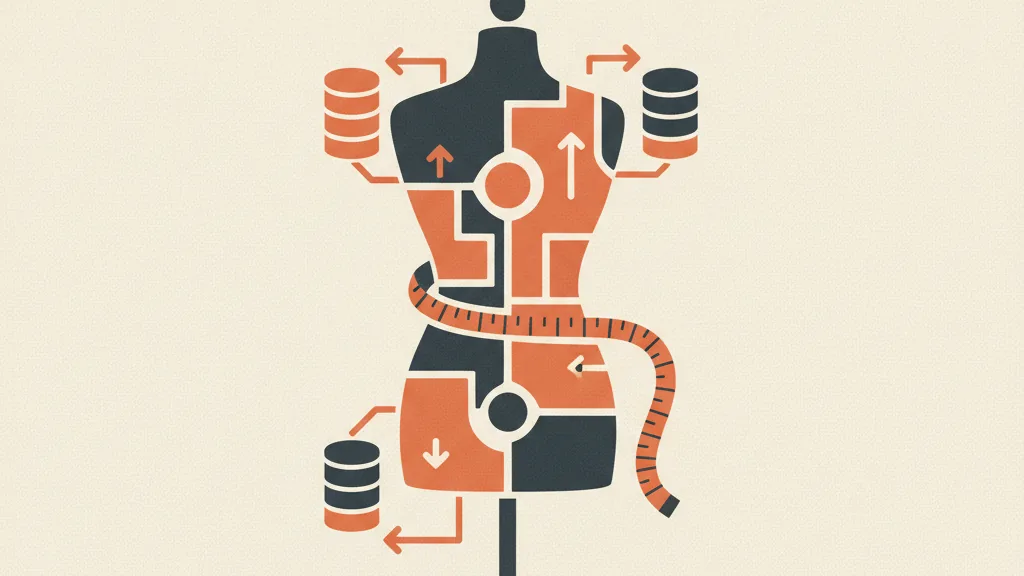
A CRM (Customer Relationship Management system) is where your commercial relationships live: contact records, interaction history, open deals, the status of every lead. "Custom" means the data structure, the workflows, and the automations are designed around your specific process, with the interface and fields built for you and no one else.
To make it concrete, here's the practical difference between the three options a small business typically weighs when looking for "a CRM."
| Option | What it is | Pros | Cons |
|---|---|---|---|
| SaaS CRM (HubSpot, Salesforce, Pipedrive) | Subscription to a standard, multi-tenant software | Live immediately, maintenance included, low upfront cost | You adapt to the software, per-seat fees that grow, features you don't use, data you're "renting" |
| ERP module (built-in CRM inside accounting software) | A sales module bolted onto your admin or accounting system | Integrated with invoicing and inventory | The CRM piece is often rigid and secondary — built for accounting, not for closing deals |
| Custom CRM | An application built around your process | 100% aligned to your workflow, no per-seat fees, you own the data, integrates with anything | Higher upfront investment, build time required, needs a reliable partner |
One common misconception to watch out for: "custom" doesn't mean writing every line of code from scratch like it's the 1990s. Today, a good custom CRM is built by combining a solid foundation (database, authentication, APIs) with modern automation logic and, increasingly, AI components for scoring and qualification. The result is a system that's genuinely yours, built in weeks rather than years. For the full definition with examples, we cover it in depth in what a custom CRM really means.
Custom CRM vs. SaaS: the real question isn't "which is better"
There's no universal answer — only the right answer for your situation. SaaS isn't the enemy: for plenty of micro-businesses, early on, it's the correct choice. The problem shows up as the company grows and off-the-shelf software starts costing you in three ways nobody budgets for.
- Per-seat fees that scale badly. With 3 salespeople the bill is manageable. With 12, once you're pushed into the "Professional" tier that unlocks the features you actually need, you easily hit several thousand euros a year in subscription costs alone.
- The cost of "almost." The software does almost what you need. So the team fills in free-text fields by hand, keeps a parallel spreadsheet running, and the data becomes unreliable. A CRM nobody uses properly is worth nothing.
- Lock-in and data ownership. Your data sits on the vendor's servers, with limited exports and paid integrations. Yet company data is the most valuable asset you have.
The rule of thumb we use with clients is simple. If your sales process is standard and small, stay on SaaS. If you have a distinctive workflow (complex quoting, commissions, installation chains, industry-specific logic) or you're paying a lot to use a fraction of the platform, custom starts to make sense. The full reasoning, with numbers, is in custom CRM vs. SaaS, when it pays off, and the more decision-oriented version is in custom or standard, which to choose.
What about the ERP module? The "make or buy" logic
Many owners think, "I already have an ERP, there must be a CRM buried in there." Technically, yes. In practice that module was built for administration, not for closing deals: it's rigid, hard for salespeople to use, and disconnected from marketing. Choosing between extending the ERP, buying a SaaS tool, or building a dedicated application is the classic make-or-buy decision between a custom CRM and your ERP. It depends on where your critical data lives and who will actually use the tool every day.
When it really pays off for a small business
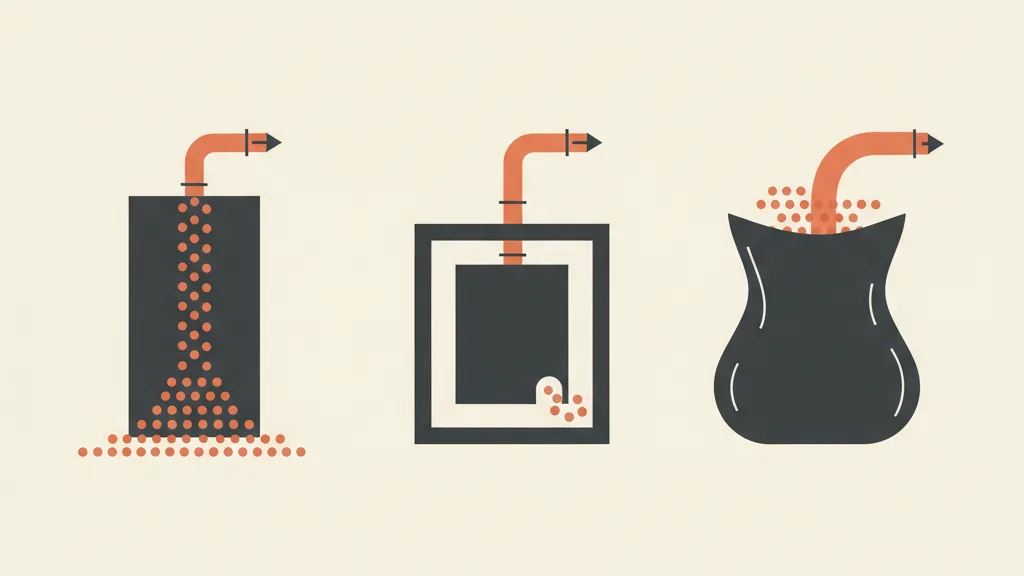
The right moment isn't "when you have the budget" — it's "when the cost of not having one exceeds the investment." Here are the concrete signals we see most often. If you recognize three or more, a custom CRM probably pays for itself quickly.
- Leads are slipping through the cracks. They arrive via forms, WhatsApp, phone calls, trade shows, and end up scattered across different inboxes. Nobody knows exactly how many come in, or how many fall through along the way.
- Follow-up is left to chance. A quote sent and never chased is money burned. If you don't have a system that reminds you who to recontact and when, you're losing plenty of them. That's the subject of automatic recovery of unclosed quotes.
- Your data lives across too many spreadsheets. Everyone has their own version. There's no single, reliable source of truth — exactly the problem of the company-wide single source of truth.
- You're paying for a lot of SaaS and using a fraction of it. Per-seat fees for features the team never even touches.
- Your sales process is unusual. Commissions, site visits, product configuration, installation workflows — things standard software models poorly.
- Marketing and sales don't talk to each other. The funnel generates contacts but there's no automatic bridge to whoever needs to close the deal. We cover that bridge in how to connect a CRM to your sales funnel.
On the other hand, if you're a solo professional with ten clients a year, or a micro-business with a linear workflow, a custom CRM is overkill: start with a standard tool and move to custom once the numbers justify it.
How it's built: from analysis to the ongoing fee
A serious project doesn't start with code — it starts with questions. This is the method we follow, in five phases. It's worth understanding even just to evaluate quotes: if a vendor skips the analysis phase and gives you a price on the spot, that's a red flag.
1. Process analysis
We map how leads come in, who works them, what stages a deal moves through, which data matters, and which reports you need to make decisions. This produces the data model and the list of priority features. This phase determines whether everything else succeeds or fails, and it's also the part we offer as a free analysis.
2. MVP (minimum viable product)
We don't build everything at once. We ship the core of the system first (contact records, pipeline, deal stages, first report), so you start using it and giving us real feedback within a few weeks. A small CRM that runs today beats a perfect monster a year from now. We've written about typical timelines in how long it takes to implement a CRM.
3. Modules
On top of the MVP we add what your specific case needs: quoting, commission management, lead scoring, appointment scheduling, executive dashboards. Each module ships when it's genuinely useful, without bloating the system. In AI lead scoring for small businesses we show how to automatically surface your hottest contacts.
4. Integrations
The CRM isn't an island. We connect it to what you already use: WhatsApp, email, calendar, invoicing, and above all your acquisition channel. For example, WhatsApp-to-CRM integration brings contacts in in real time, while upstream a funnel that feeds the CRM guarantees a steady flow of already-tracked leads.
5. Maintenance fee
A custom CRM is yours, but it needs to be kept alive: updates, improvements, small changes, support. That's why after the build there's a maintenance fee, far lower than the sum of per-seat SaaS subscriptions. It's not a fee for "renting" the software — it's the upkeep of an asset you own.
What it costs and what ROI to expect
Let's be direct, since it's the question everyone asks: the cost of a custom CRM for a small business depends on complexity, but it moves within predictable ranges. An entry-level project with an MVP and a handful of integrations starts at a few thousand euros; a more elaborate system with industry-specific modules and AI automation scales up proportionally. The full breakdown with real price ranges is in the cost of building a custom CRM and the version tailored to small businesses, what a custom CRM for small business costs.
But the right question isn't "how much does it cost" — it's "how fast does it pay back." The ROI of a custom CRM comes from three measurable levers.
- Leads you stop losing. If 100 contacts come in a month and you lose 20% to missed follow-up, recovering even half of that is worth more than the fee within a few weeks.
- Sales time freed up. Less data entry, fewer spreadsheets, less "who was supposed to call this person back?" Hours that go back into actual selling.
- Savings on SaaS fees. Below a certain user count, custom costs less than SaaS over a 2-3 year span, and without price increases for every new seat.
To build the business case rigorously you need your own starting numbers: cost per lead, close rate, average customer value. These are the same unit economics KPIs (CAC, CPL, LTV) you'd use to evaluate any acquisition investment.
Not sure whether a custom CRM makes sense for you, or whether a standard tool would do? We'll map your process with a free analysis and tell you honestly, numbers in hand.
Use cases by industry
The advantage of going custom shows up when the process is specific. Here are a few verticals where a standard CRM struggles and a dedicated one makes the difference. Each has its own deep dive.
- Real estate agencies. Property management, matching requests to listings, long negotiation cycles. See custom CRM for real estate agencies and the version with an integrated funnel in funnel and CRM for real estate.
- Law firms and accountants. Case files, deadlines, confidentiality. Deep dives in CRM for law firms and CRM for accounting firms.
- HVAC and window/door installers. Technical quotes, site visits, installation. See CRM for plumbers and HVAC contractors and funnel and CRM for windows and doors.
- Solar and insurance. High-volume quoting flows: AI-powered solar CRM and CRM for insurance brokers.
- E-commerce and agencies. See custom CRM for Shopify e-commerce and CRM for marketing agencies.
The CRM alone isn't enough: you need the system
A mistake we see often: buying "a CRM" thinking it will solve acquisition. It won't. A CRM is an organized container: if no flow of leads reaches it from above, it stays empty. And if there's no follow-up process underneath it, contacts just go stale.
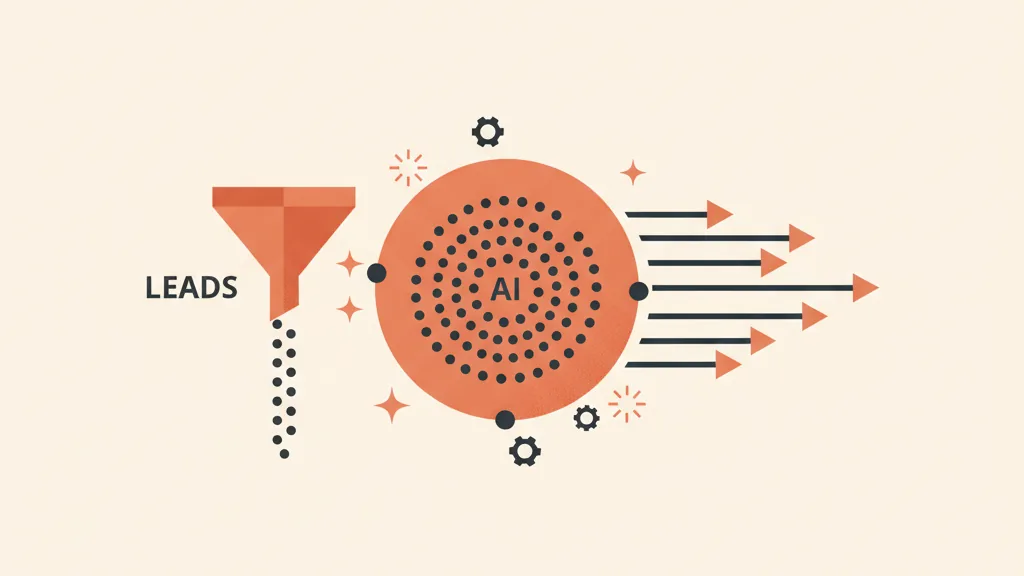
The real value emerges when the CRM sits at the center of a complete customer acquisition system: a funnel that brings in qualified contacts, the CRM that organizes them and keeps them warm, and automated sales follow-up so nobody forgets to call back. If the distinction confuses you, we've clarified it in the difference between a funnel and a CRM.
AI builds on top of this, turning the CRM active rather than passive: an AI agent that qualifies leads on WhatsApp before a salesperson even touches them, a scoring model that ranks the queue by priority, an outbound engine that re-engages dormant contacts from the database. That's the direction of the agentic CRM: not an archive, but a tireless colleague.
How to choose the right partner
A custom CRM is only as good as whoever builds it. Before you sign, check three things.
- They start from analysis, not from a quote. Anyone who prices your project without understanding your process is selling, not designing.
- They hand you the data and the control. The code and the data should be yours, not another lock-in in disguise.
- They think in terms of the system, not just the software. A good partner thinks about how the CRM connects to acquisition and follow-up, the way a real B2B CRM and acquisition funnel agency does.
The practical advice is always the same: start small, measure, evolve. An MVP that runs and produces data beats any bloated spec document. From there, build out module by module, guided by what the numbers tell you to add next.
If you want to find out whether custom is right for you, the first step is free and comes with no obligation: we map your process and tell you honestly whether a custom CRM makes sense — or whether, in your case, a standard tool is enough. You can request a quote for a custom CRM once you have a clear picture.
In summary
A custom CRM for small businesses pays off when your process is specific, or when you're paying for a lot of SaaS and using little of it. It's built in five phases (analysis, MVP, modules, integrations, maintenance fee), pays for itself by stopping lead leakage and freeing up sales time, and delivers the most value when it sits at the center of a system that includes an acquisition funnel and automated follow-up, now supercharged by AI. Don't buy "a piece of software": build an asset that's yours and grows with you.
Frequently asked questions
What's the difference between a custom CRM and a standard one like HubSpot?
A standard CRM is pre-packaged software your business has to adapt to, with per-seat fees and data stored on the vendor's servers. A custom CRM is built around your process: it aligns 100% with your workflow, has no per-seat costs, and you own the data. Standard makes sense early on; custom makes sense once you grow or have a distinctive process.
How much does a custom CRM cost for a small business?
It depends on complexity. An entry-level project with an MVP and a handful of integrations starts at a few thousand euros; a system with industry-specific modules and AI automation scales up proportionally. On top of the upfront cost there's a maintenance fee, still lower than the sum of per-seat SaaS subscriptions. The evaluation should be based on ROI, not just price.
When does it make sense to switch from SaaS to a custom CRM?
When you recognize at least three signals: you're losing leads across different channels, follow-up is left to chance, your data is scattered across too many spreadsheets, you're paying a lot for SaaS and using only a fraction of it, or you have a distinctive sales process that standard software models poorly. If you're a micro-business with a linear workflow, stick with standard software.
How long does it take to get a working custom CRM?
With an MVP approach, the core of the system (contact records, pipeline, first report) can be up and running within a few weeks. Additional modules and integrations get added afterward, incrementally. A small CRM that runs immediately beats a complete system delivered a year from now.
Does a custom CRM replace the ERP?
No, they're different tools. The ERP handles administration, accounting, and inventory; the CRM handles contacts and sales. Often the CRM module inside an ERP is rigid and secondary. The best approach is to integrate them: the custom CRM connects to the ERP to exchange data (contact records, invoicing) while each keeps its own role.
Does a custom CRM alone increase sales?
On its own, no — it's an organized container. It produces results when it sits at the center of a system that includes a funnel bringing in qualified leads upstream and automated follow-up downstream. With AI it becomes active (qualifying contacts, ranking them by priority, re-engaging dormant ones) instead of being a simple archive.
Tell us how you currently manage leads and deals: we'll suggest the most sensible path for your case, from MVP to integrations. Request your free analysis.