Custom CRM or Standard CRM: Which One Should You Choose
8 min read · AstraLoop Studio
The question "custom CRM or standard CRM?" usually starts from a concrete problem. You've tried an off-the-shelf package and it's too tight, or you're about to sign a multi-year contract and you're afraid of picking the wrong tool. Either way, the answer isn't ideological. There's no such thing as the objectively best CRM, only the right one for how your company actually works.
The uncomfortable truth is that 70-80% of Italian SMEs run perfectly well on a well-configured standard CRM. The remaining 20-30% have processes, integrations, or business models that an off-the-shelf tool can't cover without costly compromises. The question isn't "which one is more powerful," but how far your processes deviate from the market standard. Everything else follows from that: cost, timeline, risk, maintenance.
In this guide you'll find the 2026 decision table, the criteria to figure out which side you fall on, and the three mistakes that make people who choose on gut instinct pay double.
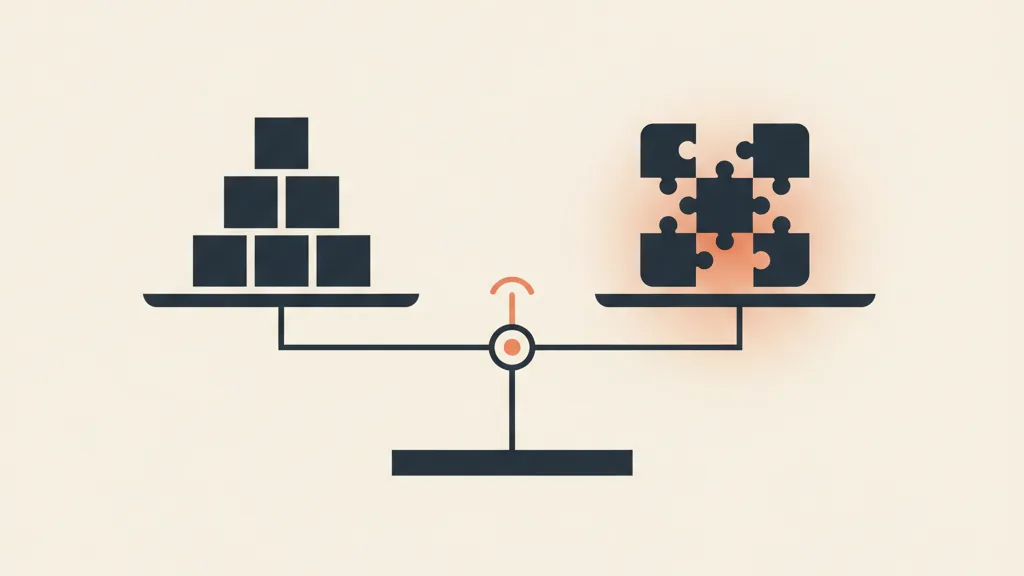
What we actually mean by "custom" and "standard"
Before deciding, let's align on terms, because almost no one uses them the same way.
Standard CRM (off-the-shelf or SaaS): ready-made software like HubSpot, Salesforce, Pipedrive, Zoho, or similar. You pay a monthly per-user subscription, configure fields and pipelines within the limits the product allows, and use the integrations available in its marketplace. You don't touch the code. If your process fits the product's model, you're up and running in a few days.
Custom CRM: a system built around your processes. It can be built from scratch or, more often today, assembled on a low-code base or an automation engine, with logic, fields, automations, and integrations designed specifically for you. The data model follows your business, not the other way around. We cover this in detail in what a custom CRM really means.
Watch out for a third path that confuses everyone: the advanced configuration of a standard CRM. Salesforce with custom objects, flows, and Apex, or HubSpot with custom objects and programmable operations, isn't truly a custom CRM. It's a standard pushed to its limits. It's a legitimate option, often the best one, but it comes with its own rules and costs. We dig into the make-or-buy distinction in custom CRM or business management software, the make-or-buy choice.
The 2026 decision table
Here's the operational summary. Read each row and ask yourself which side your company falls on. If most of the answers lean toward one column, you have your direction.
| Criterion | Choose STANDARD if... | Choose CUSTOM if... |
|---|---|---|
| Sales process | It's linear and similar to other companies in your industry | It has specific logic (complex quotes, conditional price lists, multi-stakeholder approval flows) |
| Data model | Customer, contact, and deal are enough | You need entities the product doesn't anticipate (job sites, case files, policies, serial numbers, batches) |
| Integrations | The tools you use are in the CRM's marketplace | You need to connect ERP, business management software, or industry-specific tools with no ready-made connector |
| Number of users | Small team, or growing fast and unpredictably | Many users: the per-user fee becomes unsustainable over time |
| Time-to-value | You need to launch within 1 to 4 weeks | You can invest 6-12 weeks for an asset that lasts years |
| Initial budget | You'd rather have a predictable monthly cost with little upfront spend | You can support a higher upfront investment (one-off) |
| Regulatory and data constraints | No particular requirements on where or how data is stored | You have strong needs around data residency, control, or vertical compliance |
| Competitive advantage | The CRM is an operational support tool, not a differentiator | How you manage customers is part of your competitive edge |
Rule of thumb: if you tick 4 or more rows in the "custom" column, and at least one is about the data model or integrations, custom (or a heavily extended configuration) deserves a serious quote. Below that threshold, a well-implemented standard will save you months and thousands of euros.
The real cost of standard (that no one shows you in the first call)
The appeal of a standard CRM is the entry price: 30-90 euros per user per month, and you're off. But the real cost shows up at 24-36 months. Three items weigh more than you'd think.
1. The per-user fee that scales badly. At 5 users the numbers are trivial. At 25-40 users, with the "Pro" or "Enterprise" tiers needed for serious features, the annual bill reaches five figures and keeps growing every year. We gathered the real numbers in HubSpot's hidden costs for SMEs.
2. Paid add-on modules. Marketing automation, advanced reporting, granular permissions, sandboxes: these are almost always add-ons. The initial quote doubles once you add what you actually need.
3. The cost of compromise. This one's invisible on the invoice but very real. Every time you bend your process to fit the CRM, you pay in lost hours, double data entry, backup spreadsheets, and numbers that don't reconcile. It's the cost that pushes companies toward custom after two years of struggling with a standard tool.
This isn't an argument against standard. It's an invitation to do the math over the right time horizon. If the same setup will serve you for 4-5 years, compare the total cost of a custom CRM with the sum of subscription fees over the same period, not with the first month's bill.
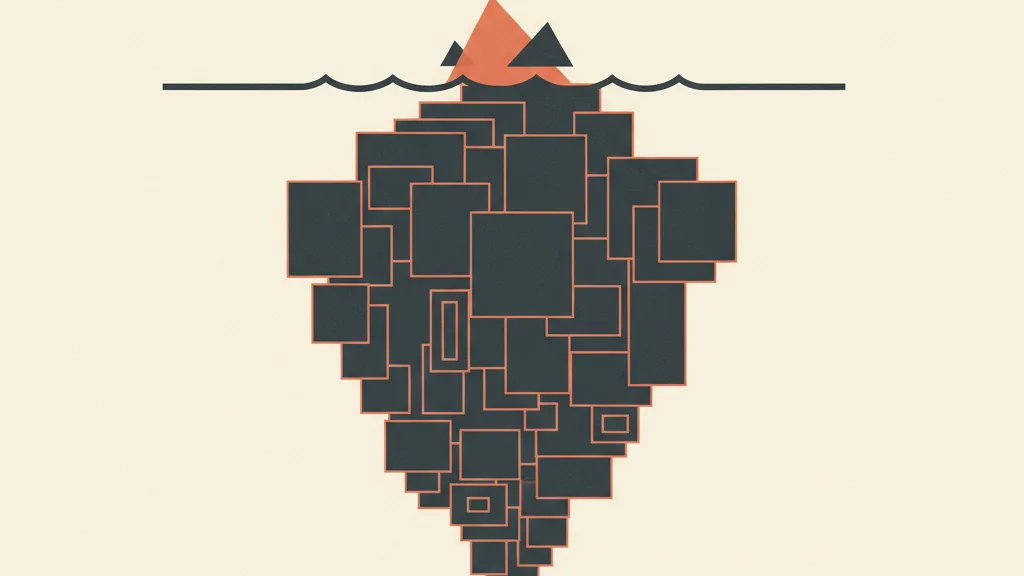
The real cost of custom (why it's not automatically the "premium" choice)
Symmetrically, custom carries risks that development vendors tend not to highlight.
1. The upfront investment. A custom CRM for an SME typically starts at 8,000-15,000 euros for a sensible scope and climbs with complexity. It's not a subscription, it's a project. The concrete ranges are in how much it costs to develop a custom CRM.
2. Maintenance is on you. With standard, the vendor handles updates, security, and continuity. With custom, that responsibility falls on whoever built it: you need a clear maintenance agreement, otherwise the system ages and becomes a liability.
3. Implementation risk. A poorly managed custom project overshoots time and budget. Here the choice of partner matters more than the technology. A vendor who works in modules and shows you results every 2-3 weeks drastically cuts the risk compared to one who promises a "big bang" delivery in six months.
Custom pays off when the system becomes an asset that generates value, not a cost center. And it generates the most value when the CRM stops being a contact list and becomes the engine that powers sales, connected upstream to your acquisition funnel. A CRM that receives already-qualified leads, routes them, and triggers follow-ups on its own is worth far more than a cheaper but isolated one.
Not sure which side your company falls on? Tell us about your processes and integrations, and we'll give you an honest answer: whether a well-configured standard is enough, or whether a custom CRM is worth it. Request a free analysis.
Three concrete scenarios to help you decide
Scenario A: a service agency, 6 salespeople, linear process
You sell consulting or recurring services and the cycle is "contact, call, proposal, close." No exotic entities, and the tools you use (email, calendar, invoicing) already have ready-made connectors. Verdict: standard. A well-configured off-the-shelf CRM covers 95% of your needs and you're live in two weeks. Custom here would be an unjustified luxury.
Scenario B: a building-systems contractor, complex quotes, legacy management software
You manage site surveys, detailed quotes, job sites and materials, and you run industry-specific software that doesn't talk to any standard CRM. A "deal" model isn't enough: you need "job site" and "work order" entities. Verdict: custom (or a heavily extended standard). It's worth looking at a vertical case study like a custom CRM for plumbing and building-systems contractors.
Scenario C: a professional practice, case files and deadlines, sensitive data
A firm (law, accounting) thinks in terms of case files and deadlines, not a sales pipeline, and handles sensitive data. A "sales" standard is conceptually the wrong fit. Verdict: targeted custom, as we discuss for accounting firms, where the system follows the logic of case files instead of deals.
The third option almost no one considers: starting hybrid
People who are undecided often think in either/or terms. In reality, the smartest choice for many SMEs is sequential. Start with a standard tool to validate your processes quickly and cheaply. After 6-12 months, you know exactly where the tool falls short, and those friction points become the precise spec for your eventual custom build. You build on real data, not assumptions.
The risk to manage is migration: if you start with standard, keep your data clean and portable from day one, so the transition doesn't turn into a nightmare. This progressive approach is the core of when custom beats SaaS. And if you want to understand how the CRM fits into the bigger acquisition picture, see how to integrate your CRM with your sales funnel.
The three mistakes that double the spend
- Choosing the tool before mapping the process. 90% of wrong choices start here. First map out the real workflow (who does what, when, with which data), then choose. Do it the other way around and you end up bending your company to fit the software.
- Comparing the first month's price instead of the 3-year cost. Standard and custom can only be compared over their full useful life, including subscription fees, add-ons, maintenance, and internal hours.
- Ignoring integrations. A CRM that doesn't talk to your other systems creates double work and unreliable data. Integrations need to be evaluated at the start, not "later," because they're often what decides between standard and custom.
How to decide in half a day
If you want a solid answer without weeks of analysis, take these three steps. First: write down your real sales process on a sheet of paper, with every entity you handle. Second: list the systems your CRM needs to talk to. Third: go back through the decision table above and count the rows. If you lean standard, pick the product with the best integrations for you. If you lean custom, the key variable becomes the partner, not the technology: look for someone who shows you results in modules and asks for a clear spec before quoting.
The right question isn't "custom or standard?" It's "are my processes valuable enough to deserve a tool built for them?" Answer that, and the choice makes itself.
Frequently asked questions
Custom CRM or standard CRM: what's the main difference?
Standard is ready-made software (HubSpot, Salesforce, Pipedrive) that you pay for per user, per month, and configure within the product's limits. Custom is built around your processes, with a data model and automations designed specifically for you. The key difference: with standard, you adapt your company to the software; with custom, the software follows your company.
When does a custom CRM really pay off?
When your processes stray far from the standard: data entities the product doesn't anticipate (job sites, case files, policies), integrations with management software that has no ready-made connector, enough users that the per-user fee becomes unsustainable, or when how you manage customers is part of your competitive edge. If you tick 4 or more custom criteria, it's worth getting a quote.
Does a standard CRM cost less than a custom one?
At the outset, yes, but it depends on the time horizon. Standard costs 30-90 euros per user per month, plus add-ons. Over 3-5 years, with many users and paid modules, the total can exceed a custom build (typically 8,000-15,000 euros upfront for an SME). Always compare total cost over the useful life, not the first month.
Can I start with standard and move to custom later?
Yes, and it's often the smarter choice. Start with a standard CRM to validate your processes quickly and cheaply, then after 6-12 months the friction points become the precise spec for your custom build. The one thing to watch: keep your data clean and portable from day one so migration doesn't get complicated.
Is deeply configuring a standard CRM the same as having a custom one?
No. A heavily configured standard CRM (Salesforce with custom objects and Apex, HubSpot with custom objects) is still an extended standard, not a custom system. It's often a great middle ground, but it carries the limits and costs of the underlying platform. True custom has no constraints imposed by a host product.
What should I map out before choosing a CRM?
Three things: your real sales process with every entity you handle, the systems your CRM needs to integrate with, and the number of users you expect in 3 years. Choosing the tool before mapping the process is the mistake that leads 90% of companies to bend their work to fit the wrong software.
If you want a concrete assessment before signing any contract, talk to us: we analyze your processes, integrations, and numbers, and propose the path with the best cost-to-value ratio for your company.