Custom CRM vs HubSpot/Salesforce: When Going Custom Really Pays Off (2026)
11 min read · AstraLoop Studio
The question almost always comes up at the same moment. Your sales team is running on three spreadsheets, WhatsApp, and the memory of whoever your best rep happens to be, and someone tells you "just get Salesforce." Or "get HubSpot, everyone uses it." Most of the time that's solid advice. Not always, though. A meaningful chunk of small and mid-sized businesses end up paying more for a SaaS CRM on a subscription, getting a worse fit for their process, and ending up with a constraint instead of a tool.
This guide is here to help you decide with your head, not with the trend. No tribalism: SaaS has real advantages and, for most companies, it's still the right call. The goal here is different — to isolate the concrete cases, with real numbers, where a custom CRM genuinely wins. And to give you a simple cost rule to figure out which way the scale tips in your specific case.
Here's what's covered below:
- The real difference between a custom CRM and SaaS, past the marketing
- The 5-year cost rule: recurring subscription vs. development cost
- The hidden SaaS costs no sales rep puts in the quote
- The decision table: when to stick with SaaS, when to go custom
- The 4 scenarios where custom wins almost every time
- The hybrid model, and how not to get the choice wrong
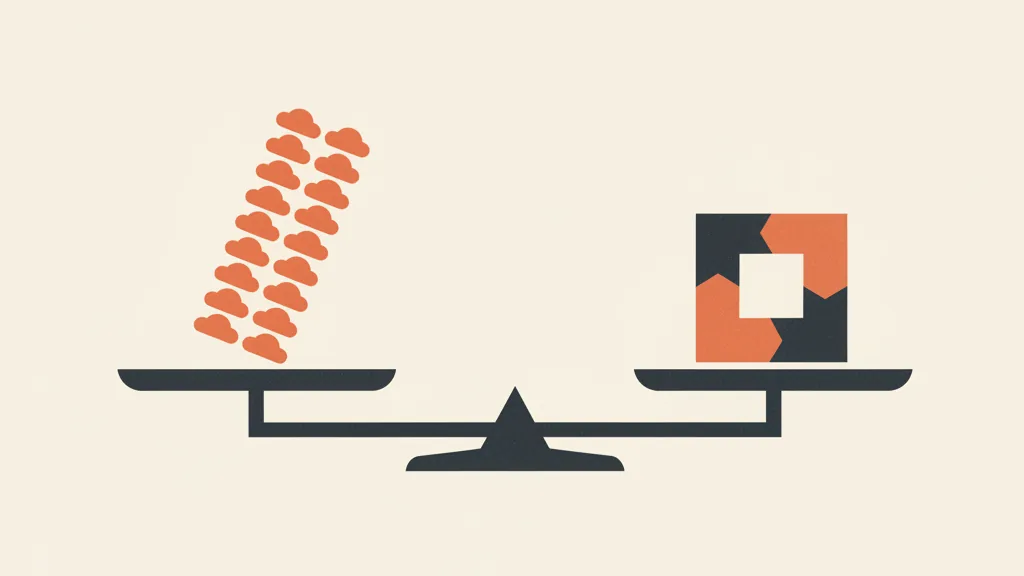
Custom CRM vs SaaS: the real difference
A SaaS CRM (Salesforce, HubSpot, Pipedrive, Zoho and the rest) is ready-to-use software you rent on a subscription, usually per user, per month. You configure it, you don't build it. Anything the vendor already planned for, you get in a few clicks. Anything it didn't plan for, you patch with add-ons, third-party integrations, or you simply go without.
A custom CRM, on the other hand, is software built around your process: your sales stages, your fields, your automations, your integrations with your ERP or management software. You don't pay per user. You pay for the build once (plus ongoing maintenance), and the software is yours. If you're unsure what "custom" actually means in practice, it's worth reading custom vs. standard, which one to choose, because the distinction has very concrete implications.
The difference isn't "better or worse" in the abstract. It's a trade-off:
| Aspect | SaaS CRM (subscription) | Custom CRM |
|---|---|---|
| Upfront cost | Low or none | High (project) |
| Cost over time | Grows with users and modules | Fixed and predictable (maintenance) |
| Time to launch | Days or weeks | Weeks or months |
| Fit with your process | You adapt to the software | The software adapts to you |
| Integration with ERP and production | Possible but often costly and fragile | Native, built to spec |
| Data and code ownership | On the vendor's cloud | Yours |
| Updates and security | Included in the subscription | Your responsibility |
Keep the last two rows in mind. The convenience of SaaS (updates and security included) is real, and it's one of its strongest points. Custom shifts that burden onto you. Anyone who sells you only the upsides of custom without mentioning this is selling you something, not advising you.
The 5-year cost rule
The most honest way to compare the two paths is to look at total cost over a realistic time horizon. You keep a CRM for years, not months. Use 5 years as your baseline.
The formula is simple but revealing:
5-year SaaS cost = monthly fee per user times number of users times 60 months, plus setup, plus add-ons.
Let's run a concrete example with 2026 market numbers. Picture a sales team growing from 10 to 20 people over five years, on a serious professional plan (not the entry-level tier, which almost never covers a structured company):
| Item | Assumption | 5-year cost |
|---|---|---|
| Fee per user | roughly €80-150 a month (professional or enterprise plan) | |
| Average users over the period | 15 users | |
| Base subscription (15 x €100 x 60 months) | €90,000 | |
| Add-ons and extra modules (reporting, automations, integrations) | plus 20-40% on top of the subscription | roughly €25,000 |
| Setup, consulting, initial training | one-off | roughly €10,000 |
| Total SaaS cost over 5 years | roughly €125,000 |
Now compare that to a custom CRM. A well-built project for an SMB typically falls in a range you'll find broken down in the cost of building a custom CRM. But to give you a sense of it: initial development in the tens of thousands of euros, plus annual maintenance. A typical scenario:
| Item | Assumption | 5-year cost |
|---|---|---|
| Initial development | one-off | roughly €40,000 |
| Maintenance, hosting, evolutions | roughly 15-25% a year | roughly €40,000 |
| Total custom cost over 5 years | roughly €80,000 |
In this scenario (a growing team, a serious SaaS plan, unavoidable add-ons) custom already costs less over the medium term. Change the numbers and the verdict changes: 5 users on a base plan? SaaS wins hands down. 30 users on enterprise with three paid modules? Custom wins by a wide margin. The rule isn't "custom is always better" — it's run your own numbers over 5 years, not over the first month. Plenty of companies decide based on the entry price and only notice the real cost at the third renewal. For an estimate tailored to your own case, how much a custom CRM costs goes into more detail.
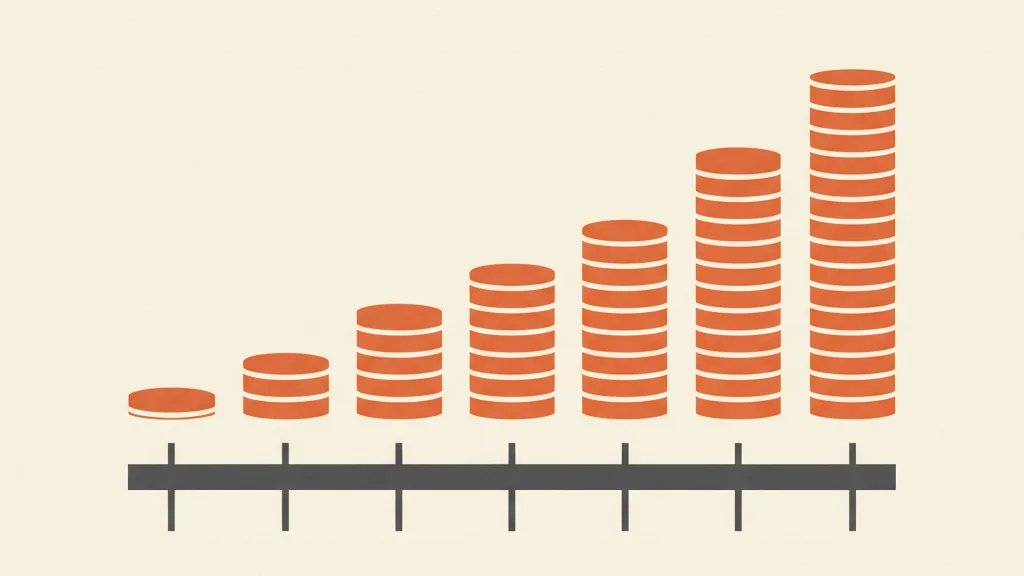
The hidden SaaS costs that never show up in the quote
The subscription fee is the tip of the iceberg. What really inflates the bill are line items no sales rep highlights when you sign. We've gathered them here because they're the real reason so many companies feel "trapped" in their CRM.
1. The per-seat model that spirals
The per-user model is brilliant for the vendor: the more you grow, the more you pay, in a straight line. But your team's growth isn't linear relative to the value the CRM actually delivers. You hire three junior reps and pay for three full licenses even though they use 10% of the features. Many companies end up "rationing" access (not everyone in the company gets the CRM), and the data fragments again — which is exactly the problem you were trying to solve.
2. Paid modules for "obvious" features
Advanced reporting, automations past a certain threshold, sandboxes, APIs with higher limits, serious lead scoring features: on SaaS these are often gated behind higher tiers or add-ons. You sign up for professional, and six months in you find out what you actually need is in enterprise. This is well documented for one specific vendor in HubSpot's hidden costs for SMBs.
3. Fragile integrations
The CRM alone isn't enough: it has to talk to your management software, your e-commerce platform, your switchboard, your invoicing. On SaaS you do this with third-party connectors (Zapier and similar tools) or paid integrations. They work, until an API changes and the chain breaks. If your stack is complex, look at these alternatives to Zapier: the cost and fragility of cross-tool automation is an underrated line item.
4. Lock-in and the cost of leaving
The more you configure, the more you customize, the more your data and processes live inside the vendor's model — the more it costs to leave. Exporting your data is one thing. Rebuilding years of automations and integrations somewhere else is another matter entirely. Lock-in never shows up as a line on an invoice, but it's a real cost, and it erodes your negotiating power at every renewal.
5. Bending your process — the sneakiest one
You never see this one in euros, and it's often the most expensive. If your sales process doesn't fit the CRM's standard model, you have two options: bend the software (add-ons, custom fields, workarounds) or bend the company (change how you work to fit inside the tool). In the second case, you're paying in lost productivity and team frustration, every day, for years.
Decision table: SaaS or custom?
Here's the core of the decision. Read through the rows and see which way most of your own situations tip.
| Situation | Recommended choice |
|---|---|
| Small team (fewer than 5-8 users), standard process | SaaS |
| You want to launch tomorrow, limited upfront budget | SaaS |
| "Textbook" sales process, no exceptions | SaaS |
| Large, growing team, per-seat cost is a burden | Custom or hybrid |
| CRM needs deep integration with ERP, production, logistics | Custom |
| Unique process, hard to force into a standard tool | Custom |
| Data ownership and system control are strategic | Custom |
| Strong regulatory or industry constraints on data handling | Custom or hybrid |
| You need sales flows and funnels tailored to your specific case | Custom or hybrid |
Rule of thumb: the more standard your process and the smaller your team, the more SaaS wins. The more your process is your own and your team is large, the more ground custom gains back. If you recognize yourself in the top half of the table, spending on development doesn't make sense — get a good SaaS product and go. If you're in the bottom half, ignoring custom will cost you. There's also an upstream decision, the classic "make or buy" question, which we cover in custom CRM or off-the-shelf software: make or buy.
The 4 scenarios where custom wins almost every time
1. Processes tied to ERP, production, or logistics
If your sales process is tied to stock availability, bills of materials, production timelines, shipping, or work orders, a standard CRM struggles. You can integrate it, but you're always playing catch-up with connectors. A custom build talks natively to your management system from day one: the sales rep sees stock availability in real time, the quote pulls prices straight from the ERP, the order doesn't need double data entry. Here, custom isn't a luxury — it's what eliminates errors and wasted hours. This falls under the broader theme of business process automation.
2. Per-seat costs spiraling with large teams
Past a certain number of users, the subscription becomes a substantial fixed tax. If you have 25-40 people who need to be in the CRM (sales, back office, customer care, field agents), the 5-year per-seat bill easily surpasses the cost of a dedicated build. In these cases custom isn't just a better fit — it's literally cheaper.
3. Software rigidity vs. the uniqueness of your process
Some companies' competitive edge lies precisely in how they sell: a particular qualification flow, a multi-level approval process, custom pricing logic, a long cycle with many stakeholders. Forcing all of that into a standard CRM means amputating it. Custom lets you digitize your own process, not the vendor's. If the goal is stitching acquisition and management together, it's worth reading how to integrate CRM and sales funnel and custom CRM with an integrated funnel.
4. Data ownership and strategic sovereignty
For some businesses (sensitive data, regulated industries, commercial know-how worth a fortune) having full control over where data lives and how it's handled is a strategic choice, not a technical one. Custom lets you do that. SaaS asks you to trust the vendor. It's not that SaaS is insecure — far from it. It's that data sovereignty has a value that, for certain businesses, outweighs convenience.
Not sure which way your scale tips? Tell us about your process and your team's numbers: we'll tell you honestly whether SaaS is enough or whether a custom CRM actually pays off. Request a free analysis.
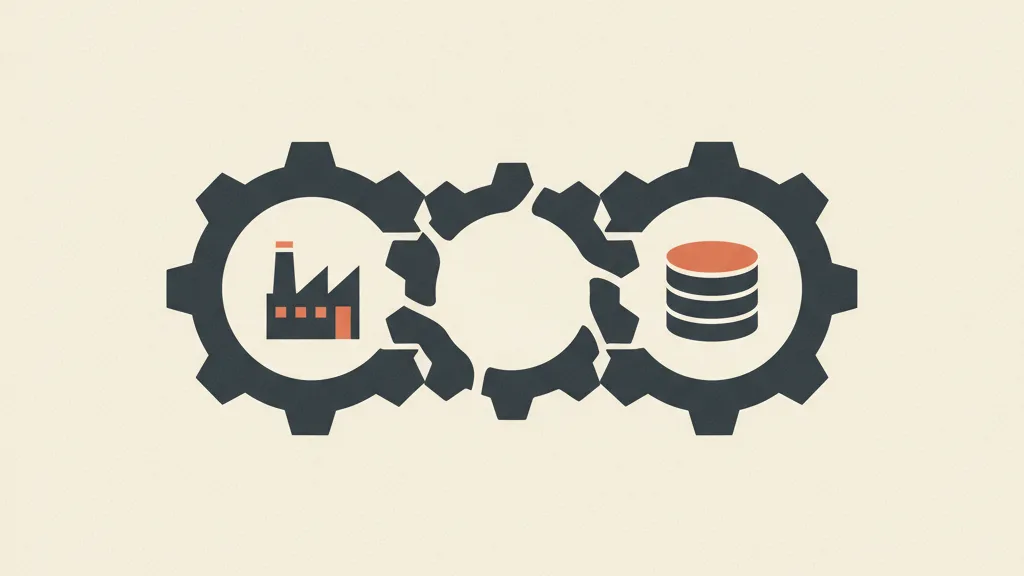
The third way: the hybrid model
The choice isn't always binary. Many well-served companies today run a hybrid: a custom-built layer where the process is unique and strategic, resting on standard building blocks where reinventing the wheel makes no sense. Example: standard management software and ERP, but the sales CRM and acquisition funnel built to spec and natively integrated. That way you pay for custom only where it creates an advantage, and stay on standard where there's no advantage to be had.
Hybrid is often the right answer for Italian SMBs. You don't have the budget (or the need) to rebuild everything, but you do have two or three points where the standard tool doesn't fit. Isolating those points and making them custom, while leaving the rest on established tools, is almost always the best compromise between cost, time, and fit.
How to decide without getting it wrong
A practical four-step method you can apply today:
- Map the real process, not the ideal one. How does a lead come in, who works it, what steps, what exceptions. The exceptions are the litmus test: if there are a lot of them, SaaS won't fit well.
- Count users over 5 years, not today. Project the growth and multiply by the subscription fee. Compare it against the development cost.
- List the critical integrations. If the CRM needs to talk deeply to ERP and production, the scale tips heavily toward custom.
- Weigh the cost of leaving your current SaaS, if you have one. The lock-in you're already paying for is a real data point in the decision.
If, after these four steps, the scale tips toward SaaS, great — you've saved time and money, and now you know it with data in hand. If it tips toward custom, the next step is quantifying the project properly. Don't trust ballpark estimates: ask for a serious analysis of your process before any number gets thrown around. Reading custom CRM for SMBs will help you frame what to expect from a well-run project.
In short
Salesforce and HubSpot are excellent tools, and for most SMBs they remain the right choice: they get you running immediately, cost little upfront, and include security and updates. But "most" isn't "all." Custom really wins when your process is tied to ERP and production, when per-seat costs spiral with large teams, when software rigidity clashes with the uniqueness of how you sell, or when data ownership is strategic. The 5-year cost rule tells you which side you're on. Do that math before signing any subscription.
Frequently asked questions
When does a custom CRM make more sense than Salesforce or HubSpot?
It makes sense when your sales process is tied to ERP or production, when your team is large and the per-user subscription cost spirals, when your process is too unique to fit a standard tool, or when data ownership is strategic. If your team is small and your process is standard, SaaS remains the better choice.
Does a custom CRM cost more than a SaaS subscription?
It depends on the time horizon. At the start, custom costs more, because it's a development project — but over 5 years SaaS accumulates subscription fees, add-ons, and extra modules. With a growing team on professional or enterprise plans, custom often ends up cheaper already in the medium term. The rule is to run the numbers over 5 years, not over the first month.
What are the hidden costs of HubSpot and Salesforce?
The main ones are the per-user model that grows linearly, paid modules for advanced features like reporting, automations, and sandboxes, fragile integrations with third-party tools, lock-in that erodes your negotiating power at renewal, and the cost of bending your process to fit the software instead of the other way around.
What is the hybrid model between custom CRM and SaaS?
It's a middle ground: you use standard building blocks where reinventing the wheel makes no sense, like ERP or management software, and build custom only where your process is unique and strategic, like the sales CRM and funnel. That way you pay for custom only where it creates a real advantage.
How long does it take to build a custom CRM?
A custom project typically takes weeks to months, depending on the complexity of the process and integrations. It's longer than SaaS, which launches in days. The extra time pays off when the fit with your process and deep integrations matter more than speed of launch.
How do I know if my process is too standard to justify going custom?
Map your real process and count the exceptions: if there are few and the sales cycle follows a linear path, a good SaaS product is enough. If you have many unusual steps, custom pricing logic, long cycles with multiple stakeholders, or deep integrations with production, your process is unique enough to justify custom.
Want a precise number for your own case, with the 5-year rule applied to your numbers? Talk to us: we'll look at your process, team, and integrations, and propose the most cost-effective path forward.