How to Integrate Your CRM with the Sales Funnel: A Practical Guide
9 min read · AstraLoop Studio
You have a funnel that generates contacts and a CRM where sales works them. On paper, everything checks out. In practice, there's a gap between the two: the lead comes in from the funnel, lands in an email inbox or an Excel sheet, and someone "eventually" enters it into the CRM by hand. In that "eventually," 30-40% of opportunities burn away, because response time balloons and warm contacts go cold.
Integrating the CRM with the sales funnel means exactly this: eliminating the manual handoff so that every action a contact takes in the funnel (filling out a form, opening an email, booking a call) automatically becomes a data point, a stage, and an action inside the CRM. This isn't an IT department project. It's a series of operational decisions you can own yourself, and in this guide we'll go through them one by one, with examples of real triggers and automations.
If you first want to clarify the basic distinction between the two tools, start with what's the difference between a funnel and a CRM. Here we assume you already know them and focus on connecting them.
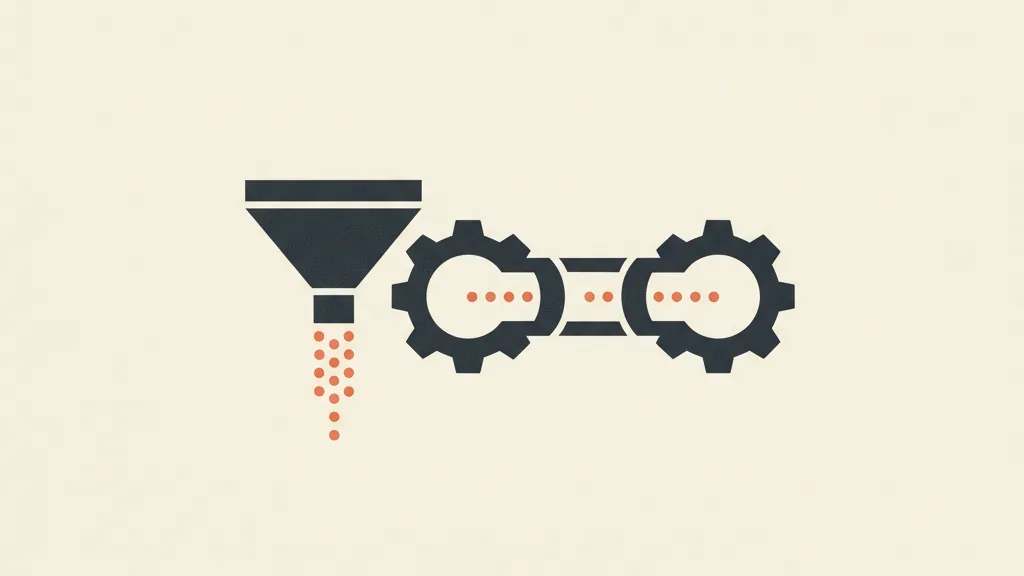
Why the funnel-pipeline link is the most overlooked piece
Salespeople will pitch you either a powerful CRM or a well-built funnel. Almost no one owns the piece in between: how the funnel feeds the pipeline continuously and without leakage. Yet that's exactly where the return on everything else gets decided.
A funnel without a connected CRM is a hopper pouring water into a bucket full of holes: leads come in, but no one knows what stage they're at, who's contacted them, or when to follow up. A CRM without a funnel feeding it is a Ferrari sitting in the garage: perfect structure, but you have to load contacts by hand, one at a time.
The symptoms that tell you the integration is missing (or badly done):
- Sales reps copy-paste leads from email notifications into the CRM.
- No one can say how many contacts have been sitting untouched for more than 7 days without follow-up.
- Marketing and sales argue over "the leads are weak" versus "you're not calling them back."
- You can't trace a closed sale back to the campaign that generated it.
- The same contact gets called twice by two different people.
Each of these is a gap between the funnel and the pipeline. And each one costs real money, not theoretical money: a lead followed up after 24 hours has a conversion probability up to 6-7 times lower than one followed up within the first few minutes.
The 4 pillars of an integration that actually works
Integrating properly doesn't mean "connect two pieces of software with Zapier and call it a day." It means aligning four layers. Skip one, and the automation runs, but the data stays a mess.
1. Map the funnel stages onto the pipeline stages
This is the most important job, and the one everyone skips. The funnel has stages (awareness, interest, evaluation, decision — the classic TOFU, MOFU, BOFU logic). The CRM has a pipeline with its own phases (new, contacted, qualified, quote sent, closed). They need to match up explicitly.
An example mapping for a B2B SME selling services:
| Funnel stage | Contact action | CRM pipeline stage |
|---|---|---|
| TOFU (awareness) | Downloads a lead magnet / subscribes | New lead |
| MOFU (interest) | Opens 2+ emails, visits the pricing page | Engaged lead (MQL) |
| MOFU (evaluation) | Fills out "request info" form / books a call | Qualified (SQL) |
| BOFU (decision) | Asks for a quote | Deal / quote sent |
| Post-sale | Signs / pays | Closed won |
Without this table written down in black and white, every automation you build afterward rests on nothing. If you're unsure where a contact falls between MOFU and BOFU, go back to the stages of the sales funnel and finish the map before touching any software.
2. Define a single "source of truth" for the contact
The CRM has to be the single source of truth. The funnel produces events (opens, clicks, forms), but the place where the contact's official status lives is the CRM, and only the CRM. If the status sits partly in the email marketing tool, partly in the calendar, and partly in the sales rep's head, you haven't integrated anything — you've just multiplied the sources of error.
3. Pass along the data, not just the contact
When a lead enters the CRM from the funnel, it shouldn't arrive "bare." It needs to carry its context with it: which campaign it came from, which lead magnet it downloaded, its lead scoring score, the originating UTM. These are the fields that let the sales rep open the record and already know who they're talking to, instead of starting from zero.
4. Close the loop with attribution
The integration is only complete once a sale closed in the CRM traces all the way back to the funnel campaign that generated it. That's how you stop deciding budget "by gut feel" and start shifting it toward the channels that actually close deals, not just the ones that generate volume. If you want to set up the right metrics for this, start with the unit economics indicators like CAC, CPL, and LTV.
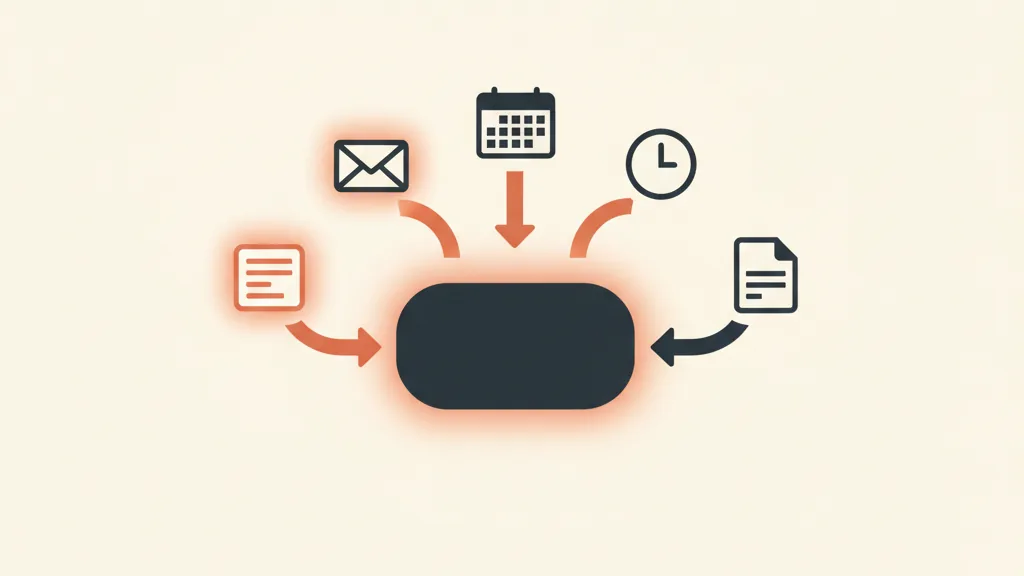
The automations and triggers that actually matter
Now let's get concrete. A trigger is an event that sets off an action. Funnel-CRM integration is, in practice, a collection of well-chosen triggers. You don't need to automate everything — you need the 6-8 automations that move the needle. Here are the ones I recommend activating first.
Trigger 1: form submitted → contact created + assigned
The most basic and the most profitable. A contact fills out a form in the funnel: the CRM creates the record, sets the stage to "New lead," automatically assigns it to the right rep (by territory, product, or round robin), and fires off a notification. Zero copy-paste, zero leads lost in an inbox.
Trigger 2: scoring threshold crossed → stage advance
The contact opens 3 emails, visits the pricing page, and comes back to the site twice in one week. The funnel accumulates the score; once the threshold is crossed, the CRM moves the contact from "New" to "Engaged" and alerts the rep that it's time to call. If you don't have a scoring model yet, AI applied to lead scoring lets you set it up without building the rules by hand one at a time.
Trigger 3: lead stalled for X days → automatic follow-up
The silent killer of pipelines is the forgotten contact. Rule: if a lead sits in the same stage for more than N days with no activity, an automatic sequence kicks off (email, SMS, or WhatsApp message) and a task is created for the rep. This is where sales follow-up automation recovers opportunities that would otherwise die of neglect.
Trigger 4: appointment booked → "call scheduled" stage + reminder
The contact books a call from the funnel. The CRM updates the stage, adds the event to the rep's calendar, and triggers automatic reminders to cut down on no-shows. This is where WhatsApp-CRM integration pays off most, because a WhatsApp reminder gets read far more often than an email.
Trigger 5: quote sent → reminder sequence
One of the biggest wastes is a quote that goes out and then silence falls. Trigger: quote sent → follow-ups go out at 2, 5, and 9 days, differentiated by response; and if the contact opens the PDF but doesn't reply, the CRM bumps up their score and alerts the rep. This automation pays for itself the first time it recovers a single quote.
Trigger 6: closed won → attribution + onboarding
When the deal closes, the CRM logs the source (closing the attribution loop), kicks off the customer onboarding sequence, and, if needed, updates the marketing dashboards. The funnel did its job — but only now do you know it for certain.
Want your funnel and CRM to work as a single machine, with no copy-paste and no leads lost in the gap? Request a free assessment of your sales process: we'll show you where the gaps are and which automations to start with.
Off-the-shelf or custom-built: how to choose
At this point the practical question is: what tools do I build all this with? There are three paths, and the choice depends on how complex your sales process is.
| Approach | When it makes sense | Main limit |
|---|---|---|
| Standard CRM + native connectors | Linear process, few stages, small team | You adapt to the software, not the other way around |
| Standard CRM + automation tool (Make, n8n, Zapier) | You need to stitch together several tools already in use | Fragile maintenance, costs that climb with volume |
| Custom CRM with integrated funnel | Complex process, multiple products/territories, growing volumes | Higher upfront investment |
Most SMEs start with a standard CRM and its native connectors, and that's the right call early on. The point where it's worth rethinking is when you find yourself bending your sales process to fit the software's constraints, instead of shaping the software around your process. That's the moment to consider a custom CRM with an integrated funnel, where stage mapping and automations are built to fit your way of selling from the start.
If you want to understand where the tipping point sits between the two options, the detailed breakdown is in custom CRM vs. SaaS: when it's actually worth it.
The mistakes that wreck the integration
I've seen technically flawless integrations produce zero results because of setup mistakes. The most common ones:
- Automating chaos. If the sales process is confused, automation just makes it faster at getting things wrong. Fix the process on paper first, then connect the software.
- Too many pipeline stages. Ten stages look precise, but no one keeps them updated. Better to have 5-6 stages the team actually uses.
- No "lost" stage with a reason attached. If leads that don't close simply vanish with no reason logged, you lose the single most useful piece of information for improving the funnel upstream.
- Data goes in but never comes out. If a closed sale doesn't trace back to the originating campaign, you stay blind on attribution and keep funding the wrong channels.
- Delegating everything to sales reps. The integration needs to be owned by whoever has the big-picture view of marketing and sales, not left to any one salesperson's initiative.
Where to start tomorrow morning
If you need to take the first concrete step, here's the order:
- Write the mapping table: funnel stages → pipeline stages. On paper, before touching software.
- Define the CRM as the single source of truth and decide which context fields need to travel with the contact.
- Turn on Trigger 1 first (form → contact created and assigned): it has the fastest payoff.
- Add Trigger 3 (follow-up on stalled leads): it recovers opportunities you're already losing.
- Only after that, introduce scoring, attribution, and the finer-grained automations.
Funnel-CRM integration isn't an all-or-nothing project. It's a ladder: you climb one rung at a time, measure, adjust. But the first rung, the mapping, is the one you can't skip. That's where the difference lies between a system that scales and two pieces of software that ignore each other. If you want to see how this fits into a bigger picture, take a look at how a complete customer acquisition system works, where the funnel and the CRM are two gears in the same machine.
Frequently asked questions
What's the difference between connecting and integrating the CRM with the funnel?
Connecting means getting contacts from the funnel into the CRM (even just by importing them). Integrating means matching up the stages, passing along all the context data, and tracing the sale's attribution back. The first is a data dump; the second is a system that updates itself.
Do I need a custom CRM to integrate the funnel?
No. Many SMEs get off to a great start with a standard CRM and its native connectors. A custom CRM is worth it once the sales process gets complex (multiple products, territories, long cycles) and you notice yourself bending how you sell to fit the software's constraints.
Which automations should I turn on first?
The two with the fastest payoff are: a submitted form that automatically creates and assigns the contact in the CRM, and automatic follow-up on leads that have stalled for too long. Together they eliminate manual copy-paste and recover opportunities that would otherwise be lost to silence.
What does mapping funnel stages onto the pipeline mean?
It means writing an explicit correspondence between each funnel phase (TOFU, MOFU, BOFU) and each CRM pipeline stage (new, engaged, qualified, deal, closed). It's the step everyone skips, and without it every automation rests on nothing.
Why does the CRM need to be the single source of truth?
Because if the contact's status lives partly in the email tool, partly in the calendar, and partly in the sales rep's head, you multiply the sources of error. The funnel produces events, but the contact's official status needs to live in one place: the CRM.
How long does it take to integrate the funnel and the CRM?
The first basic automations (contact creation, assignment, follow-up) can go live in a few days. Full integration with scoring and attribution usually takes a few weeks, because the real time cost isn't technical — it's the setup work: mapping the stages and cleaning up the sales process.
If you'd rather not build all of this by hand, we can build you a custom CRM with the funnel already integrated, mapping and automations included. Talk to us and we'll put together a tailored quote.