Custom CRM for E-commerce: Shopify Integration and Automation
8 min read · AstraLoop Studio
If you run a Shopify store, you already have a problem you probably haven't put a name to yet: your customer data is scattered across the Shopify dashboard, your email marketing tool, a few spreadsheets, and maybe a support chatbot. Each one sees a slice of the customer, nobody sees the whole picture. The result is that you treat someone who spent €2,000 over the past year exactly the same as someone who bought once with a discount code and never came back.
A custom CRM for e-commerce fixes exactly that. It unifies purchase data, makes it readable, and turns it into automations that work on your behalf. The difference from a generic CRM is that it starts from e-commerce logic (orders, recurrence, customer value over time) rather than B2B sales logic. And if your store runs on Shopify, the technical integration is where everything is decided.
In this article we look at how a CRM actually connects to Shopify, what's worth automating (segmentation, abandoned carts, win-back), and how to measure the impact on LTV. Practical, with real numbers and ranges.
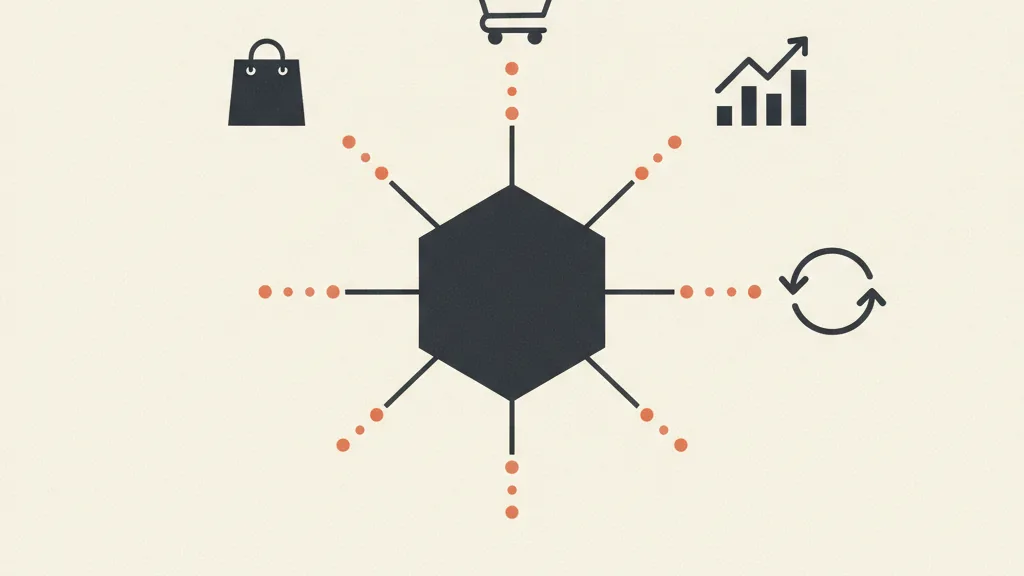
Why e-commerce needs a different kind of CRM
Shopify is a great storefront, but it's a storefront, not a CRM. It tells you what was sold, not what to do with the people who bought it. Its native segmentation is limited, Shopify Email's automations stay basic, and the moment you try to cross-reference purchase behavior, customer value, and acquisition channel, you hit the platform's ceiling.
The point is that e-commerce lives on recurrence. Acquiring a new customer costs 5-7 times more than getting an existing one to buy again, yet most stores pour 90% of their budget into acquisition and almost nothing into structured retention. A CRM built for e-commerce flips that logic and puts customer lifetime value at the center, not the single transaction.
Before deciding whether to build one custom or adopt an off-the-shelf tool, it's worth understanding what "custom" actually means in practice. We covered this in depth in what a custom CRM actually means and in the comparison between custom CRMs and SaaS solutions. The short version: it makes sense when your processes have specifics that a pre-built tool forces you to bend around.
How to integrate a CRM with Shopify (the technical layer)
This is the angle that actually makes the difference. A custom CRM for Shopify doesn't just "plug in": it has to be designed around how Shopify exposes its data. There are three technical routes, each with different implications.
1. Admin API and webhooks
The main route. Shopify's Admin API (REST and GraphQL) lets you read orders, customers, products, and checkouts. Webhooks are the crucial piece: Shopify notifies your CRM in real time whenever something happens (orders/create, checkouts/create, customers/update, refunds/create). That keeps the CRM in sync without constantly polling Shopify.
The most valuable webhook pair for e-commerce is checkouts/create and checkouts/update: it's what lets you know a cart was started but never finished — the foundation of every cart-abandonment automation.
2. Automation platforms (middleware)
You don't always need to write code from scratch. Tools like n8n, Make, or Zapier act as a bridge between Shopify and the CRM: they catch the webhooks and orchestrate the actions. It's a faster route, often good enough for small and mid-sized stores. If you want to understand the differences between these tools, we have a dedicated comparison in n8n vs Make vs Zapier. For high volumes or more complex logic, the alternatives to Zapier, like self-hosted n8n, become far more cost-effective.
3. Custom Shopify apps
For advanced needs (checkout enrichment, custom event tracking, two-way sync with OAuth) you build a real private Shopify app. It's the most solid and scalable option, but also the most demanding. The practical rule: start with middleware, move to a custom app only once its limits become real.
A common mistake is thinking the integration is purely technical. The real work is deciding which data actually matters and how to model it inside the CRM. On that front, see the broader logic in a custom CRM integrated with the funnel: without a clean data structure, automation just amplifies the chaos.
Customer segmentation: from one big list to groups that convert
Once the data lands in the CRM, the first thing that unlocks is real segmentation. Not "active" and "inactive" customers, but groups based on actual behavior.
The model most used in e-commerce is RFM analysis, which scores every customer on three axes:
- Recency: how long ago they last bought
- Frequency: how many times they've bought
- Monetary: how much they've spent in total
Cross-referencing these three values gives you actionable segments. Here's how they translate in practice for an average store:
| Segment | RFM profile | Automated action |
|---|---|---|
| Champions | Recent, frequent, high value | Early access, loyalty program, review request |
| Loyal at risk | Frequent buyers who haven't purchased in a while | Win-back sequence, incentive on their favorite category |
| Promising new customers | Recent first purchase | Onboarding, cross-sell of a complementary product |
| Dormant | Low recency, good historical value | Reactivation with a strong offer |
| Lost | No purchase in over 12 months | Last-chance attempt or exclusion from costly shipments |
The difference between an e-commerce brand that grows and one that stalls often comes down to exactly this: speaking to each segment with the right message instead of sending the same newsletter to everyone. And dormant customers in particular are an underrated asset, because they already know you and cost far less to win back.
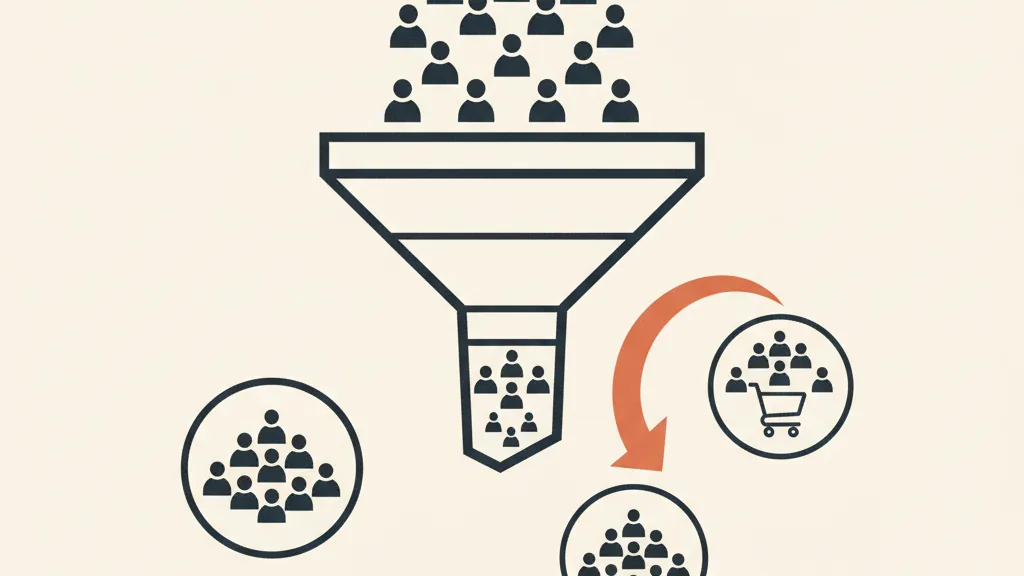
Abandoned carts: the automation with the highest ROI
On average, between 65% and 75% of e-commerce carts are abandoned before checkout. That's a massive gap, and automated cart recovery is probably the automation with the fastest, most immediate return you can turn on.
With a CRM integrated into Shopify, the mechanism works like this:
- The
checkouts/createwebhook notifies the CRM that a checkout has started with an email or phone number filled in - A timer starts: if
orders/createdoesn't arrive for that checkout within X minutes, the cart is considered abandoned - The CRM launches a multi-channel sequence (email and, where relevant, SMS or WhatsApp)
- On conversion, the sequence stops automatically
The sequence that performs best has three steps: a gentle reminder after 1 hour, a product recall with social proof after 24 hours, and an incentive (discount or free shipping) between 48 and 72 hours. The incentive has to come last, otherwise you're training customers to abandon their cart on purpose just to get the discount.
One detail a custom CRM handles better than an off-the-shelf tool: suppression logic. You don't want to send a cart-recovery email to someone who just bought, or to someone who's already had three emails this week. Those frequency and priority rules are exactly what separates a system built around your store from a generic plugin.
It's worth framing cart recovery within the broader logic of sales follow-up automation. The same principle — the system picks the contact back up when a human would have forgotten — applies to unclosed quotes and to customers you need to reactivate.
Want to find out if your Shopify store is ready for a custom CRM, and which automations would pay off fastest? Talk to us: we'll analyze your data and tell you where to start, no strings attached.
LTV: why it's the metric that actually matters
LTV (Lifetime Value — what a customer generates across the entire relationship with you) is the north-star metric for any serious e-commerce business. The reason is simple: if you don't know what a customer is worth over time, you don't know how much you can afford to spend to acquire them. And without that number, your ad budget is just a gamble.
A custom CRM lets you calculate real LTV per segment, not a meaningless average across everyone. That's why it needs to be cross-referenced with cost per lead and with other unit economics indicators like CAC and CPL: a healthy LTV-to-CAC ratio for e-commerce typically sits at 3:1 or higher. Below that threshold, you're buying revenue at a loss.
The concrete levers a connected CRM activates on LTV:
- Targeted cross-sell and up-sell: someone who bought product A receives complementary product B at the right moment, based on the real purchase patterns of your store
- Predictive repurchase: if a consumable runs out in 45 days, the CRM sends the reminder on day 38, not at random
- Segmented loyalty program: different rewards for "champions" versus occasional customers
- Structured win-back: recovering dormant e-commerce customers before they become permanently lost
Growing LTV by 20-30% through retention and repurchase is a realistic goal within 6-12 months. And it often has a bigger impact on margin than any acquisition optimization, because you're not paying for the click twice.
How much it costs and when it's worth it
The inevitable question. A middleware-based CRM-Shopify integration with the core automations (carts, RFM segmentation, win-back) typically starts at a few thousand euros in setup cost. A full custom CRM, with a custom app and advanced logic, sits in higher brackets. The ranges depend on complexity: we broke them down in how much a custom CRM costs and in the guide on custom CRM development costs.
The rule of thumb for deciding whether it's worth it:
- Under 20-30 orders a month: a good standard email-marketing tool connected to Shopify is probably enough. Custom would be overkill.
- From a few hundred orders a month up: fine-grained segmentation and personalized automation start paying off clearly.
- With specific logic (subscriptions, bundles, multi-store, hybrid B2B): custom is often the only path that doesn't force you to fight the tool.
If you're torn between building and buying, you'll find the make-or-buy reasoning in custom CRM or standard, which to choose. There's no universal answer: it depends on your volume, how specific your processes are, and how much weight retention carries in your model.
Where to start, in practice
If you want to get this right, the order matters. First, get your data straight: make sure orders, customers, and checkout events land clean in the CRM. Second, turn on RFM segmentation, which immediately gives you an actionable picture. Third, switch on cart recovery, the automation with the fastest ROI. Fourth, build the win-back and repurchase sequences to work on LTV. Each stage delivers measurable results on its own, without waiting for the full project to be done.
The mistake to avoid is starting with the flashy automations before your data is in order. An automation running on messy data sends the wrong emails to the wrong customers, and in e-commerce trust is lost fast. Foundation first, everything else after.
A custom CRM for e-commerce isn't a luxury reserved for big brands: it's the infrastructure that turns the data you already generate every day into recurring revenue. Your Shopify store sells. Your CRM makes sure customers come back.
Frequently asked questions
Is a custom CRM better than a ready-made Shopify app?
It depends on volume. Under a few dozen orders a month, a standard email-marketing app connected to Shopify is enough. With hundreds of orders or specific logic (subscriptions, bundles, multi-store), custom pays off because it doesn't force you to bend your processes to fit the tool.
How does a CRM technically connect to Shopify?
Through the Admin API and, above all, webhooks, which notify the CRM in real time about events like new orders or started checkouts. You can use middleware (n8n, Make, Zapier) for small and mid-sized stores, or build a custom Shopify app for more advanced needs.
How much do you actually recover with abandoned carts?
With 65-75% of carts abandoned on average, a well-built automated sequence (reminder after 1 hour, recall after 24 hours, incentive between 48 and 72 hours) typically recovers a double-digit share of those lost sales. It's the automation with the fastest, most immediate return.
What is RFM segmentation and why does it matter?
RFM scores every customer on Recency (last purchase), Frequency (how often they buy), and Monetary (how much they spend). Cross-referencing the three axes gives you actionable segments (champions, dormant, at-risk) to address with different messages instead of the same newsletter for everyone.
Why is LTV so important for e-commerce?
Because without knowing what a customer is worth over time, you don't know how much you can afford to spend acquiring them. A healthy LTV-to-CAC ratio is 3:1 or higher. A connected CRM lets you calculate real LTV per segment and activate cross-sell, repurchase, and win-back to grow it.
How much does it cost to integrate a custom CRM with Shopify?
A middleware-based integration with the core automations starts at a few thousand euros in setup. A full custom CRM with a custom app sits in higher brackets. Cost depends on volume and the complexity of the logic involved — it's worth starting with an analysis of your specific case.
If you want to turn your e-commerce data into recurring revenue, request a free analysis: we'll assess the Shopify integration and put together a custom automation plan for you.