Automated B2B Customer Acquisition System with a Custom CRM
9 min read · AstraLoop Studio
In B2B, the problem is rarely a shortage of leads. The problem is what happens next: a contact comes in, lands in an inbox, the sales rep calls back (sometimes), logs it on a spreadsheet, and three weeks later nobody remembers where the deal stood. The B2B sales cycle runs weeks or months, involves multiple people, and passes through dozens of touchpoints. Without a system holding the pieces together, every lead that doesn't close right away becomes a lead lost.
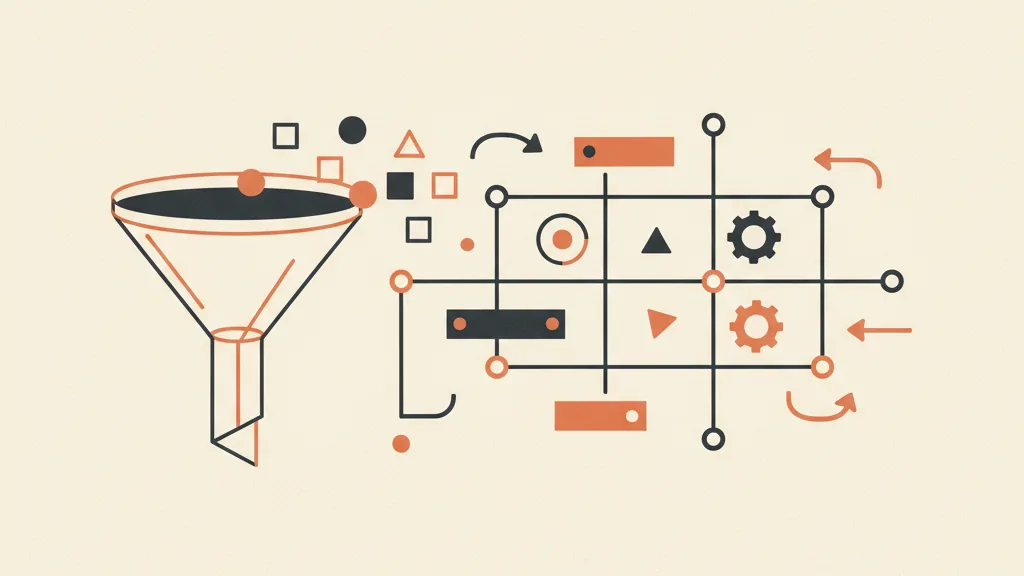
An automated B2B customer acquisition system isn't software you buy and switch on. It's the coordinated combination of three things: a funnel that generates qualified contacts, a custom CRM that manages them with your own sales logic, and an automation layer that eliminates low-value manual work. When these three levels talk to each other, the sales rep stops doing data entry and goes back to the one thing they do better than any machine: closing.
In this guide we look at how to actually build it, what's worth automating (and what isn't), and what results to expect, with realistic numbers instead of slogans.
Why automation matters more in B2B than in B2C
The difference is structural. In B2C a customer decides in minutes and pays right away. In B2B a deal can take 6-8 touches before it reaches a quote, and the quote itself needs more follow-up before it closes. Every extra step is a point where the deal can die from being forgotten, not from lack of interest.
Three traits of B2B make automation decisive:
- Long, multi-touch cycle. A lead has to be nurtured over time. If nurturing depends on one person's memory, it breaks the first busy week.
- High deal value. A single B2B customer can be worth thousands, or tens of thousands, of euros a year. Losing one to a missed follow-up is a concrete, invoice-measurable loss.
- Multiple buying-center players. The person emailing you often isn't the one signing. Different people need different materials, timing, and messages. A system keeps track of who's involved and where each of them stands.
The practical consequence is that in B2B the "cost of disorder" is extremely high. A contact that goes cold over three weeks because nobody called back is a four-figure potential revenue quietly walking away. Before talking tools, it's worth understanding how to generate qualified leads: automating a flow of poor-quality contacts just means losing time faster.
The three parts of a system that works
An automated acquisition system isn't a single block. It's made of distinct layers, each with a precise role. Skip one and the other two work poorly.
1. The funnel: generate and qualify
The funnel is the part that brings in contacts and filters them. In B2B you don't need a funnel that generates lots of leads: you need one that generates the right leads. A good B2B funnel combines channels (LinkedIn, cold email, Google Ads, referrals), a landing page that qualifies instead of just collecting emails, and a scoring logic that separates the "curious" from the "ready to buy". For a deeper look at the architecture, the guide on what an acquisition funnel is covers the fundamentals, while B2B lead generation goes into the specific channels.
The critical point: the funnel must feed the CRM, not live separately from it. A lead who fills out a form should land in the CRM already tagged with source and an initial score, ready to be worked. How this handoff should function is explained in how the funnel feeds the CRM.
2. The custom CRM: manages with your logic
This is where the difference lies between a system that actually works and one that becomes yet another abandoned piece of software. A standard CRM (HubSpot, Salesforce, Pipedrive) imposes its own pipeline logic on you. A custom CRM replicates your sales process: the actual stages of your pipeline, the fields you need, automations that follow your rules.
In B2B this matters a lot. If you sell solar installations, a plumber and an agency need different CRMs. The right question isn't "which CRM should I buy" but "which process do I want to automate". Whether to build custom or adopt a standard tool depends on how specific your process is: the analysis in custom vs. standard CRM helps you decide without bias.
3. Automations: eliminate manual work
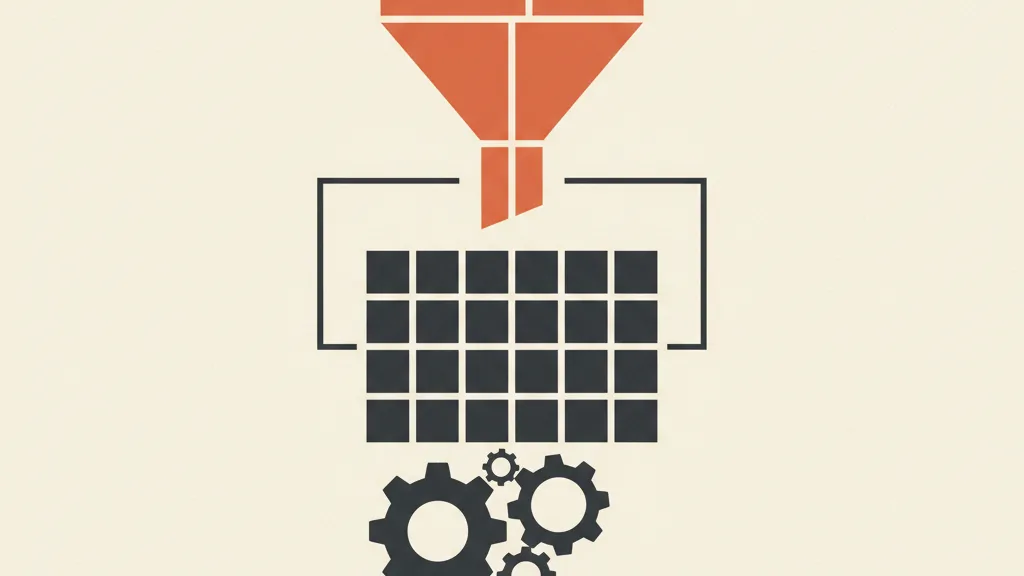
This is the layer that makes the system "automated". These are the rules that fire on their own: routing the lead to the right rep, sending the first follow-up, reminders for quotes that haven't been chased, updating status based on the contact's actions. Every automation takes one repetitive task off the team's hands and turns it into something systematic. This is where automated sales follow-up makes the biggest difference, since follow-up is where B2B loses the most revenue.
What's actually worth automating (and what to leave to people)
Automating everything is a mistake. In B2B the relationship matters, and a clumsy automation that tries to replace the sales rep in a complex negotiation does more harm than good. The rule: automate what's repetitive and predictable, leave what's consultative and negotiation-based to people.
| Activity | Automate? | Why |
|---|---|---|
| Lead routing to the rep | Yes | Deterministic rule (territory, industry, workload) |
| First follow-up within X minutes | Yes | Response speed is decisive and can't tolerate being forgotten |
| Lead scoring and prioritization | Yes | Filters out who deserves human attention right away |
| Reminders for unclosed quotes | Yes | Recovers deals otherwise lost to inertia |
| Nurturing between one contact and the next | Partial | Base sequences yes, but tailored to the industry |
| In-depth qualification (BANT) | Hybrid | An AI agent pre-filters, the human confirms |
| Negotiation | No | Needs judgment, relationship, objection handling |
| Closing and signing | No | The moment where the sales rep is worth the most |
Lead scoring deserves its own discussion. In B2B not all contacts are worth the same, and having the sales rep work cold leads while hot ones go cold is the most common waste. A lead scoring system assigns a score based on behavior and traits, so the team always knows who to call first. With AI this gets even more precise, as shown in the guide on AI-driven lead scoring for SMEs.
A second high-return front is automatic qualification. An AI agent that qualifies leads over WhatsApp can handle the first conversation, collect the key information, and pass on to the sales rep only the contacts who are ready. The team gets qualified appointments instead of a list of names to sort through by hand.
How to build it, step by step
A well-run project doesn't start with software. It starts with the process. Here's the logical sequence we typically follow:
- Map the real sales process. What stages does a deal actually go through, from first contact to signature? Where are leads being lost today? This defines the pipeline structure in the CRM.
- Define qualification criteria. What makes a lead "ready"? You need criteria to tell MQL from SQL, otherwise scoring is arbitrary.
- Design the custom CRM. Fields, stages, views, permissions. The CRM has to mirror step 1, not a generic template.
- Connect the funnel. Contacts from every channel enter the CRM already enriched (source, tags, first score), with no manual copy-pasting.
- Configure the automations. Routing, follow-up, reminders, status updates. Each rule fixes a concrete leak identified in step 1.
- Integrate the contact channels. Email, WhatsApp, calls: everything tracked in the CRM. WhatsApp-CRM integration is often the piece that closes the loop for Italian B2B.
- Measure and optimize. KPIs, conversion rates by stage, response times. Without data there's no optimization.
Implementation time varies with complexity: a simple system for an SME can be up and running in 4-6 weeks, while a more elaborate one with multiple integrations takes 2-3 months. The guide on how long it takes to implement a CRM goes into the variables in detail.
Want to know what automating B2B acquisition would be worth for your company? Tell us about your sales process and we'll show you where you're losing leads and how to recover them, with a free analysis.
The numbers: what to expect (without illusions)
Be wary of anyone promising "10x your customers". Real improvements are less spectacular but solid and measurable. Here are the ranges we see most often when a well-built system replaces manual management:
| Metric | Typical effect of automation |
|---|---|
| Time to first contact | From hours/days down to a few minutes |
| Leads lost to missed follow-up | Significant reduction (the Achilles' heel of manual B2B) |
| Quotes reopened and closed | Recovery of a share of deals otherwise abandoned |
| Sales rep data-entry hours | Substantial reduction, time returned to selling |
| Pipeline visibility | From opaque to measurable by stage |
The biggest value is often not new-customer growth but the reduction in losses. In B2B, many qualified leads don't close for trivial reasons: nobody called back at the right moment, the quote was left hanging, the deal drifted away. An automated system plugs these leaks, and on high deal value even a few extra recoveries move the bottom line.
To reason properly about the numbers you need the right metrics: CAC, CPL, and LTV are the three indicators to track to know whether the system is actually producing margin and not just activity. Automating without measuring means not knowing whether you're improving.
How much it costs and when it's worth it
Cost depends on three variables: how complex the custom CRM is, how many channels need integrating, and how sophisticated the automations are. A basic system for an SME starts at an accessible price; an enterprise one with multiple integrations and AI agents grows accordingly. For a ballpark on the CRM component, see how much a custom CRM costs to build, while the cost of the whole system is covered in how much a customer acquisition system costs.
The system makes sense when:
- You already have a flow of leads (even a small one) but manage them by hand and lose some.
- Your deal value is high enough to make every wasted lead costly.
- Your sales rep spends too much time on data entry and too little on selling.
- You have no visibility into where deals get stuck.
It doesn't make sense, on the other hand, if you haven't yet validated that your market responds: automating a funnel that doesn't convert only amplifies the problem. In that case it's better to first work on the customer acquisition system at its basic level, and understand the difference between a funnel and a CRM so you don't confuse the level that generates contacts with the one that manages them.
Build in-house or hire an agency?
Building a system like this in-house is possible but rarely pays off, unless you already have a dedicated technical team. The skills required are cross-disciplinary (development, marketing, sales ops, automation), and the risk is spending months to land a mediocre result. A specialized B2B customer acquisition agency starts from an already-proven method and a reusable custom CRM, cutting down time and errors. What matters is choosing a partner that builds a system that's yours, that stays yours, not a rented service that vanishes the moment you stop paying.
In summary
An automated B2B customer acquisition system isn't magic, nor off-the-shelf software. It's the interlocking of three levels (funnel, custom CRM, automations) designed around your real sales process. The most solid return isn't so much more leads as fewer wasted leads: in B2B, where every deal is worth a lot, plugging the leaks in follow-up and manual management is what actually moves revenue. Start from the process, automate the repetitive, leave the relationship to people, and measure everything.
Frequently asked questions
What's the difference between an automated acquisition system and a simple CRM?
The CRM is just one of the three levels. A complete system also includes the funnel that generates and qualifies contacts and the automation layer that eliminates manual work. A CRM alone manages contacts but doesn't bring them in or work them automatically.
How long does it take to get the system up and running?
For an SME with standard needs, typically 4-6 weeks. With more channels to integrate, AI agents, and a complex custom CRM, it can take 2-3 months. The main variable is how specific your sales process is and how many existing systems need to be connected.
Do I need to already have lots of leads to start?
No, but you need to have validated that the market responds. Automating a funnel that doesn't convert amplifies the problem instead of solving it. Even with few leads, the system makes sense if you're managing them by hand and losing some, especially with high deal values.
What's worth automating and what isn't?
Automate what's repetitive and predictable: lead routing, first follow-up, lead scoring, quote reminders. Leave what's consultative and negotiation-based to people: deal-making, objection handling, closing. Automation frees up time for the relationship, it doesn't replace it.
Isn't a standard CRM like HubSpot enough?
It depends on how specific your process is. A standard CRM imposes its own pipeline logic; a custom one replicates yours. In vertical B2B (solar, building systems, professional practices) needs are often too particular for a standard tool to work well without forcing things.
What's the concrete financial upside?
In B2B the biggest value is reducing losses, not so much growing new customers. Recovering leads that would have gone cold and quotes left hanging, on high deal values, directly affects revenue. It should be measured with CAC, CPL, and LTV to verify the real margin.
Let's design your custom system together: funnel, CRM, and automations built around your real process. Request a free analysis and a no-obligation quote.