AI CRM for Small Businesses: Sales Automation Without Losing Control
10 min read · AstraLoop Studio
The average sales rep at an Italian small business spends more time copying data, updating records, and writing the same follow-up email than actually selling. This is where AI inside the CRM promises to change things. The problem is that the promise almost always comes in two flawed versions: on one side, the vendor selling you "AI that sells for you" (it doesn't exist); on the other, the owner who backs away because they're afraid of losing control over how their customers are handled.
The truth sits in between, and it's far more concrete. AI in a small business CRM exists to clear repetitive work out of the way, get the right leads to the right rep at the right time, and make sure no opportunity slips through the cracks. It doesn't exist to replace human judgment in a negotiation. In this article we look at where sales automation genuinely works, what should never be handed off to AI, and why the real difference comes from fitting the AI to your process instead of bending your process to fit generic software.
Italy's adoption gap: why it's an advantage for you (right now)
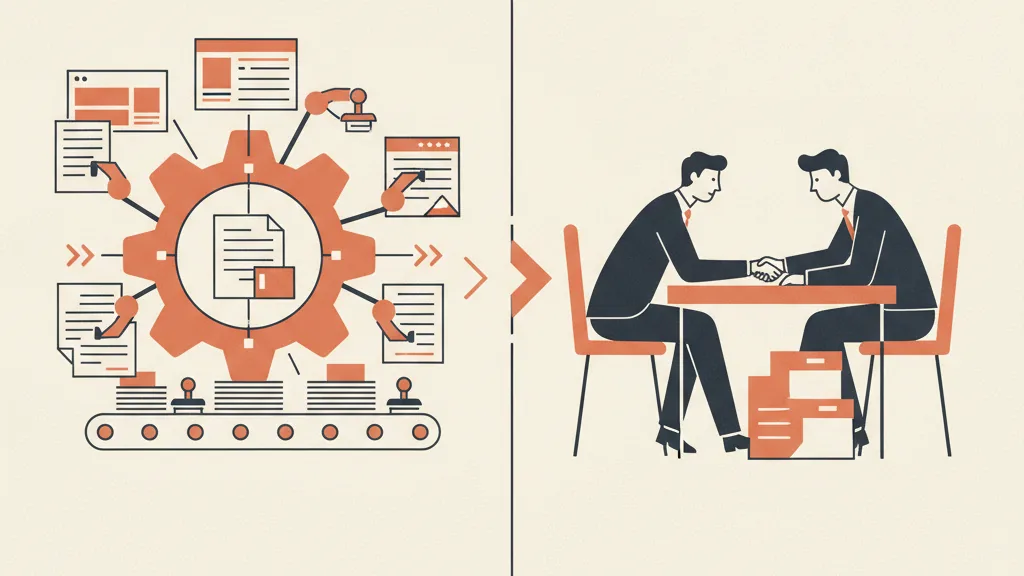
Italian small businesses are behind on adopting AI for sales. It looks like a weakness, but for anyone moving now it's exactly the opposite: it means your direct competitors, in the vast majority of cases, are still running their pipeline on spreadsheets, decade-old management software, or a SaaS CRM they bought and never actually configured.
That creates a rare competitive edge. You're not chasing a market saturated with hyper-automated companies — you're among the first in your sector to respond to leads in minutes instead of days, to run systematic follow-up instead of relying on memory, to stop losing quotes that never got closed. In many verticals, that alone is enough to win more deals from the same volume of incoming leads.
The delay does have a downside: businesses arriving late tend to rush into buying the first "AI-powered" package they come across, often a generic tool built for the US market. The result is a CRM stuffed with features you'll never use and missing the ones you actually need. We'll get to that shortly, but keep this principle in mind: you only capture the advantage of the gap if the technology adapts to how you sell — not the other way around.
What "AI inside the CRM" actually means
Let's clear the slogans out of the way. When we talk about AI applied to a small business CRM, we're not talking about a robot that closes sales. We're talking about four concrete, measurable categories of work.
1. Lead qualification and scoring
Not every incoming lead is worth the same. AI reads the available data (site behavior, source, company size, answers given to a form or a conversational agent) and assigns a score, so the rep knows who to call first. If you want the mechanics behind it, we've explained in detail how AI lead scoring works in a small business and what lead scoring actually is without the jargon. The key point: scoring only works if it's trained on your real customers, not on some abstract model.
2. Data entry and record updates
The most hated, most delegable part of the job. AI transcribes a call, extracts data from an email, updates the deal status, fills in fields. It's the classic case where automation hands back hours every week with zero risk: if it gets a field wrong, you fix it in two seconds — you haven't lost a customer.
3. Follow-up and sales sequences
60-80% of sales are lost to a missing follow-up, not to a "no". AI orchestrates sequences by email, WhatsApp, or SMS, personalized to the individual contact and the deal's stage, and flags the rep when it's time to step in personally. It's worth digging into how to set up AI-driven sales follow-up automation in a way that stays human instead of turning into spam.
4. Reactivating your existing database
The forgotten treasure of almost every small business is the database of dormant customers and quotes that never closed. AI can segment it, prioritize it, and trigger targeted reactivation campaigns. It's often the use case with the fastest ROI, because it works on contacts you already have: we've gathered concrete approaches for reactivating contacts with AI outbound here.
Notice what these four categories have in common: none of them decides for you whether to accept a price, how to handle a difficult customer, or when to close a deal. AI clears the ground; people make the sale.
What to never delegate to AI (the "control" in the title)
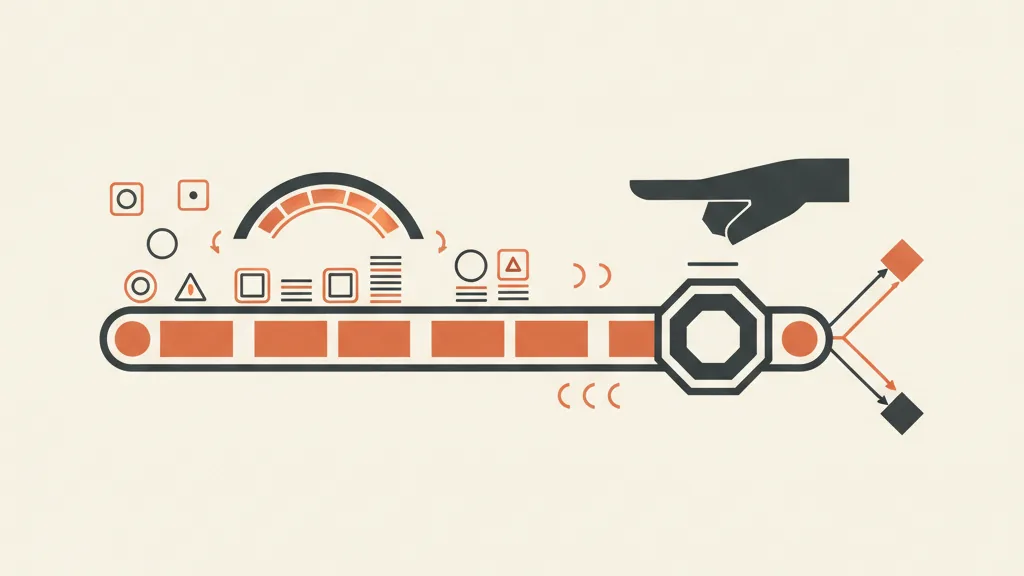
The fear of "losing control" is legitimate, and the answer isn't blind trust — it's a clear rule: decide in advance the line the AI never crosses. Here's where the human hand needs to stay.
- The final call on the deal. Pricing, discounts, terms, handling a delicate objection: that's the rep's territory. AI suggests, the human decides.
- The tone with key accounts. An automated message is perfectly fine for a cold lead. For the client worth €50,000 a year, you write the message yourself (or at least review it).
- The quality of incoming data. AI amplifies whatever it finds. If the CRM is full of dirty data, the scoring will be wrong with great efficiency. Control starts with clean data.
- Regulatory compliance. On consent, GDPR, and — since 2025 — the obligation under Law 132/2025 to disclose when an AI is answering the phone, responsibility stays with the company. Automation needs to be designed compliant from the start, not "fixed later".
The practical way to keep control is the human-in-the-loop concept: AI handles 90% of the operational work and stops at decision points, asking for confirmation. A good system always shows you why it assigned a given score or suggested a given action, so you can correct it. A system that's a black box is what actually makes you lose control.
The real fork in the road: bespoke CRM or generic package?
This is where it's decided. Most Italian small businesses start from a standard SaaS CRM (HubSpot, Salesforce, or similar) and try to bolt AI on top. Does it work? Halfway. The problem is that these tools are built for a generic sales process, and your process isn't generic: a plumber, an accountant, and an e-commerce store sell in radically different ways.
There are two paths, and the choice depends on how complex your process is. We've compared in depth when a bespoke CRM is worth it over a SaaS one, but here's the operational summary.
| Aspect | SaaS CRM + generic AI | Bespoke AI in your own CRM |
|---|---|---|
| Time to launch | Fast (days) | Medium (weeks) |
| Fit to your process | You adapt to the software | The software adapts to you |
| Automations | Standard, often paid add-on modules | Custom-built, only what you need |
| Cost over time | Per-user fee that climbs as you grow | Upfront investment, more predictable fee |
| Data control | On the vendor's servers | Defined together with you |
| Best for | Standard process, small team | Distinctive or vertical process, growth expected |
Watch out for the costs that don't show up in the price list. On the most popular SaaS packages, AI features, contact limits, and advanced modules push the bill up as you grow: it's worth reading about HubSpot's hidden costs for a small business before you sign. That's not to say SaaS is always the wrong choice — for a simple process it's the right one. But if you sell in a distinctive way, a CRM built around you pays for itself quickly because it removes both the adaptation work and the features you pay for but never use.
We've covered the underlying idea in what a bespoke CRM actually means: it doesn't mean "more complicated" — it means every automation reflects a real step in your sales process, and the AI works on your data and your logic, not on an American template.
Want to know whether it makes more sense to add AI to the CRM you already have, or to build a bespoke one around your process? Request a free analysis: we'll look at your pipeline together and tell you where automation delivers real ROI.
Where to start: a 4-step path, not a big bang
The most common mistake is wanting to automate everything at once. What actually works is incremental: start from your biggest pain point, measure, then expand.
- Map your current process. Where leads come in, how many get lost, and at what stage. Without this map, any automation is flying blind. If you want a method, here's how to integrate your CRM and sales funnel so leads don't fall through the gaps between steps.
- Automate the fastest-ROI case first. It's almost always database reactivation or automated follow-up: they work on contacts you already have, and results show up within a few weeks.
- Add scoring and qualification. Once the data is flowing clean, AI starts prioritizing for the rep.
- Extend to conversational channels. An AI agent that qualifies leads on WhatsApp or handles the first reply, handing off to a human at the hot points.
This phased approach is the same one we describe in the four-phase AI adoption roadmap: each step delivers a measurable result before you move to the next. That's how you avoid the AI project that launches with fanfare and stalls after three months — one of the main reasons so many AI projects fail.
How to measure whether it's actually working
Sales automation isn't an act of faith. If you can't point to numbers showing what improved, you bought a toy. Here are the four metrics that actually matter.
- Time to first response on a lead. Going from days to minutes is the single biggest lever on conversions. It's the most immediate KPI.
- Follow-up completion rate. How many contacts receive the full planned sequence, instead of stalling after the first forgotten attempt.
- Lead-to-customer conversion rate. If scoring is working, the rep is working the right leads, and this number rises.
- Sales hours recovered. The hours taken away from data entry and given back to actual selling. Translate them into value.
The common denominator remains acquisition cost: if AI lets you close the same customers while spending less time and less budget, your CAC and acquisition unit economics improve. That's where the investment in automation justifies itself, without needing to be taken on faith.
The full picture: the CRM is only half the system
One last point, and it's the one that separates an automated CRM from a machine that actually generates revenue. AI in the CRM works on the leads you already have: it qualifies them, nurtures them, keeps them from slipping away. But the CRM is only the downstream half of a bigger system. The upstream half is the funnel that brings leads in.
If your automated CRM is fed by a trickle of contacts, you'll have a highly efficient process running on very few leads. The real value shows up when you connect both halves: a funnel that feeds the CRM continuously, so the automation works on a steady flow. That's the logic behind a true customer acquisition system: an entry funnel and an automated CRM passing leads to each other with no friction. And if you want to understand why keeping them separate isn't enough, we've explained the difference between a funnel and a CRM and how they fit together.
The takeaway is simple: AI inside the CRM makes you sell better to the people who come in. A complete system also brings in more of the right people. For a small business starting now, while the adoption gap is still open, this is the best moment to build it bespoke — before your competitor does.
Frequently asked questions
How much does it cost to add AI to a small business CRM?
It depends on the path. On a SaaS CRM, AI modules get added to the per-user fee and grow with you. A bespoke automation requires an upfront investment but a more predictable running cost. For a small business, the right criterion isn't the sticker price but the ROI: how many sales hours you recover and how many more deals you close from the same lead volume.
Does AI in the CRM replace my sales rep?
No. AI clears away the repetitive work (data entry, follow-up, qualification) and gets the right leads to the rep at the right time. The negotiation, the pricing, handling a difficult customer, and closing the deal remain a human's job. The goal is to free up selling time, not to replace the person selling.
Is a SaaS CRM with AI better, or a bespoke CRM?
If your sales process is standard and your team is small, a good SaaS tool works just fine. If you sell in a distinctive way or in a specific vertical (installation trades, professional practices, e-commerce), a bespoke CRM pays for itself because the automations reflect your actual process and you're not paying for features you never use. The choice depends on complexity, not size.
How do I stay in control if I automate sales?
With a human-in-the-loop approach: AI does the operational work and stops at decision points, asking for confirmation. Decide in advance what it never handles (pricing, discounts, key accounts, regulatory compliance), and use systems that always show you why they made a decision, so you can correct them. Control is only lost with black boxes.
Which automation should I start with?
Almost always database reactivation or automated follow-up. They work on contacts you already have, so they deliver results within a few weeks with no risk of damaging new relationships. Once those are running smoothly, add lead scoring and conversational channels like WhatsApp.
Is AI sales automation compliant with GDPR and Italian law?
It can and must be, but it needs to be designed compliant from day one. Consent and data processing must follow GDPR, and since 2025 Law 132/2025 requires disclosing when an AI is answering the phone. Responsibility stays with the company: it's better to build automation that follows the rules from the start than to fix it afterward.
Talk to us: we'll analyze your sales process and propose an automated CRM fitted to how you actually work, with no useless features and no loss of control.