Ecommerce popups: capturing leads without annoying visitors
9 min read · AstraLoop Studio
The popup is the most hated and most misunderstood element of an ecommerce store. Hated because almost everyone uses it badly: the 10%-off window that jumps on the visitor the second they land on the homepage, while they're still figuring out where they are. Misunderstood because, done right, it remains one of the highest-return tools for building a contact list that's actually yours, one no algorithm can take away from you.
The question isn't "popups yes or no". It's which popup, shown to whom, at what moment, and to collect what. In this guide we'll look at how to turn an annoying window into a system that captures qualified leads, collects data worth its weight in gold, and feeds it straight into automation. Without scaring off half your traffic.
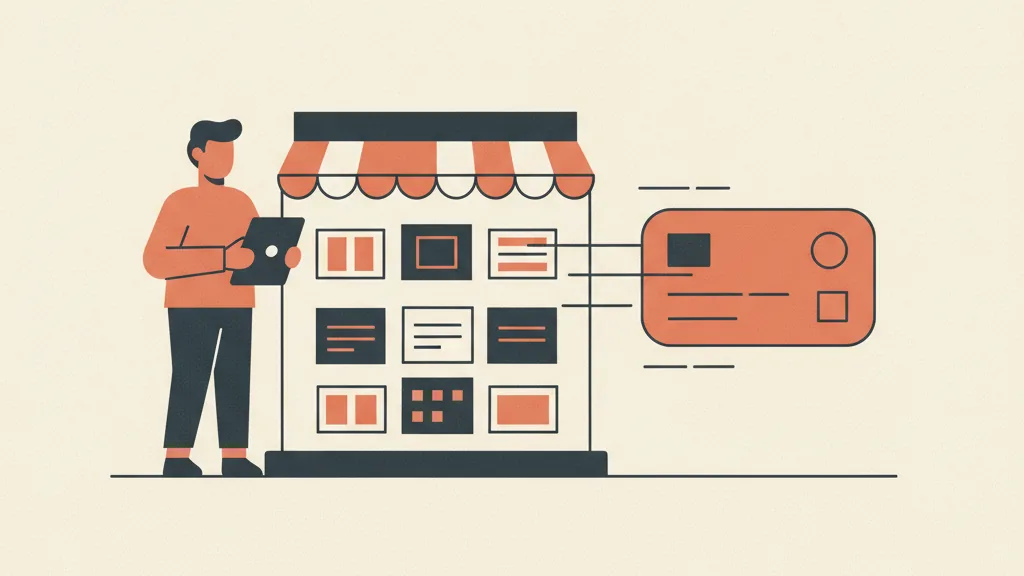
Why the average popup annoys people (and converts poorly)
A healthy popup conversion rate sits between 1% and 4% of exposed visitors. The best ones, well targeted, go above 5-6%. The average we see across Italian stores sits below 1%, and it's not because "popups don't work". It's because they're set up badly.
The same mistakes come up again and again:
- Wrong timing. The popup fires at second zero, before the visitor has even seen a single product. They have no reason yet to hand over their email.
- Generic offer. "Subscribe to our newsletter" isn't an offer, it's a request. Nobody wakes up craving your newsletter.
- No segmentation. The same popup for someone who arrived on Google searching for your brand and for someone who landed by chance from an ad. They're different people with different intent.
- Mobile ignored. Windows that cover the entire screen on smartphones, with a microscopic X. On top of the irritation, Google penalizes intrusive interstitials on mobile.
- Only the email gets asked for. Which throws away the chance to collect information that would make every subsequent communication far more effective.
The difference between a popup that annoys and one that works comes down to two things: respecting the person's moment, and the value of the exchange. Let's build it up step by step.
The behavioral trigger: showing the popup at the right moment
A behavioral trigger is the condition that decides when the popup appears based on what the person is actually doing, not on a blind timer. It's the single lever that moves results the most, because it intercepts intent instead of interrupting at random.
The triggers that actually matter:
Exit intent
The popup appears when the cursor moves toward the address bar or the close button, a signal the person is about to leave. It's the least intrusive moment there is: you're not interrupting the browsing session, you're catching it as it ends. On desktop, exit intent is the trigger with the best balance between volume and annoyance. On mobile there's no mouse movement to track, so it's approximated with a fast upward scroll or prolonged inactivity.
Scroll depth
The popup fires once the visitor has scrolled 50-60% of a product page or article. At that point they've shown real interest: they've read, looked at the photos, they're evaluating. An offer here reaches someone already engaged, not a stranger who just walked in.
Time on page with a condition
Not "after 5 seconds anywhere", but "after 30 seconds on the same product page without adding to cart". It signals hesitation: the person is interested but something is holding them back. It's the perfect moment for a targeted incentive or a question.
Pages viewed and return visits
Someone who's viewed three or more products in the same session is actively researching. Someone who comes back to the site a second time is seriously considering you. Both deserve a different message than someone who just arrived: more direct, because the relationship has already started.
Cart behavior
A popup that fires when the person is about to abandon their cart, with a reminder or a small incentive, is among the most profitable of all. But here the popup is just the first piece: the real recovery happens afterward, via email or WhatsApp. We cover this in the guide on recovering abandoned carts with automation.
The golden rule: one popup per session, with controlled frequency (anyone who's already seen or closed it shouldn't see it again for days). A cookie or a field in the profile keeps track of who converted and who said no, so you stop pestering people who already answered.
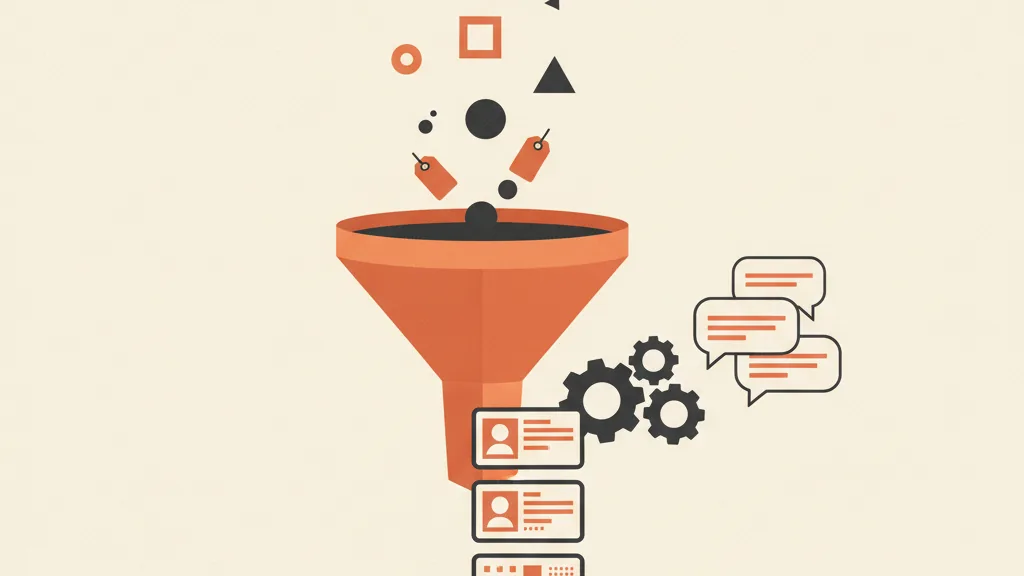
Zero-party data: ask for more than just the email
Here's the leap almost nobody makes. Most popups ask for a single piece of data: the email. But the moment a person is willing to fill in a field is exactly the moment you can ask them for something more useful, in exchange for something they actually want.
Zero-party data is the information a customer gives you voluntarily and knowingly: preferences, intentions, tastes, who they're buying for. It isn't inferred from tracking (that's behavioral data), it's declared. And in a world where third-party cookies are disappearing and tracking keeps getting more fragile, it's the most valuable and most defensible source you have. For the full definition, we covered it in the article on what zero-party data is in marketing.
In a popup this translates into simple questions, one or two at most, that don't add friction but change everything downstream:
- Who are you shopping for? (myself / a gift / him / her / a child)
- What are you most interested in? (categories, with clickable icons)
- What's your usual size? (in fashion this radically changes how relevant every future email is)
- What brings you here today? (just browsing / looking for something specific / want advice)
A two-step popup works great for this: step one, a quick choice (one click on an icon, zero friction); step two, the email to receive the personalized advice or discount. Asking for the email after the person has already made a micro-commitment raises conversion, it doesn't lower it: it's the consistency principle at work.
The result isn't just one more contact on the list. It's a tagged contact, entering your already-segmented CRM with their preferences attached. From there, every communication starts with an advantage. It also feeds your lead scoring: someone who declares a precise purchase intent is worth more than someone "just browsing", and should be treated accordingly.
From the right incentive to an offer that doesn't cheapen the brand
An instant discount works, but it's not the only lever and not always the best one. A systematic discount on every first purchase trains customers to expect it and squeezes margins. Alternate and test:
- Discount on the first order, with a minimum threshold (e.g. 10% above €50) to protect margin.
- Free shipping, often more effective than a percentage discount at the same cost, because it removes the most hated friction point at checkout.
- Early access to sales, drops, or new collections: a strong lever for brands with a community, at zero cost.
- Content lead magnet: a sizing guide, a "find your product" quiz, a consultation. It attracts people earlier in the journey, not just those ready to buy. If you want to know how to build one, see the guide on how to create an effective lead magnet.
Rule of thumb: the incentive should match the request. Ask only for the email, offer free shipping or a discount. Ask for size and preferences too, and the offer can be richer (a personalized recommendation, exclusive access), because the exchange is more balanced.
Want your store's popups to collect useful data and turn it into sales automatically, instead of sitting in a list nobody uses? Request an analysis of your funnel.
The popup is the beginning, not the end: the automation that follows
This is where most stores leave money on the table. The popup captures the contact and then... silence. Or worse, the contact ends up on a generic list that gets the same mass newsletter as everyone else.
A popup that collects zero-party data only makes sense if that data triggers personalized automation. This is where the loop closes:
- Whoever left their email should receive, within a few minutes, the discount code or lead magnet promised. A well-built welcome flow is what actually converts a new subscriber into a first purchase.
- Whoever said "I'm buying a gift" shouldn't get bombarded with emails about their own personal taste: the sequence adapts to intent.
- Whoever specified a category or a size gets relevant products, not the entire catalog. Relevance is the difference between an open and an unsubscribe.
- Whoever doesn't open the first few emails moves into a different path, perhaps on another channel like WhatsApp, where open rates run far higher than email.
With modern orchestration, AI can write the subject line and body of the email, adapting them to the individual profile and the signal collected in the popup, instead of sending the same text to everyone. It's the leap from AI-personalized emails to communications that feel written for that specific person. The popup stops being an isolated form and becomes the entry point of a marketing automation system that runs on its own.
This logic, incidentally, is the same one behind any serious ecommerce lead generation strategy: what matters isn't the contacts collected, it's how many become customers. And that depends almost entirely on what happens after the popup.
How to set up the popups on your store: the checklist
To put all of this into practice, here's the order of priority to work through.
| Element | Recommended setting | Why |
|---|---|---|
| Homepage trigger | Exit intent or 60% scroll, never at second zero | Respects the visitor's moment |
| Product page trigger | 30s without adding to cart, or exit intent | Intercepts hesitation |
| Frequency | 1 per session, don't re-show for 7-14 days | Avoids repeated annoyance |
| Data collected | Email + 1-2 zero-party questions | Turns the contact into a segmented profile |
| Incentive | Proportional to the request, A/B tested | Protects margin and brand perception |
| Mobile | Reduced format, clear X, never an intrusive interstitial | UX and SEO (Google penalizes intrusive ones) |
| Follow-up | Automation within a few minutes, personalized to the signal | This is where the real conversion happens |
Last piece of advice, the most important one: test it. Trigger, copy, offer, and number of fields need to be measured against your own audience, not copied from a guide. Change one variable at a time, watch the popup's conversion rate and, above all, the conversion rate of those contacts into customers. A popup with a lower conversion rate but more qualified leads is often worth more than one that collects a pile of useless emails.
Done this way, the popup stops being the most hated element of your store and becomes one of the few assets you truly own: a list that's yours, rich in data, ready to convert. And it's the foundation every conversion rate improvement downstream rests on.
Frequently asked questions
Do popups hurt my ecommerce store's SEO?
Not popups themselves, but intrusive ones on mobile do. Google penalizes interstitials that cover the main content on smartphones and block navigation. There's no penalty on desktop. The fix is to use reduced formats on mobile, with a clearly visible X, and behavior-based triggers (exit intent, scroll) instead of full-screen windows on load.
What's the best time to show a popup?
It depends on the page. On the homepage, exit intent or a 60% scroll works better than an immediate timer. On product pages, a trigger after 30 seconds without adding to cart catches people who are hesitating. Never at second zero: the visitor has no reason yet to hand over their data. The rule is to show it once the person has shown interest, not the moment they arrive.
Is it better to ask only for the email, or for other information too?
If you add one or two simple questions (who you're buying for, which category interests you, your size) you collect zero-party data that makes every future email far more relevant. The trick is the two-step structure: first a quick one-click choice, then the email. Asking for the email after a micro-commitment raises conversion instead of lowering it, because the person is already engaged.
What is the zero-party data collected by a popup?
It's information the customer gives you voluntarily and knowingly, like preferences, intentions, or tastes, in exchange for a benefit (discount, advice, exclusive access). Unlike data inferred from tracking, it's declared and reliable. With third-party cookies disappearing, it's the most valuable and most defensible source for personalizing an ecommerce store's communications.
How well does a good ecommerce popup convert?
A well-set-up popup converts between 1% and 4% of exposed visitors, with the best ones above 5-6%. The average across Italian stores sits below 1%, almost always due to wrong timing, a generic offer, or no segmentation. The number to watch isn't just the popup's conversion rate, though, but how many of those contacts become customers: that's where the real value is measured.
Is a discount the only incentive that works in popups?
No, and it's often the least profitable one in the long run because it squeezes margins and trains customers to expect it. Valid alternatives include free shipping (often more effective at the same cost), early access to sales and new collections, or a content lead magnet like a sizing guide or a quiz. The incentive should always match what you're asking for in return.
If you want to build a system where popups, zero-party data, and automation work together to turn visitors into customers, talk to us at astraloopstudio@gmail.com. We'll tell you where you're losing contacts and how to recover them, no fluff.