Chatbot vs AI Agent: Which One Does Your Business Actually Need?
8 min read · AstraLoop Studio
The question sounds technical, but it's the first operational decision that shapes the budget, timeline, and results of any AI project. Plenty of vendors call a "chatbot with a few extra FAQs" an "AI agent," and label a genuinely capable, reasoning-and-executing system a "smart chatbot." The result: you pay for the wrong thing, or you end up disappointed by the right one.
Let's set the record straight: a chatbot answers, an AI agent acts. The first one converses and returns information. The second reasons over your data, decides on a sequence of steps, and carries out concrete actions (updates the CRM, opens a ticket, books an appointment). In this guide you'll find the difference between a chatbot and an AI agent explained with real examples, the criteria for choosing between them, and indicative costs. If you're figuring out where to bring AI into your workflows, this article is part of a broader path on business process automation with AI, which we'd point you to for the full picture.
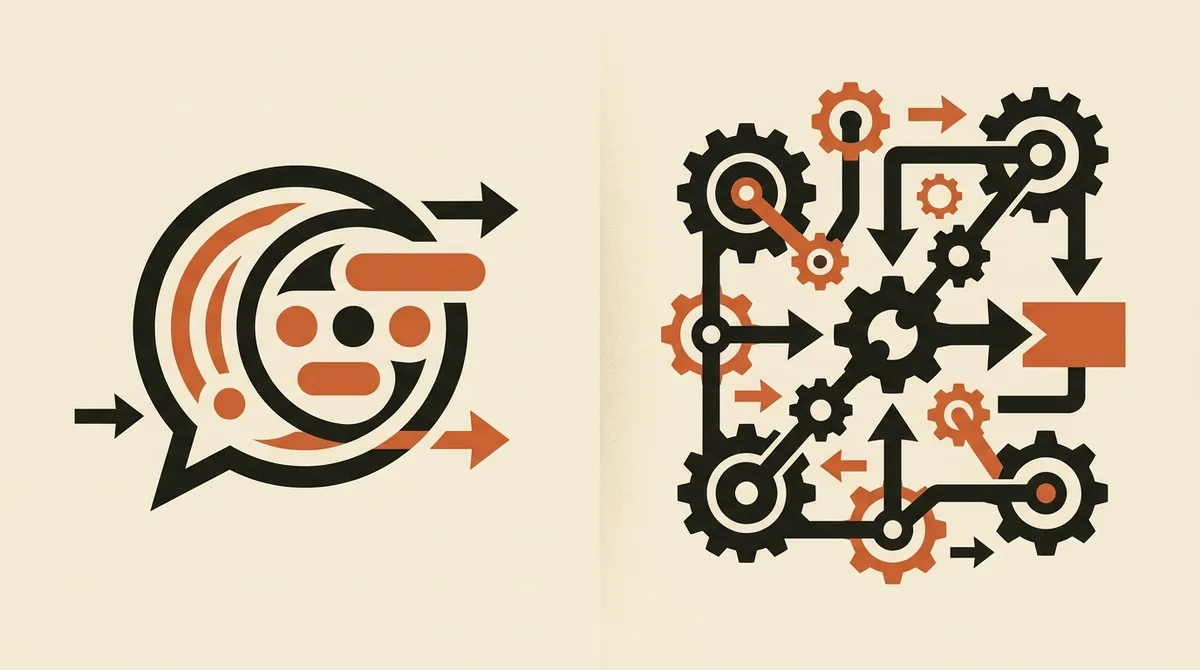
What a chatbot is: conversation and answers
A chatbot is software that talks with the user in natural language and returns answers. The classic version runs on rules or a decision tree ("If the user types X, reply Y"). The modern version uses a language model (LLM) that generates smoother replies, but the job stays the same: answer questions.
A chatbot lives inside a closed perimeter. It knows whatever you fed it, a set of FAQs, a document, a knowledge base, and it converses on that. When a question falls outside that perimeter, it either says "I didn't understand," makes something up (the famous hallucinations), or hands off to a human agent.
What a chatbot does well
- Answers recurring questions: opening hours, returns, shipping, generic order status, warranty terms.
- Filters the first contact: intercepts routine requests before they reach a human agent.
- Guides the user: walks them through a predefined path, from picking a product to filling out a form.
- Collects simple data: name, email, reason for contact, later passed to a CRM or a person.
A chatbot is your ally when 80% of the questions you receive are variations on the same ten. It doesn't need to make decisions: it needs to find the right answer and return it fast. For customer service alone, it's often the first building block of a broader customer care automation with AI.
Where a chatbot stops
The limit is structural: a chatbot doesn't take actions inside your systems. It can tell you "your order is on its way" only if someone showed it that data, but it doesn't go into your back office to change an address, issue a credit note, or reschedule a delivery. It reacts, it doesn't operate. And when something needs to get done, you need something else.
What an AI agent is: reasoning and action
An AI agent starts from the same conversational engine, but adds three capabilities that change everything: it reasons toward a goal, accesses data and tools, and executes actions until the task is closed out. It's the leap everyone's talking about in 2026: from AI that "talks" to AI that "does." For the full conceptual picture, see our deep dive on what AI agents are.
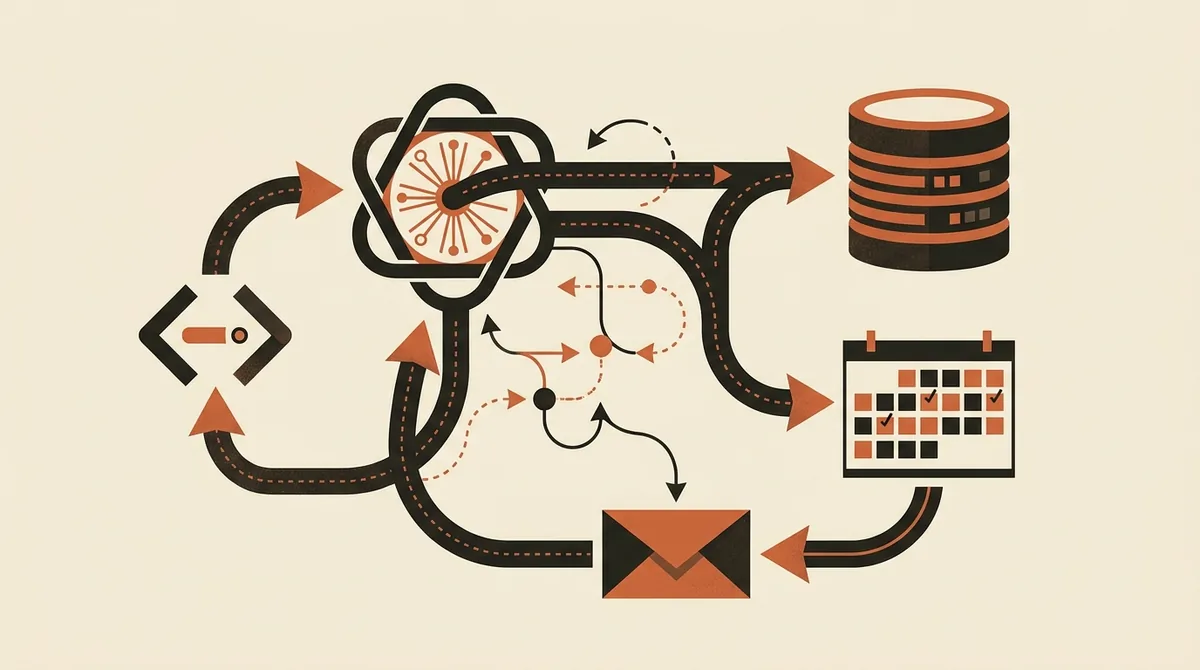
Here's the practical difference. Ask a chatbot "Where's my order 4521?" and, at best, it hands you a canned reply. Give the same input to an agent and it queries the back office via API, reads the actual status, checks the courier's tracking and, if it detects a delay, autonomously opens a ticket, notifies the customer on WhatsApp, and offers a discount voucher according to the policy you gave it. It ran a process from start to finish.
The three pillars of an agent
- Reasoning: breaks the goal down into steps ("first check the status, then decide if a refund is needed"). It doesn't follow a rigid tree, it weighs the context.
- Access to internal data (RAG): retrieves information from your documents, databases, and back-office systems in real time. RAG (Retrieval-Augmented Generation) is the technique that lets the agent answer based on YOUR data instead of generic knowledge. We cover it in detail in the guide on building an internal knowledge base with RAG.
- Tools and actions: calls APIs, writes to the CRM, sends emails, books a slot on the calendar, updates a spreadsheet. The action is the distinguishing trait.
Chatbot vs AI agent: the table that clears it all up
| Aspect | Chatbot | AI Agent |
|---|---|---|
| Goal | Answer questions | Complete a task |
| Behavior | Reactive (waits for input) | Proactive (decides and acts) |
| Knowledge | Uploaded FAQs and documents | Real-time internal data (RAG) |
| Actions on systems | None, read-only | Writes, edits, executes (CRM, API, tickets) |
| Handling the unexpected | Stops or hands off to a human | Reasons through alternative paths |
| Typical process | Single reply | Multi-step sequence, start to finish |
| Indicative cost | €20 to a few hundred/month (SaaS) | From €49/month (vertical) to €15-40K (custom) |
| Risk | Low (can't break anything) | High if ungoverned (it really acts) |
The risk row is the most underrated one. A chatbot that gets it wrong gives an inaccurate answer. An agent that gets it wrong can email the wrong customer or update the wrong record. More power to act means more need for controls, logs, and oversight. That's not a detail you push to "later."
A concrete example: an e-commerce customer's request
Take a real case. A customer writes: "I ordered two weeks ago and it still hasn't arrived, I want a refund."
How an FAQ chatbot handles it
- Recognizes the words "refund" and "not arrived."
- Returns the canned return policy.
- Invites the customer to open a case by filling out a form.
- If the customer pushes further, hands off to a human agent.
Useful, but the real work (checking the order, figuring out who's at fault, deciding on the refund) still falls entirely to a person.
How an AI agent handles it
- Identifies the customer and pulls up the order from the back office.
- Queries the courier's API: the package has been stuck in a depot for 6 days.
- Applies the policy: delay past the threshold due to logistics, refund authorized within the allowed limit, no escalation needed.
- Issues the credit note, updates the order status, notifies the customer, and logs everything in the CRM.
- If the amount exceeds the threshold you set, it stops and hands the case to a human, with the summary already prepared.
Same input, two different worlds. The chatbot informed, the agent resolved. This is exactly where the difference between a chatbot and an AI agent plays out, in hours saved and customers satisfied.
When a chatbot is enough (and how not to waste budget)
Not everything deserves an agent. In fact, starting too big is one of the reasons AI projects fail. A chatbot is enough when:
- Requests are repetitive and predictable (70-80% are variations on a handful of questions).
- Nothing needs to change inside your systems, you just need to inform.
- You want to reduce the load on first-line support with a modest investment.
- You're taking your first steps and need a low-risk use case to build confidence.
A good chatbot on a well-curated knowledge base resolves a huge share of tickets. Before thinking about an agent, ask yourself honestly whether the problem is "the customer can't find the answer" (chatbot) or "the customer needs someone to actually do something" (agent).
When you genuinely need an AI agent
An agent earns its keep when the value lies in the action, not the answer. Clear signals:
- The process has multiple steps and touches multiple systems (CRM, back office, calendar, email).
- There's a decision to make based on data that changes in real time.
- Today that work is done by a person copying and pasting between different tools.
- You want to qualify leads, manage follow-ups, or generate reports without manual intervention.
Typical cases where an agent pays off: AI agents for lead generation that qualify contacts and log them in the CRM, sales follow-up automation that chases unclosed quotes, and voice-driven front desks that book appointments (see our piece on the AI voice assistant). Here the ROI is measurable: automatic lead qualification delivers efficiency gains of 200-400%, reporting 300-500%, with typical payback in 6 to 14 months.
Not sure whether a chatbot is enough or you need an agent that acts on your systems? Tell us about your process and we'll tell you which is the right choice, without selling you what you don't need.
The factor nobody tells you about: governing the "after"
Everyone talks about setup, almost nobody talks about what comes after. But an agent that executes actions needs to be supervised like a new hire. Before launching it into production, agree on four points:
- Action limits: what it can do autonomously and what requires human approval (for example, refunds above a certain threshold).
- Logs and traceability: every action must leave a trace, so when something goes wrong you can understand what it did and why.
- Monitoring: who checks for errors, how often, and how issues get handled.
- Accountability: if the agent gets it wrong, who answers to the customer. Decide this beforehand, not after an incident.
There's also the regulatory side. The AI Act and the obligations for SMEs (EU Regulation 2024/1689) becomes fully applicable on August 2, 2026, and introduces, among other things, a transparency obligation: users must know they're interacting with an AI system rather than a person. That applies to chatbots and, even more so, to agents. In Italy, Law 132/2025 adds further requirements. This is informational, not legal advice: if your agent makes decisions that affect customers, check the obligations with a consultant before launch.
Build vs buy: €49 a month or a custom agent?
An honest question deserves an honest answer. There's no universally right choice, it depends on your case.
- Vertical SaaS (from €49/month): ready-made solutions for a specific task (a voice-driven front desk, a WhatsApp sales bot). You launch in a few days, costs are low, but customization is limited and data passes through third-party providers.
- Custom agent (€15-40K): built around your processes and integrated into your systems, often self-hosted with n8n for GDPR control. It costs more and takes weeks, but it's yours and it scales.
Rule of thumb: if your need is standard (booking appointments, replying on WhatsApp), start with SaaS. If the value lies in integrating with your specific workflows, custom pays for itself. To get a sense of the numbers, see the details in how much a business AI agent costs.
In summary
The chatbot informs, the agent executes. It's not a race to see which is more advanced: they're tools for different problems. If your problem is "answer the same questions quickly," a chatbot is more than enough. If it's "make something happen inside my systems without human intervention," you need an agent, along with the governance that comes with it. The wrong choice isn't using one or the other: it's calling them the same thing and paying for what you don't need.
Frequently asked questions
What's the main difference between a chatbot and an AI agent?
A chatbot answers questions inside a predefined perimeter (FAQs, uploaded documents). An AI agent reasons toward a goal, accesses internal data in real time, and executes concrete actions in your systems, like updating the CRM or opening a ticket. In short: one informs, the other operates.
Is a chatbot with generative AI already an agent?
No. Even a chatbot built on an advanced LLM is still a chatbot if its only job is generating answers. It becomes an agent only when it can access company data, decide on a sequence of steps, and execute actions until a full task is closed out.
How much does an AI agent cost compared to a chatbot?
A SaaS chatbot starts at a few tens of euros a month. A ready-made vertical AI agent starts around €49 a month, while a custom agent integrated into your systems runs from €15,000 to €40,000. The typical payback for a well-designed agent is 6 to 14 months.
What is RAG and why does it matter for an agent?
RAG (Retrieval-Augmented Generation) is the technique that lets an agent retrieve information from your documents and databases and answer based on YOUR data instead of generic knowledge. It's what makes an agent reliable and grounded in your company's reality.
Can an AI agent make mistakes, and who's accountable?
Yes, and precisely because it executes real actions, a mistake can have concrete consequences. That's why you need action limits (thresholds that require human approval), traceable logs, and a defined owner before launch. Governing the post-launch phase matters as much as the setup itself.
Do I need to comply with the AI Act if I use a chatbot or an agent?
Yes. The AI Act (EU Regulation 2024/1689), fully applicable from August 2, 2026, requires, among other things, informing users that they're interacting with an AI system. It applies to both chatbots and agents. In Italy, Law 132/2025 adds further requirements. Check the specific obligations with a consultant before launch.
If you want to find out where an AI agent can take manual work off your team's plate, request a free analysis: we'll look at your workflows together and propose only what delivers a real return.