AI Customer Care Automation: How to Cut Response Times by 70-82%
9 min read · AstraLoop Studio
If you run customer support for a small or mid-sized business, you know this problem better than anyone. 60-70% of incoming requests are the same ten questions on repeat: where's my order, how do I return this, what are your hours, is the product in stock. Your team burns hours on these, while the customer with a real problem waits in the queue.
AI customer care automation exists to break exactly this pattern. Not to lay off your team, but to strip away the repetitive work so they can focus on the cases that actually create value (or risk). This article, part of our series on business process automation with AI, walks through how to build a hybrid AI+human model that actually works, with concrete escalation protocols and the real response-time reductions you can expect.
Let's lead with the headline number, since that's what you're here for: in well-built projects, average first-response time drops by 70-82%. Not because AI answers everything, but because it answers instantly what it can handle and routes the rest at the right moment.
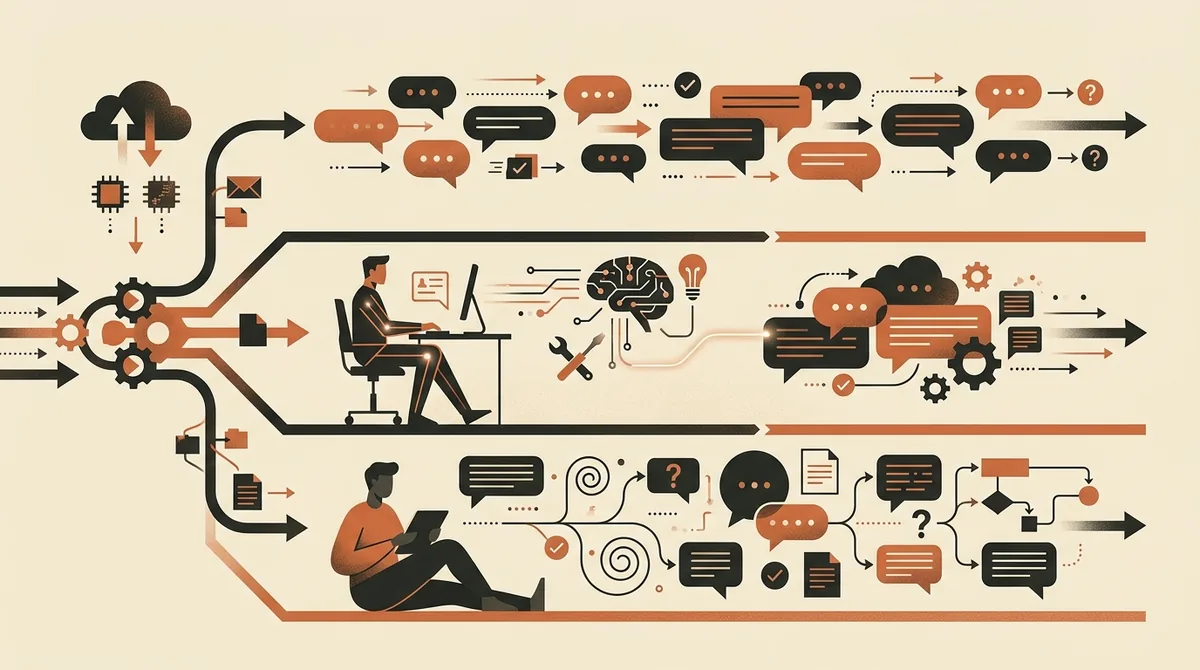
Why customer care is the first process worth automating
Of all business processes, customer support is often the ideal candidate to start with AI. The reasons are practical.
- High volume, low variety. Most requests fall into a handful of recurring categories, and AI systems excel exactly where the pattern repeats.
- Immediate, measurable impact. First-response time, first-contact resolution rate, tickets closed without human involvement: clear metrics, readable from day one.
- 24/7 coverage. Requests come in at 11pm on a Saturday. A human doesn't answer then. An AI agent does.
- Data that's already structured. If you have a knowledge base, a catalog, and a ticket history, you already have the material to train the system on.
There's one thing to watch: badly designed automation makes the experience worse, not better. A bot that doesn't understand and never hands off to a human does more damage than silence would. Which is why the core of it all isn't "the AI" — it's the hybrid model and the escalation protocols behind it.
The 2026 shift: from chatbots that talk to agents that act
There's a distinction here that changes everything. The old chatbot replied with canned phrases following a rigid decision tree. The modern AI agent takes actions: it queries the order system for shipment status, opens a ticket in the CRM, starts a return, updates a shipping address. If you want the full breakdown of this difference, we covered it in our article on the difference between a chatbot and an AI agent.
For customer care, the shift is concrete. The customer asks "where's order 4821?" and the agent doesn't reply with a generic link to the returns page — it actually checks the shipment status and answers "your package is out for delivery, arriving tomorrow by 6pm." That's what moves the numbers today. Everything else is theater.
The hybrid AI+human model: who does what
Forget the binary choice between "all AI" and "all human." The model that works in 2026 splits the work into three tiers.
Tier 1: AI handles it alone (60-75% of contacts)
The agent manages high-volume, low-risk requests end to end: order tracking, business hours, product availability, FAQs, starting a standard return, updating account details. No human involved, answers in seconds, around the clock.
Tier 2: AI assists the human (15-25%)
For more complex requests, the AI doesn't answer on the agent's behalf — it does the groundwork: pulls up the customer's history, drafts a reply, suggests the right knowledge base article. The agent reviews, edits if needed, sends. This is where turnaround times collapse, because the human isn't starting from zero.
Tier 3: full escalation to a human (10-20%)
These are the sensitive cases: complaints, off-script requests, angry customers, legal issues, or refunds above a threshold. The AI recognizes it's out of its depth and hands off, carrying the entire conversation context with it, so the customer never has to repeat themselves.
The quality of an automated customer support system isn't measured by how much the AI answers, but by how well it knows when to stop answering. Which brings us to the most important part.
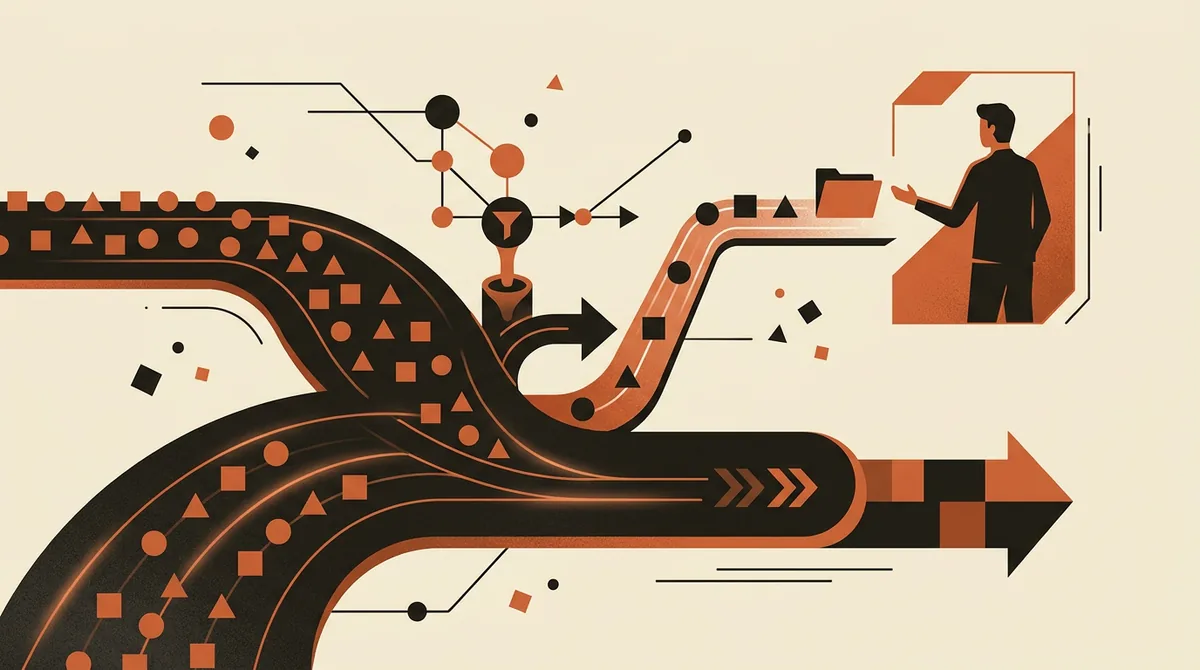
Escalation protocols: the part that makes the difference
A good escalation protocol answers three questions: when should the agent hand off to a human, how does it do it, and what happens to the context. Here are the triggers we recommend setting up from day one.
Escalation triggers worth configuring
- Low confidence. If the model isn't sure of its answer past a certain threshold, it doesn't improvise — it hands off to a human. One extra handoff beats one wrong answer.
- Negative sentiment detected. Frustrated language, an explicit complaint, a threat to cancel: immediate escalation, often flagged high priority.
- Explicit customer request. "I want to talk to a person" must always work, with no frustrating loops. This is the golden rule.
- Monetary thresholds. Refunds or goodwill gestures above a set amount (say, 50 euros) require human sign-off.
- Loop detected. If the issue isn't resolved after two or three exchanges, it automatically exits the automation.
- Sensitive categories. Legal disputes, sensitive data, privacy matters: never handled autonomously.
How the handoff should happen
A poorly executed escalation is worse than no automation at all. The handoff to the agent must carry the full conversation, the customer data already retrieved, and a summary of the issue. The customer should never have to start over. If your system forces someone to repeat their name, order number, and problem to the agent, you've built a wall, not a bridge.
The real numbers: how much response time actually drops
Let's get to the data. These are ranges we see in real projects with Italian small and mid-sized businesses, not marketing statistics. Your results will depend on volume, the quality of your knowledge base, and how well-tuned the hybrid model is.
| Metric | Before (human only) | After (AI+human hybrid) | Improvement |
|---|---|---|---|
| Average first-response time | 4-12 hours | seconds to 30 min | -70/82% |
| Contacts resolved without a human | 0% | 60-75% | +60/75 points |
| Hours of coverage | business hours | 24/7 | +128% |
| Cost per contact handled | baseline | -40/60% | -40/60% |
| Tickets still queued at day's end | high | -50/70% | -50/70% |
Read these numbers honestly. The -70/82% on first-response time is real because the AI answers 60-75% of contacts in seconds, and that drags the average down sharply. If you look only at the complex cases that end up escalated, response time on those may stay similar or even improve slightly, because agents are less overwhelmed. That's the real win: it frees up human capacity for the work that deserves it. We've written a dedicated guide on setting up the right metrics: how to measure AI ROI.
Want to know which of your customer care requests can be automated without losing quality in the customer relationship? Request a free analysis and we'll show you the numbers for your specific case.
How to actually build it
There are three paths, with very different costs and levels of control. The right choice depends on your volume and how much customization you want.
1. Ready-made SaaS (€49-300/month)
Customer service platforms with AI built in. Fast setup, low fees, limited customization. Great for low volumes, or for getting started quickly and learning your own patterns.
2. No-code automation on n8n (the middle ground)
This is where most well-served small and mid-sized businesses live. With n8n you connect the channel (WhatsApp, email, site chat), a language model like Claude or ChatGPT via an AI Agent node, your knowledge base, and your order management system. It's self-hostable, so your data stays under your control (not a minor point for GDPR). If you're comparing tools, our n8n vs Make vs Zapier comparison will help you choose.
3. Custom agent (from €10-25K)
A purpose-built system for high volumes, deep integrations, and specific requirements. Makes sense when customer care is a significant cost center and every percentage point of automation is worth a lot.
The factor that raises quality across all three approaches is an enterprise knowledge base with RAG: it's what lets the agent answer with YOUR information (return policies, catalog, procedures) instead of making things up. Without a curated knowledge base, even the best model answers into a void.
Channels: where to run automated support
Automated customer care isn't just the chat widget on your site. These are the channels that pay off most for Italian SMBs.
- WhatsApp Business. The channel Italians prefer. With AI, it becomes a conversational support and sales hub. We cover it in depth in our article on WhatsApp Business automation with AI.
- Email. AI sorts, categorizes, drafts replies, and resolves standard requests on its own, leaving the human only what genuinely needs them.
- Voice. An AI phone system that answers 24/7 in Italian picks up calls, qualifies leads, books appointments, and cuts no-shows.
- Site chat. The first touchpoint for visitors already browsing and close to buying.
The AI Act and disclosure: what you need to know
From August 2, 2026, the AI Act (EU Regulation 2024/1689) becomes fully applicable. For automated customer care, the most relevant practical rule is transparency: the customer must know they're talking to an AI system, not a person. In practice, that means a clear notice at the start of the conversation, with no passing the bot off as human.
Also worth considering: Italy's Law 132/2025 on AI and, on the data side, the role of the Italian data protection authority (Garante Privacy). If you use a language model provider that processes your customers' data, you need a data processing agreement (DPA) and clarity on where those conversations end up. It's one reason self-hosting with n8n appeals to GDPR-conscious companies. For a practical, non-alarmist checklist, read our guide to 2026 AI Act obligations for SMBs. This article is informational — for definitive legal guidance, always check with a qualified advisor.
Mistakes to avoid
After running several projects, these are the mistakes we see repeated, and the ones that undo the return on investment.
- Automating 100% of contacts. The goal is never zero humans. It's a well-built Tier 1, not AI omnipotence.
- Hidden or missing escalation. A customer who can never find the way to a real person is a customer you've lost.
- An outdated knowledge base. Old policies, wrong prices, superseded procedures: the agent answers with bad data and amplifies the mistake.
- No monitoring after launch. An agent isn't an appliance. It needs monitoring: where it gets things wrong, which questions it can't handle, how patterns shift over time. This is the real work after setup — the part almost nobody talks about.
Customer care is often the first concrete step when asking what to automate in your business with AI: high impact, low risk, measurable results within a few weeks.
In short
AI customer care automation works once you stop thinking of it as "a bot replacing people" and start designing it as a three-tier hybrid model, with clear escalation protocols and a well-maintained knowledge base. The numbers (a 70-82% cut in first-response time, 60-75% of contacts resolved autonomously, 24/7 coverage) are achievable, but they're the result of solid architecture, not the technology alone. Start with one channel, measure, iterate, and scale only what works.
Frequently asked questions
Does customer care automation replace my support team?
No. The model that works is hybrid: AI handles 60-75% of repetitive contacts on its own (tracking, FAQs, standard returns) and frees up the team for complex cases, complaints, and high-value requests. The goal is to cut repetitive work, not headcount.
How much do response times actually drop?
In well-set-up projects, average first-response time falls by 70-82%, because AI answers 60-75% of contacts in seconds, which drags the average down sharply. Response times on escalated cases still improve, since agents are less overwhelmed.
What happens when the AI doesn't know the answer?
The escalation protocol kicks in: the agent recognizes it's out of its depth (low confidence, negative sentiment, an explicit request for a human, monetary thresholds) and hands the conversation to an agent, carrying the full context with it so the customer never has to repeat themselves.
Do I have to tell customers they're talking to an AI?
Yes. The AI Act (EU Regulation 2024/1689), fully applicable from August 2, 2026, requires transparency: the customer must know they're interacting with an AI system. In practice, a clear notice at the start of the conversation is enough. For definitive legal guidance, check with a qualified advisor.
How much does it cost to automate customer care?
It depends on the path. A ready-made SaaS starts at €49-300 a month, a no-code solution on n8n (self-hostable and more controllable for GDPR) sits in the middle, and a custom agent for high volumes runs from €10-25K up. The choice depends on volume and the level of customization needed.
Which channels are worth automating support on first?
WhatsApp Business is the preferred channel in Italy and pays off the most, followed by email (sorting and drafts), a 24/7 AI voice line, and site chat. It's best to start with one channel, measure the results, and gradually expand to what works.
If you want to build a hybrid AI+human customer care setup with well-designed escalation protocols, let's talk: we'll look at your volumes and tell you honestly what's worth automating and what isn't.