n8n: What Is It and How Does It Work? (A Guide for SMB Owners)
10 min read · AstraLoop Studio
If you've started looking around for ways to automate a few processes in your business, the name n8n has probably already caught your eye. It's pronounced "en-eight-en" (the name comes from "nodemation" — node plus automation) and it has quickly become the go-to tool for connecting different applications to each other, with AI built into the flow rather than bolted on as an afterthought.
In this guide I'll explain what n8n is and how it works in practical terms, from the perspective of a business owner rather than a developer. We'll cover what a workflow is, why the native AI Agent node changes the game, and why self-hosting is the reason so many companies choose it over Make and Zapier the moment GDPR enters the picture. n8n is one of the building blocks of business process automation with AI. Here we go deep on the tool itself, while the bigger picture lives in the cluster's pillar guide.
What n8n is, in plain terms
n8n is a workflow automation platform. In practice, it lets you connect different tools to each other (Gmail, your CRM, Google Sheets, WhatsApp, an AI model like Claude or ChatGPT) and build a chain of actions that starts from an event and ends in a result, with no one having to copy-paste anything by hand.
Here's a concrete example. A request comes in through the website form. Instead of reading it, typing it into your CRM, and replying manually, an n8n workflow can grab the form data, check whether the contact already exists in the CRM, classify the request with an AI model, draft a personalized first reply, send it by email, and notify the sales rep on Slack. All in a few seconds, with no human involved.
What sets n8n apart is its visual-but-also-"developer-friendly" approach. You build the flow by dragging blocks onto a canvas, but whenever you need to, you can drop a line of JavaScript or Python inside a node to do something specific. You're never boxed in by what the tool allows out of the box, which is why it appeals both to people who don't code and to those who do it for a living.
Open source and self-hosted: why it matters
n8n is open source ("fair-code", to be precise: the code is public and free to use, with a few restrictions on reselling it commercially). But the real keyword here is self-hosted. You can install it on your own servers or your own cloud space, which means the data flowing through your workflows stays under your control. We'll come back to this shortly, because for a European SMB it's often the deciding factor.
How a workflow works: nodes, triggers, and connections
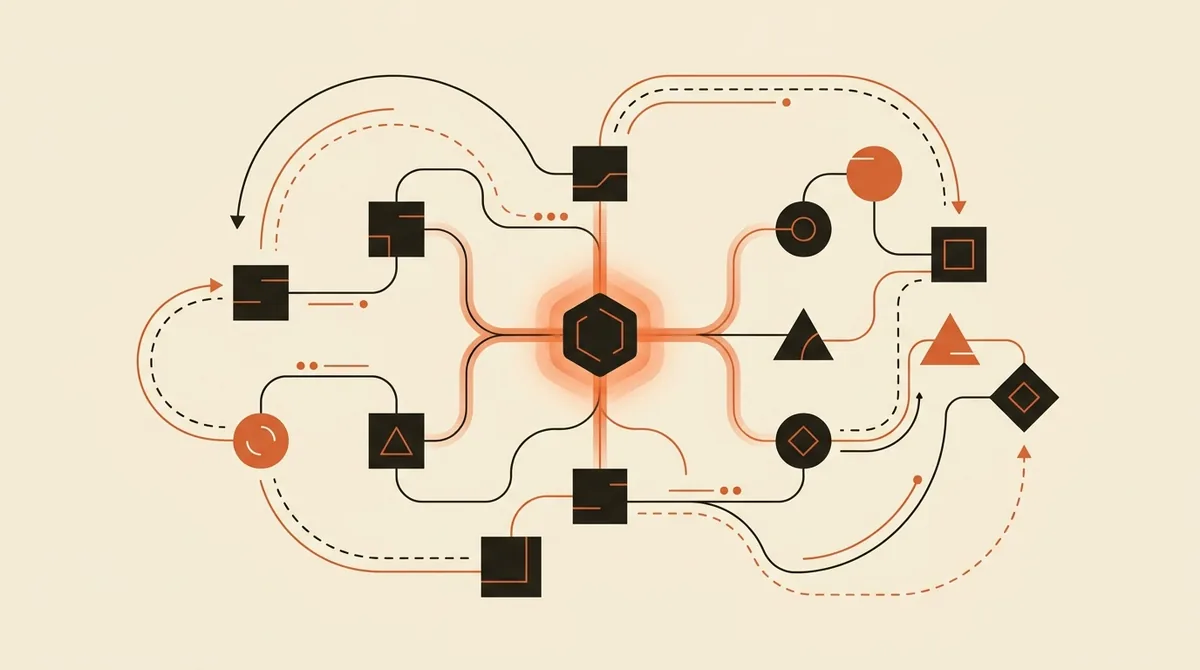
The heart of n8n is the workflow, i.e. the automated flow of work. A workflow is made up of nodes connected to each other by lines. Each node does exactly one thing and passes its result to the next node. To simplify, there are three families of nodes worth understanding.
- Trigger (the starting node): this is what kicks off the flow. It can be a schedule ("every morning at 8"), an event ("a new email arrived", "a form was submitted"), or a call from another system. Every workflow starts from a trigger.
- Actions: these read, write, search, or modify data in an external app. For example "create a row in Google Sheets", "update the contact in HubSpot", "send a WhatsApp message".
- Logic: nodes that decide the path. "If the order value is above €500 do this, otherwise do that." These are the forks and filters of the flow.
The data traveling between nodes is structured (in JSON format, though you don't need to know that to use it). Each node receives the output of the one before it, works on it, and passes it forward. As you build a workflow you can watch it run step by step: execute, see what comes out of each node, fix it. It's far more transparent than a "black box".
n8n ships with over 400 ready-made integrations for the most widely used apps, but the real wildcard is the HTTP Request node. If a service has an API (and almost all of them do these days), you can connect to it even when there's no dedicated integration. This removes the classic ceiling that no-code tools hit the moment you step outside their supported apps.
The AI Agent node: from automation to operational intelligence
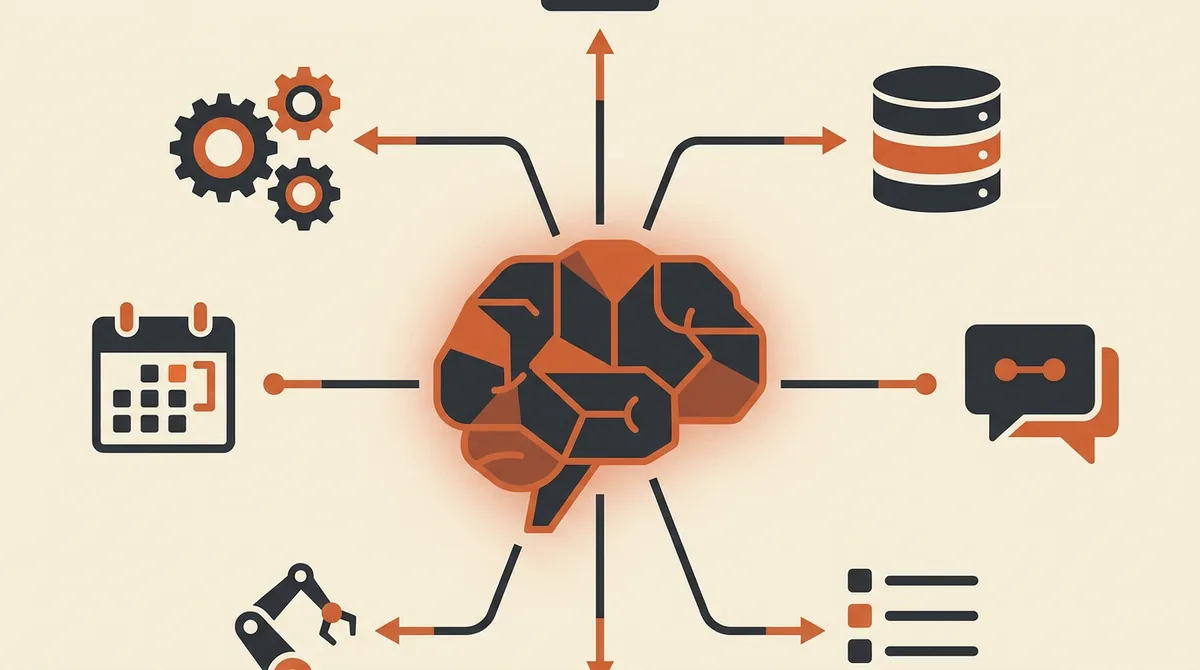
This is the biggest difference compared to classic automation tools. n8n has a native AI Agent node, built to run AI agents right inside the flow. It's not a chatbot that just chats — it's a component that reasons, decides which tools to use, and executes actions.
The distinction matters, and we cover it in full in our article on the difference between a chatbot and an AI agent. In short: a chatbot answers questions, an AI agent carries out tasks. With the AI Agent node you connect a model (Claude, GPT, or an open-source model) and hand it a set of tools, which in n8n are simply other nodes. The agent reads the request, decides on its own which tools to call and in what order, and produces a result.
Take a real-world case. A lead-qualification agent receives a WhatsApp message, figures out whether the person is genuinely interested or just browsing, checks the company calendar for availability, proposes two slots for a call, books the appointment, and updates the CRM. All inside a single n8n workflow, with the AI Agent orchestrating every step. This is exactly the 2026 shift: from AI that "talks" to AI that "does".
This architecture also opens the door to multi-agent systems, where several specialized agents (one for sales, one for support, one for admin) coordinate on the same process, instead of relying on a single do-everything agent that ends up doing everything poorly.
MCP: connecting Claude and ChatGPT to your workflows
Since April 2026, n8n has native support for the Model Context Protocol (MCP), an open standard designed to connect AI models to business data and tools in a clean way. In plain terms: MCP is the "universal connector" that lets an assistant like Claude or ChatGPT use your n8n workflows as if they were its own tools — and vice versa.
For an SMB, this means you can expose a business process (say, "look up an order's status" or "generate a quote") as a service the AI can call, without building fragile integrations from scratch every time. It's a topic still barely explained in plain language and almost always covered too technically, but the takeaway for you is simple: n8n is becoming the point where general-purpose AI meets your company's specific data, in a controlled way.
Self-hosting and GDPR: the real reason SMBs choose n8n
Now for the point that decides the match in Europe. When you automate business processes, sensitive data flows through the workflows: names, emails, phone numbers, customer requests, sometimes contract data. If you use a US cloud tool like Zapier or Make, that data passes through and gets processed on the vendor's servers, often outside the European Union.
With self-hosted n8n, the flow runs on infrastructure you choose: a server in Europe, your own cloud, even a machine inside your office. The data never leaves the perimeter you control. For GDPR compliance and other regulatory obligations, this is a substantial difference, because it reduces your risk surface and simplifies how you manage data transfers and vendor agreements.
One thing to be careful about: self-hosting doesn't automatically mean "compliant". You still carry your own obligations (lawful basis for processing, privacy notices, infrastructure security, and if you connect an external AI model you still need an agreement with that provider). But you start from a far stronger position of control than a SaaS where the data leaves by default. With data protection authorities and the AI Act (EU Regulation 2024/1689, fully applicable from 2 August 2026) raising the bar, control over your data is not a minor detail.
There's also an n8n Cloud version, hosted directly by them, which is convenient if you don't want to deal with infrastructure. It's a legitimate choice and quicker to get started with. But the reason n8n has become the standard among SMBs is precisely the option to keep everything in-house when it matters.
Want to find out if n8n is the right tool for your processes, or whether another route makes more sense? Request a free analysis: we'll look together at what to automate first and how to do it while staying GDPR-compliant.
n8n vs Make vs Zapier: when each makes sense
Zapier and Make (formerly Integromat) are excellent tools, often quicker to get started with for simple automations. But they have three limitations that start to bite as you scale: costs rise fast with the number of operations, your data passes through their servers, and you're limited to whatever integrations they offer. n8n flips all three of these.
| Criterion | n8n | Make / Zapier |
|---|---|---|
| Where the data runs | Your servers (self-hosted) or an EU cloud | Vendor's servers, often outside the EU |
| Cost model | Self-hosted: fixed infrastructure cost, not billed per operation | Usage-based, grows with volume |
| Native AI Agent | Yes, with MCP support | Limited, bolted on later |
| Flexibility | High: custom code plus HTTP Request for any API | Medium: tied to available integrations |
| Learning curve | Steeper at first | Gentler for simple cases |
Here's the honest summary: if you just need to connect two apps for a simple automation and don't care where the data ends up, Zapier will save you time. But if you're automating processes involving European customer data, you want control, your volumes are growing, and you need AI baked into the flow, n8n is the more solid choice in the medium term. We've dedicated an in-depth comparison to n8n versus Make and Zapier, with real costs and scenarios.
What it costs, and when it's worth hiring a partner
The n8n software itself, self-hosted, is free. What you pay for is the infrastructure (a cloud server starts at just a few euros a month for light workloads) and, above all, the time to set it up properly. n8n Cloud, on the other hand, has plans starting at around €20-25 a month.
The real cost isn't the license, it's the expertise. Building a workflow that holds up in production, handles errors gracefully, doesn't lose data, and stays compliant takes experience. This is where it's worth thinking clearly about build vs. buy: for simple automations you can learn and build them in-house, but for an AI agent that manages leads or customers end to end, bringing in someone who does this for a living often costs less than getting it wrong twice on your own. If you want concrete figures, you'll find them in how much it costs to automate business processes.
One aspect almost everyone overlooks is what happens "after". A workflow going live is just the start: it needs monitoring, it needs updating whenever the connected apps change their APIs, and someone needs to know who's on the hook when the agent gets something wrong. Maintenance and governance are what separate an automation that lasts from an experiment that breaks down after three weeks — and it's one of the main reasons so many AI projects fail.
Where to start with n8n
If you want to get hands-on, here's the most sensible path:
- Pick a repetitive, tedious, well-defined process (data entry, email routing, first lead contact). Start there, not with your most complex case.
- Try n8n Cloud to build your first workflow without worrying about infrastructure.
- Once sensitive data and meaningful volumes come into play, consider moving to self-hosting on a European server.
- Add the AI Agent only once the "mechanical" automation is already working: intelligence goes on top of a solid process, not on top of chaos.
To figure out which processes are worth automating first, take a look at what to automate in your business with AI: it's the best way to start from the problem rather than the tool. And for the bigger picture of the whole journey, our guide on getting started with AI in your business lays out the right order of moves.
n8n isn't magic: it's an excellent lever when you know what you're trying to achieve. The value isn't in the tool — it's in the process you decide to take out of people's hands, freeing up their time for what actually matters.
Frequently asked questions
What does n8n mean and how do you pronounce it?
n8n is pronounced "en-eight-en" and is short for "nodemation": node plus automation. The number 8 replaces the eight middle letters of the word. It's a platform for automating workflows by connecting different apps to each other.
Is n8n really free?
The self-hosted version is open source and free to use: you only pay for the infrastructure (a cloud server for a few euros a month) and the time to set it up. There's also n8n Cloud, hosted directly by them, with plans starting at around €20-25 a month, which is convenient if you don't want to manage a server.
Is n8n suitable for people who don't code?
Yes. You build workflows by dragging blocks onto a visual canvas, with no code required. The learning curve is a bit steeper than Zapier's at first, but for common use cases you don't need to program at all. When you want something very specific you can add a line of code, but it remains optional.
Why is n8n better for GDPR than Make or Zapier?
Because with self-hosting, your workflow data runs on infrastructure you choose (for example, a server in the EU), instead of passing through the vendor's servers, often outside the European Union. This reduces the risk around data transfers. That said, self-hosting alone isn't enough — you still carry your own obligations around lawful basis, privacy notices, and security.
What is n8n's AI Agent node?
It's a native component that runs an AI agent inside the flow: connected to a model like Claude or GPT, it receives a request, decides on its own which tools (other nodes) to use, and executes concrete actions, like updating a CRM or booking an appointment. It's not a chatbot that just chats — it's an AI that carries out tasks.
What is MCP support in n8n?
MCP (Model Context Protocol) is an open standard, natively supported by n8n since 2026, that connects AI models to your business data and tools. In practice, it lets Claude or ChatGPT use your n8n workflows as tools, and vice versa, without having to build fragile integrations from scratch every time.
If you have a repetitive process eating up hours every week, talk to us about it: we'll tell you honestly whether n8n is right for you and how to set it up properly from day one.