WhatsApp Business AI Automation: 2026 Guide (Meta Business Agent)
8 min read · AstraLoop Studio
In Italy, almost everyone opens WhatsApp dozens of times a day. For a business, that means one simple thing: if a customer messages you there, they're already much closer to buying than they would be starting from an email or a form. Until recently, the problem was that answering everyone in real time cost staff, hours, and patience. WhatsApp Business AI automation solves exactly that, and in 2026 it took a real leap forward with the launch of the Meta Business Agent.
This guide is one piece of our broader work on AI business process automation. Here we zoom in on a single channel, WhatsApp, and cover what changes with Meta's tools, how it plugs into your sales and support, what it really costs, and where people get burned. No magic promises, just what works and what to watch out for.
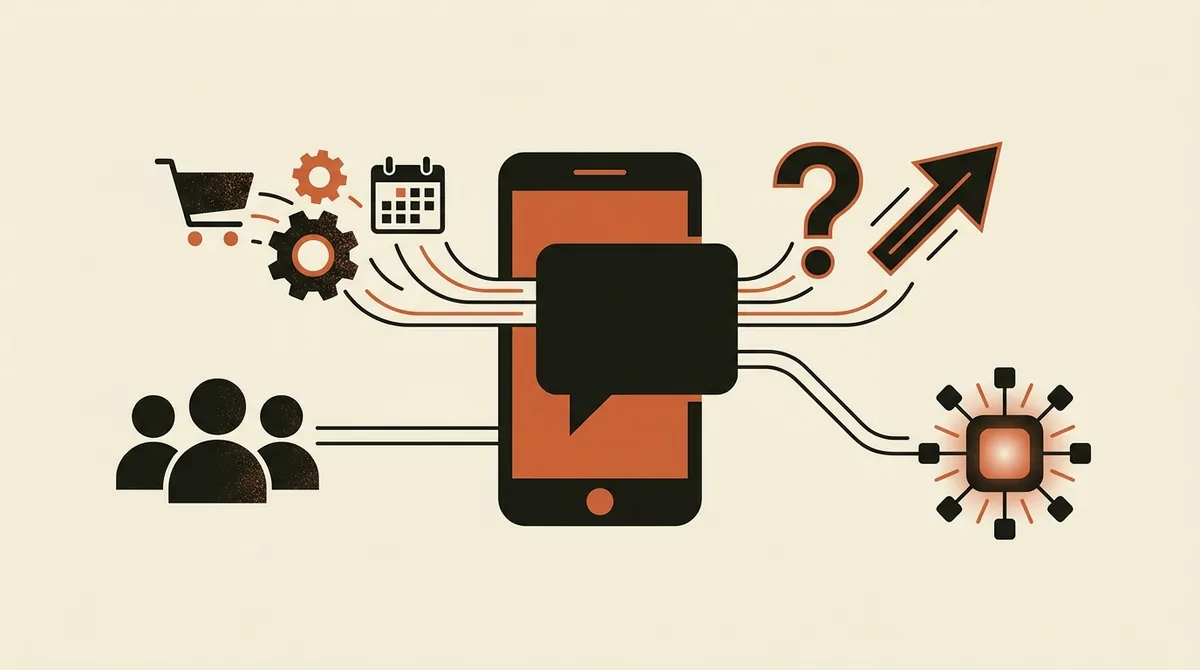
What changed with the Meta Business Agent (Conversations 2026)
At Conversations 2026, Meta's annual event for business messaging, the company announced the global rollout of the Meta Business Agent: a native AI agent that businesses can activate on top of their own WhatsApp Business account, without building anything from scratch. The difference from the old menu-driven chatbots is substantial.
A traditional chatbot follows a tree of pre-set replies: "press 1 for orders, press 2 for support." An AI agent, instead, understands natural language, reasons over the context of the conversation and, crucially, takes action: it pulls up an order status, recommends a product based on what the customer is looking for, books an appointment, opens a ticket. It's the shift, typical of 2026, from AI that talks to AI that does. If you want to understand that underlying distinction better, we covered it in our article on the difference between a chatbot and an AI agent.
The numbers Meta shared at launch point to an average conversion lift of around +34% for businesses using the agent along the conversational sales journey. Read that figure with a clear head: it depends on the industry, the traffic you drive to WhatsApp, and how you configure the agent. It's not a switch you flip to instantly sell 34% more. It's the potential that unlocks once the channel is set up properly.
What it can actually do
- Conversational selling: the agent guides the customer from the question ("do you have this in size M?") all the way to checkout, inside the chat.
- Post-sale support: shipment tracking, returns, order changes, recurring FAQs, handled autonomously around the clock.
- Lead qualification: in B2B, the agent asks the right questions (industry, size, urgency) and only hands off ready leads to sales reps.
- Bookings and appointments: for clinics, studios and service businesses, with automatic confirmations and reminders.
WhatsApp Business App or WhatsApp Business API: the choice that matters
Before talking about AI, one technical point needs clearing up, because it causes a lot of confusion. There are two WhatsApp products for businesses.
| Aspect | WhatsApp Business App | WhatsApp Business Platform (API) |
|---|---|---|
| Best for | Micro-businesses, sole traders, single stores | SMEs and companies with volume and integrations |
| AI automation | Limited (quick replies, away messages) | Full: AI agents, CRM, business systems |
| Devices | Tied to one smartphone | Cloud-based, multi-agent |
| Cost | Free | Per conversation, plus optional platform fee |
| Meta Business Agent | Basic functions | Full access |
The practical rule is this: if you run a shop solo and get a few dozen messages a day, the App with quick replies can be enough. If you have steady volume, several agents, an e-commerce store or a CRM to connect, you need the WhatsApp Business Platform (API). That's where AI automation really shines, because the agent can read and write to your systems.
How API pricing works
Since late 2024, Meta has moved to a per-message model (rather than the old 24-hour conversation window) for many categories. In practice, you pay for the "template" messages you send out (notifications, promotions, reminders), while replies inside a customer-initiated support window cost less or nothing, depending on the category. Rates vary by country and change over time: in Italy, marketing messages typically run a few cents each. Always check the current official Meta price list before running the numbers — it's one of the line items agencies tend to underestimate.
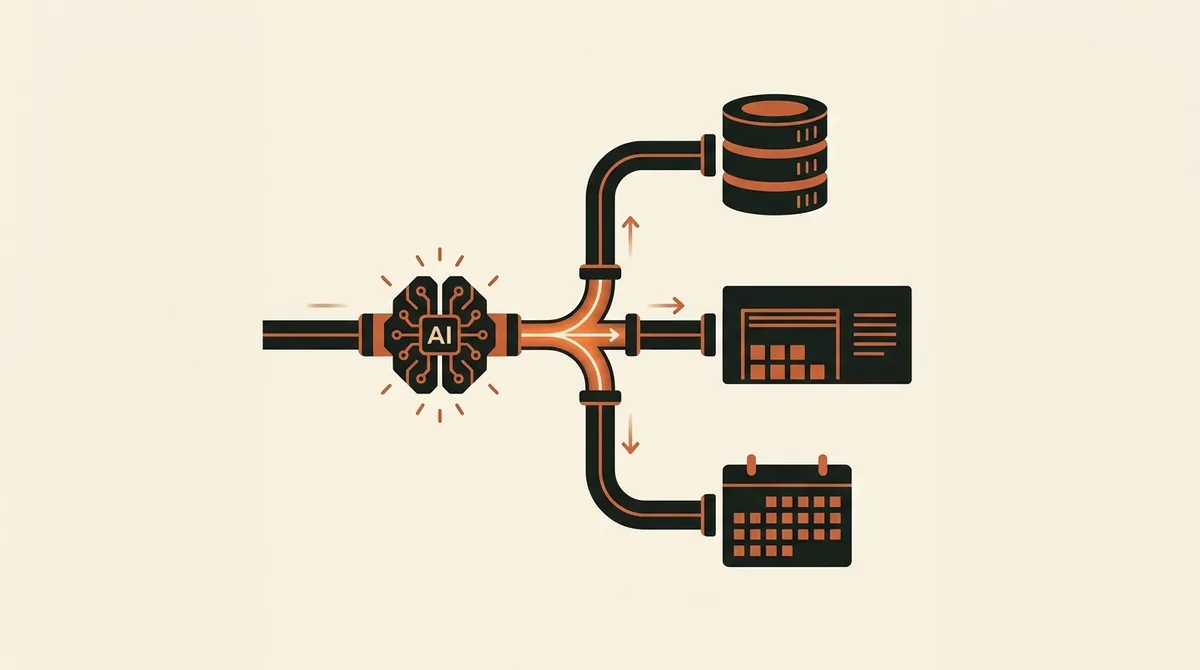
Sales and support: two engines on one channel
Here's the real advantage of WhatsApp over other channels: a single number can serve two functions that usually live apart. Let's look at them separately, because they're configured differently.
The sales side
The agent catches people coming from a "click-to-WhatsApp" ad on Facebook and Instagram, a QR code in-store, or a link on the website. From there it qualifies, recommends and closes. It works particularly well for e-commerce with mid-to-low cart values and impulse buys, and for services where the customer needs reassurance before purchasing. If you run paid ads, this connects directly to Facebook and Instagram lead generation, where WhatsApp becomes the natural landing point for the click.
One delicate point: the agent shouldn't "sell at all costs." A pushy agent irritates people and burns the contact. A well-built setup makes it behave like a good sales assistant, helpful and honest, one that can also say "this product might not be right for you."
The support side
On the post-sale side, AI cuts wait times and frees your team from repetitive questions: "where's my order," "how do I return this," "what are your hours." These make up 80% of requests in many industries, and they're also the most tedious to handle by hand. The agent clears them on its own and only escalates complex cases or upset customers to a human. It's the same principle we describe in our guide to AI customer care automation, applied to the channel where customers already write in on their own.
The key moment is the handoff to a human. A well-designed agent recognizes when it's out of its depth, or when the customer is unhappy, and passes the conversation to a person without making them repeat everything. That clean handoff is what separates a good experience from a frustrating one.
Meta Business Agent or a custom solution: build vs. buy
Meta's Business Agent is the fastest way to get started and works great for standard cases: FAQs, product catalog, simple orders. But it isn't the only path, and it isn't always the best one. For more complex logic (special discount rules, deep integration with a non-standard system, coordination across departments), a purpose-built agent makes more sense, often orchestrated with tools like n8n, connecting WhatsApp to your CRM, your inventory and other systems.
The honest question to ask is: how unusual is my process, really?
- Standard process, tight budget, tight timeline: Meta Business Agent or an off-the-shelf SaaS platform. You're up and running in days.
- Complex process, multiple integrations, high volume: a custom agent. It costs more, but it does exactly what you need.
Be wary of anyone who pitches a tens-of-thousands-of-euros project before even understanding your case. Many SMEs get 85% of the result with a solution costing a few hundred euros a month. You add the rest later, if you need it. We've laid out the real numbers behind a custom build in our article on what a business AI agent costs.
Want to find out if WhatsApp could become an automated sales and support channel for your business? Request a free assessment of your case and we'll tell you what makes sense to do — and what doesn't.
What it costs to automate WhatsApp: the real line items
Let's get the costs straight, because this is where the nasty surprises show up. There are three distinct line items.
| Cost item | Indicative range | Notes |
|---|---|---|
| Meta messages (API) | A few cents per marketing message | Varies by volume and official price list |
| Platform / SaaS | €30-300/month | Includes base agent, dashboard, agent seats |
| Setup and integrations | From a few hundred to €15-25K | Depends on customization and connected systems |
A common mistake is looking only at the platform cost and ignoring the Meta messaging cost, which becomes the main line item at high volumes. Another is underestimating setup: an agent that actually works well requires writing the replies, loading the catalog, defining the flows, and testing it. It's not plug-and-play. For a full picture of automation costs, see our guide on what it costs to automate business processes.
ROI: how to tell if it's actually working
+34% on conversions makes a good headline, but you measure your ROI on your own numbers. Four metrics matter on WhatsApp.
- Response rate and average time: how many messages the agent handles on its own, and how fast. An agent that resolves 70% of requests without a human is already a great result.
- Conversational conversion rate: out of 100 sales chats, how many end in a purchase or a booking.
- Hours saved by the team: repetitive requests removed from agents' plates, translated into time they can spend on cases that matter.
- Cost per useful conversation: what it costs you to land a qualified contact via WhatsApp compared to other channels.
Typical payback on these projects, when set up well, lands between 6 and 14 months. If you want a structured method to calculate it, we've explained it in our article on how to measure AI ROI.
The AI Act and privacy: what you need to know in 2026
Automating customer conversations touches two regulatory areas you can't ignore in 2026. We cover them for information only, not as legal advice.
The first is transparency. The AI Act (EU Regulation 2024/1689), fully applicable from 2 August 2026, requires among other things that users know they're interacting with an AI system rather than a person. In practice: your WhatsApp agent needs to clearly state that it's an automated assistant. It's one line of text at the start of the conversation, but it needs to be there. In Italy, this sits alongside the framework of Law 132/2025 on artificial intelligence. For an operational checklist built for SMEs, we've dedicated a guide to the AI Act 2026 obligations for SMEs.
The second is privacy. Conversations contain personal data: names, phone numbers, sometimes purchase information. GDPR applies, overseen by Italy's data protection authority (Garante). You need a clear privacy notice, a legal basis for processing and, if you use third-party AI providers, a data processing agreement (DPA). This isn't red tape for its own sake — it's what protects you if a customer disputes how their data was used.
The three mistakes that wreck the project
Having seen a fair number of implementations, the pitfalls are almost always the same.
1. Nobody plans for "after launch." Everyone focuses on the setup, then the agent is left to run itself. But catalogs change, new questions come up, the agent occasionally gets things wrong. You need someone monitoring conversations, fixing weak answers and keeping the knowledge base current. A WhatsApp agent is a living system, not a sign you hang up once.
2. Everything gets delegated to AI, including what shouldn't be. Serious complaints, ambiguous requests, upset customers: these need to go to a person, quickly, without making them repeat everything. An agent that stubbornly keeps answering where it shouldn't causes more harm than good.
3. WhatsApp is treated as an isolated channel. The value explodes when the agent is connected to the CRM and the rest of your processes: it knows who the customer is, what they bought, where things stand. A disconnected agent is like a receptionist with no access to any records. This is also why it pays to frame WhatsApp within an overall strategy: if you want to start in the right order, read where to start with AI in your business.
Where to actually start
You don't need to automate everything on day one. A sensible path looks like this: start with a clear, measurable use case (post-sale FAQs are a great low-risk first step), connect the WhatsApp Business Platform, configure the agent with your real answers, add the AI disclosure, and test it with real customers before hitting the accelerator. Once that first piece works and the numbers back it up, expand into sales and further integrations. One step at a time, backed by data.
Frequently asked questions
What is the Meta Business Agent launched at Conversations 2026?
It's Meta's native AI agent for WhatsApp Business, rolled out globally in 2026. It understands natural language and takes action (selling, tracking orders, booking appointments), rather than being limited to menu-based replies like older chatbots. Meta reports an average +34% lift in conversions along the conversational sales journey.
Do I need the WhatsApp Business App or the API to automate with AI?
For serious AI automation you need the WhatsApp Business Platform (API): it supports advanced AI agents and integration with your CRM and business systems. The free App only offers basic automations (quick replies, away messages) and works fine for micro-businesses with few daily messages.
How much does it cost to automate WhatsApp Business with AI?
There are three line items: Meta messages (a few cents per marketing message, per the official price list), the platform or SaaS fee (roughly €30-300 a month) and setup, ranging from a few hundred euros up to €15-25K for highly custom solutions. The most common mistake is ignoring the Meta messaging cost at high volumes.
Does an AI agent on WhatsApp have to disclose that it's a bot?
Yes. The AI Act (EU Regulation 2024/1689), fully applicable from 2 August 2026, requires that users know they're interacting with an AI system. In practice, one clear line at the start of the conversation is enough. GDPR also applies to personal data exchanged in chat, overseen by Italy's data protection authority (Garante).
Is the Meta Business Agent better than a custom-built agent?
It depends on how unusual your process is. For standard FAQs, catalogs and orders, the Business Agent or a ready-made SaaS is enough and gets you running in days. For complex logic, deep integrations and high volumes, a custom agent — often orchestrated with n8n — makes more sense. Be wary of anyone pitching a tens-of-thousands-of-euros project before understanding your case.
How long until you see a return on the investment?
With a well-built setup, typical payback is between 6 and 14 months. The metrics to track are the agent's autonomous resolution rate, the conversion rate of sales chats, hours saved by the team, and the cost per useful conversation compared to other channels.
If you're weighing an AI agent on WhatsApp and aren't sure whether to start with the Meta Business Agent or a custom build, talk to us: we start from your numbers, not a prepackaged template.