AI Copywriting Assistant for Business: What It Is and How to Integrate It
7 min read · AstraLoop Studio
Most companies already use AI to write copy. The problem is they use it badly: someone opens ChatGPT, pastes a couple of lines of context, copies the answer and tidies it up by hand. That works for one isolated email. It falls apart when you need twenty different follow-ups, three ad variations and a welcome sequence, all consistent with your tone and ready to go inside your platform.
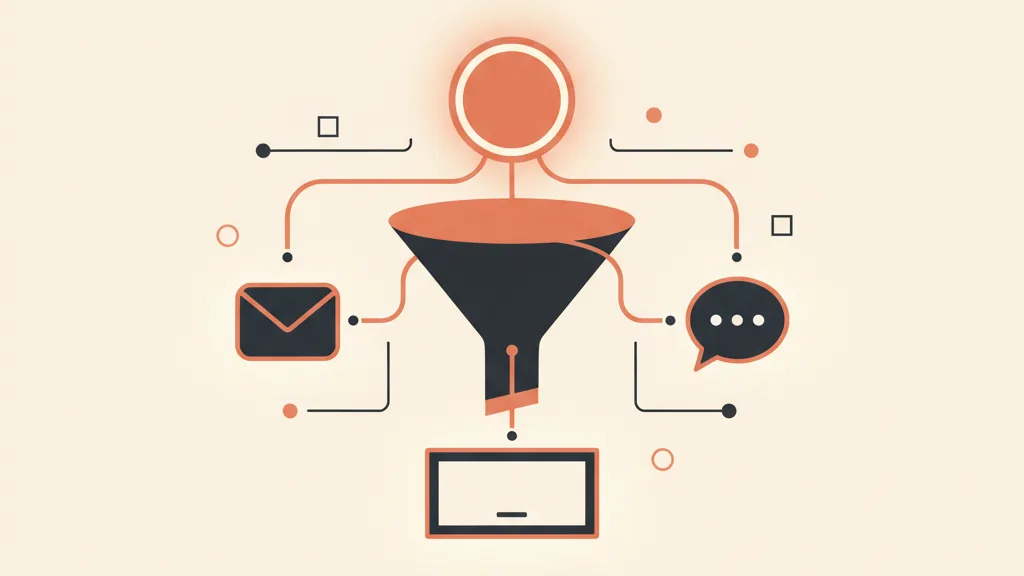
A serious AI copywriting assistant is a different animal. It's not a generic chatbot you ask favors of now and then: it's a system trained on your brand, connected to your data and built into your workflow, that produces copy on demand and delivers it where it's needed. In this guide we'll look at what it actually is, what sets it apart from any old generator, and how to integrate it into your funnel and CRM without turning it into yet another tool nobody opens.
What an AI copywriting assistant is (and isn't)
The distinction that matters is simple. A generic text generator produces plausible words from a prompt. An AI copywriting assistant produces your copy, because it knows three things the base model doesn't:
- Your voice. How you talk to customers, your level of formality, the words you use constantly and the ones you'd never say.
- Your context. Products, prices, offers, recurring objections, case studies, promises you can keep and claims you can't afford to make.
- Its destination. Where the copy will end up (an email sequence, a Meta ad, a WhatsApp win-back message) and under what length and format constraints.
Put differently: ChatGPT open in a browser tab is a tool. An AI copywriting assistant is a piece of your marketing system. The difference isn't the model underneath (it's often the same one), it's everything built around it: brand knowledge, constraints, and the fact that the copy comes out already formatted for the right destination. This article is part of our series on copywriting for customer acquisition, where copy isn't a stylistic exercise but a sales lever.
Why a generic generator isn't enough
Anyone who stops at the generic tool runs into the same three limits every time.
The tone drifts. Every session starts from zero. Today the emails are formal, tomorrow they're playful, the day after they read like they were written by a different company. Without a clear tone-of-voice definition loaded into the system, consistency depends on whoever happens to remember the right prompt.
Context is missing. The model doesn't know that product is almost sold out, that a claim was pulled, that your typical customer is 55 and not 25. You have to remind it by hand every single time, and every time you risk forgetting something.
Someone still copies and pastes. The copy is born in a chat window and has to end up in an email platform, a CRM, an ad manager. That manual handoff is where time gets lost and errors creep in. If the copy isn't connected to its destination, you haven't automated anything: you've just moved the effort around.
A proper assistant solves all three problems, but only if it's built right. Let's look at what it's made of.
The three parts that make an assistant genuinely useful
1. The brand knowledge base
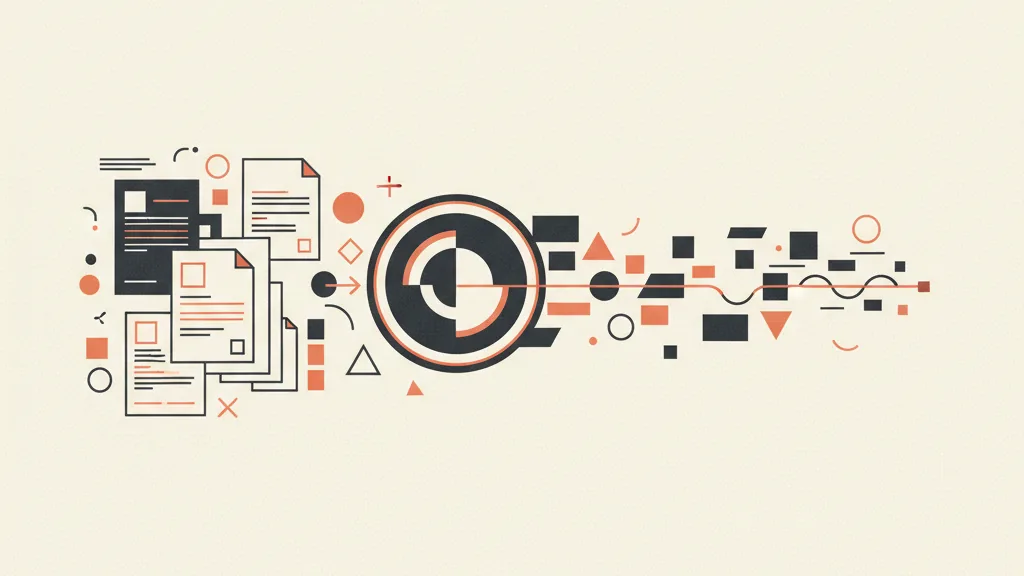
This is the heart of the system. Everything that makes your company recognizable goes in here: examples of emails that converted, product descriptions, price list, typical objections with their answers, customer stories, things you never say. The better curated and up to date the base is, the more the copy sounds like something you'd have written yourself, instead of sounding generic. It's the same principle behind training a model on your brand voice: without this foundation, the assistant is just an elegant parrot.
2. Frameworks and templates
A good copywriter doesn't write on instinct: they use proven structures. The assistant needs to be taught the same copywriting frameworks like AIDA, PAS and BAB, so it knows a sales email has a different arc than a post-quote follow-up, and that an ad needs a hook in the first line. Templates provide the structure, the knowledge base provides the content, the model merges the two.
3. Integration into the funnel and CRM
This is where the toy is separated from the working tool. A useful assistant doesn't live in an isolated chat: it's plugged into the exact point where the copy is needed. The follow-up fires when a lead changes status in the CRM integrated into the funnel. The welcome sequence kicks off the moment a new contact arrives. The ad variation lands in a folder ready to launch. This part is pure business process automation with AI, and it's what turns copy from a manual task into a system that runs on its own.
What it actually produces, on demand
In practice, a trained assistant covers most of the day-to-day copy that eats up your hours right now. Here are the most common uses.
| What you need | What the assistant produces |
|---|---|
| Email marketing | Welcome sequences, newsletters, promotions, with subject lines and variants ready for A/B testing |
| Sales follow-ups | Post-quote messages, reminders, cold-lead win-backs, calibrated to the lead's status |
| Advertising | Hooks, headlines and copy for Meta and Google ads, in multiple variants to test |
| 1-to-1 messages | Personalized WhatsApp and email to reactivate dormant customers or handle objections |
| Landing pages and product copy | Landing page drafts, product descriptions, FAQ sections consistent with the offer |
The point isn't that the assistant does everything unsupervised. The point is that it hands you an eighty-percent-there draft in seconds, already in your tone, so your time goes into revision rather than a blank page. A quick human review before publishing is still worthwhile: AI accelerates, the human eye approves.
Want an assistant trained on your brand instead of yet another generic tool? Tell us how you work and we'll show you what it can produce inside your funnel.
How to integrate it into the funnel without creating another dead tool
The classic trap is buying or building a tool, using it for two weeks, then abandoning it. It happens when the assistant stays disconnected from day-to-day work. To avoid that, the integration needs to be thought through backwards: not "which AI tool should I buy?" but "at which points in the funnel do I need copy, and who's asking for it?".
A concrete example along the customer journey:
- New lead. It enters the CRM and the assistant generates the welcome email, personalized to the channel it came from.
- Quote sent. An automated sales follow-up sequence kicks off, with different copy depending on silence or a specific objection.
- Customer gone quiet for months. The assistant drafts the reactivation message, the salesperson approves it and sends it.
In this setup, copy stops being a bottleneck and becomes a component of your customer acquisition system, producing at the right moment without anyone having to open a chat and start over from scratch every time.
How to train it on your brand
You don't need a six-month project. The framework comes together in a few ordered steps.
- Gathering the material. Pull together emails, ads and copy that have worked, plus your price list, offers and typical objections. This is the raw material for the knowledge base.
- Defining the voice. Formalize tone, recurring words, things to avoid and level of formality, so the assistant doesn't improvise.
- Setting up the frameworks. Load templates for each type of output (email, follow-up, ads) with their length and format constraints.
- Connecting to your systems. Hook the assistant up to your CRM, email platform and ad manager, so the copy arrives where it's needed.
- Calibrating in the field. The first few weeks are for fine-tuning: every human review makes the assistant more precise.
If the idea of a model that genuinely knows your company appeals to you, it's worth seeing how to build a custom GPT for your business: it's the building block everything else rests on.
Mistakes to avoid
- Expecting perfect copy on the first try. The assistant produces strong drafts, not absolute truths. Review stays part of the process.
- Not feeding the knowledge base. A static system goes stale: new offers, products and cases need to be added, or the copy falls behind reality.
- Keeping it disconnected from your systems. Without funnel integration you're back to copy-paste, and you lose the entire advantage.
- Treating it as a copywriter replacement. It replaces the repetitive work, not the strategy: you're still the one steering.
Where to start
Don't start from the tool, start from the bottlenecks. Identify the three points in your funnel where copy slows you down the most (usually follow-ups, emails and ads), measure how much time you lose on them in a week, and start there. An assistant built around a real use case and connected to your systems pays off fast, because it removes repetitive work and makes consistent what today depends on whoever happens to be writing that day. Copy, this way, stops being a task to check off and becomes infrastructure that works for you.
Frequently asked questions
What's the difference between an AI copywriting assistant and ChatGPT?
ChatGPT is a generic model that starts from zero every session. An AI copywriting assistant is trained on your brand, knows your products, tone and offers, and is connected to your systems, so it produces consistent, ready-to-use copy without you re-explaining everything each time.
Can an AI assistant replace a copywriter?
No, but it removes the repetitive work. It generates strong drafts of emails, follow-ups and ads in seconds, while strategy, review and the delicate calls stay with a person. In practice, it frees up time for the work that actually matters.
How do you train an AI copywriting assistant on your brand?
You gather what already works (emails, ads, price list, objections), define your tone of voice, set up frameworks for each type of copy, and connect the assistant to your CRM and platforms. The first few weeks are for calibrating it through human review.
What kind of copy can it produce?
The most requested are email marketing, sales follow-ups, Meta and Google ads, WhatsApp reactivation messages, and landing page or product copy drafts. All in your tone, with multiple variants ready to test.
Do you really need to integrate it into the CRM?
That's what makes the difference. Connected to the CRM and funnel, the assistant produces the right copy the moment a lead changes status, with no manual copy-paste. Disconnected, it's just a tool nobody opens after two weeks.
How long does it take to get started?
Not a months-long project. With the right material, a first working assistant for one or two use cases (say, follow-ups and email) can be up and running in a few weeks, then extended to other uses as it's refined.
If you want to turn copy into a system that runs inside your CRM and funnel, request an analysis of your case: we'll tell you where to start and what to expect.