Human Handoff: What Happens When the AI Transfers the Call to a Human Agent
8 min read · AstraLoop Studio
The question you hear most often when talking about an AI voice assistant on the phone is always the same, and it's a fair one: "What if the customer asks something the AI can't answer?". Behind it lies a deeper fear that almost nobody says out loud: the fear of losing the human touch, of making customers talk to a robotic wall that leaves them stuck in a loop with no way out.
The answer to that fear has a precise name: human handoff, the handover to a human agent. It's the moment when the voicebot recognizes it has reached its limit and transfers the call to a person. Done right, it isn't a failure of the system: it's the smartest part of the system. Done wrong, it's the worst phone experience a customer can have.
In this article we explain what actually happens in those seconds, the huge difference between a "cold" transfer and a "warm" one, and why a well-designed handoff is exactly what lets you keep the human touch instead of losing it.
What human handoff in voicebots means
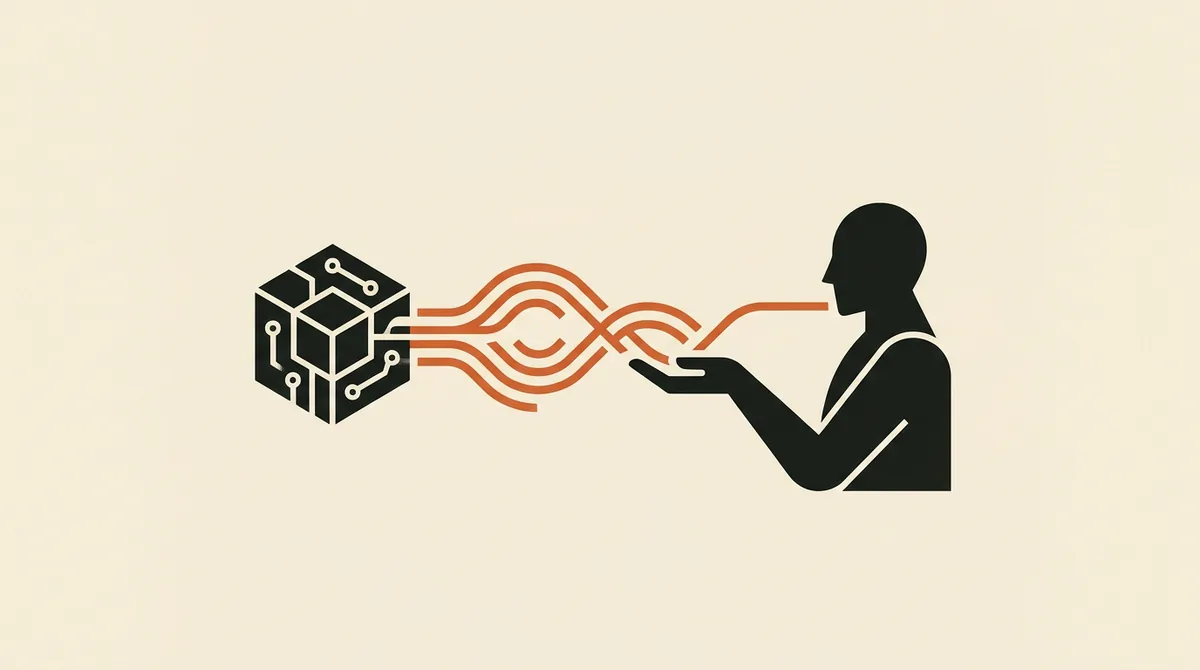
Human handoff is the mechanism by which an AI voice assistant recognizes it can't (or shouldn't) handle a request and passes it to a flesh-and-blood agent. It's not an error or a bug: it's a feature designed on purpose, exactly like in a good call center where a first-line agent passes the customer to a specialist when the issue gets complex.
The point almost nobody explains, and the one that makes all the difference, is what gets passed along with the call. A well-built voicebot doesn't just forward the phone call: it forwards the context too. Who's calling, what they've already asked, what the bot has already understood and tried to do. The agent receives the call already "briefed," without having to start from zero.
This is the real dividing line between a system that feels like an automated switchboard from the 2000s and a modern voice assistant. If you want to see where this function fits into the bigger picture, we wrote a complete guide to the AI phone system that places handoff within the full call-handling flow.
Cold transfer vs. warm transfer: the difference the customer feels
There are two ways to pass on a call, and the customer immediately senses which one you're using.
The cold transfer (the one everyone hates)
The cold transfer is the brutal one: the system forwards the call to the agent and that's it. The agent picks up knowing nothing, and the first thing the customer hears is the worst possible line: "Can you repeat your issue?". The customer just spent two minutes explaining everything to the AI, and now has to start over. This is exactly where the "human touch" gets lost — not in the AI itself.
The warm transfer (with summary and context)
The warm transfer is the opposite. Before passing the call, the voicebot prepares a context package and hands it to the agent. In practice, it works like this:
- The bot sends the agent, in real time, a text summary of the conversation ("Customer Marco Rossi, calling about an order that never arrived, order number 4821, shipped on 12/06, requesting a refund").
- The agent sees this summary on screen (in the CRM, in a notification, in a panel) before even picking up the line.
- When they answer, the agent opens with "Good morning Mr. Rossi, I see you have an issue with order 4821", not "Can you repeat everything?"
The difference for the caller is night and day. With a warm transfer, the customer feels the company "remembers them," that there's continuity. The human touch isn't lost: it's amplified, because the human agent arrives already informed and can focus on the problem instead of collecting data all over again.
| Aspect | Cold transfer | Warm transfer (with context) |
|---|---|---|
| What the agent receives | Just the call | Call + summary + customer data |
| First line to the caller | "Can you repeat the issue?" | "Good morning Mr. Rossi, about order..." |
| Customer perception | Frustration, repetition | Continuity, attentiveness |
| Handling time | Longer (starting from scratch) | Shorter (context already ready) |
| Human touch | Perceived as lost | Perceived as reinforced |
When the AI should transfer the call (and when it shouldn't)
A good handoff doesn't fire at random. There are precise triggers that a well-configured voice assistant recognizes. The main ones are:
- Low confidence: the model isn't sure it understood the request or can't find the answer in its knowledge base. Better to hand off than to make something up.
- Out-of-scope request: the customer asks for something outside the bot's remit (a negotiation, a delicate complaint, a legal or medical matter).
- Emotional escalation: the customer is angry, insists on speaking to a person, or has a frustrated tone. A well-built bot detects this and doesn't dig in.
- Explicit request: the customer says "I want to talk to a person." This command must always work, with no obstacle course in the way.
- High value: in certain contexts (a hot sales lead, a premium customer), it's worth handing off to a human even if the bot could answer.
The flip side matters just as much: a good handoff should NOT fire for things the bot handles perfectly well (booking an appointment, giving a business hour, checking an order status). If the system passes everything to the agent, you're not automating anything. The secret lies in reasoned containment: resolve autonomously what can be resolved, and hand off only what genuinely needs a human.
This ability to "resolve" instead of just "route" is the real difference compared to old menu-driven switchboards. We covered it in depth in the comparison between voice AI and traditional IVR: where a classic IVR contains 30-40% of calls, a well-tuned voice AI reaches 60-80%, and hands off only the remaining share to the agent — but with the context already in hand.
How the transfer actually works technically
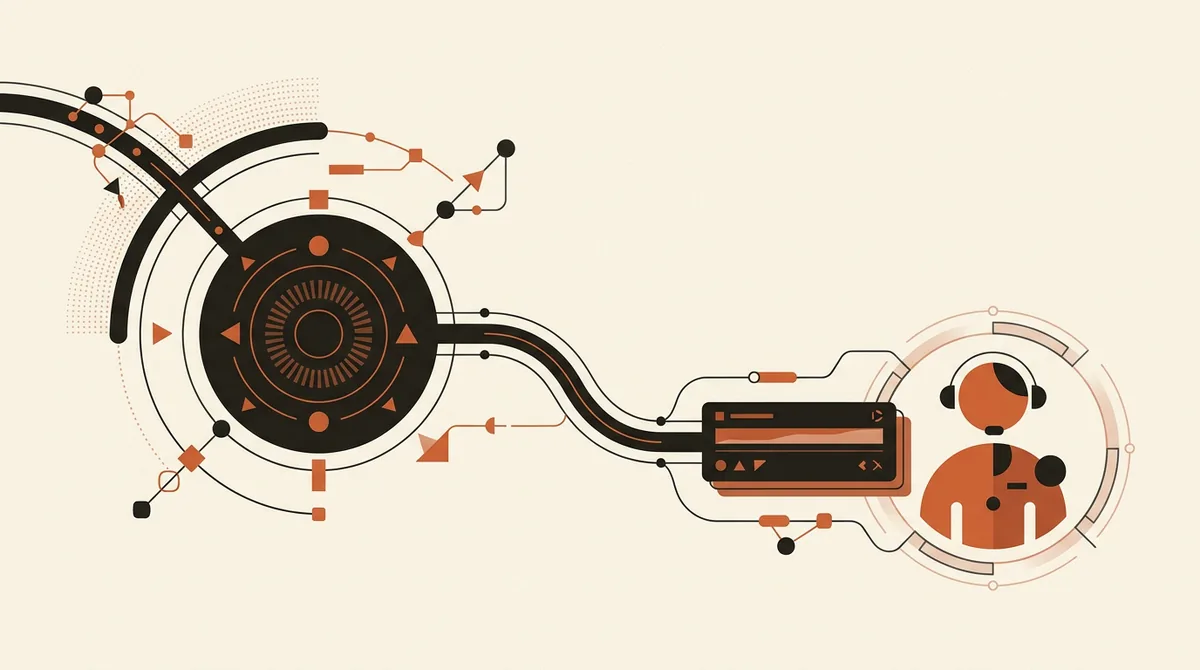
You don't need to be an engineer to understand the flow, but it's worth seeing it from the inside, because this is where the experience is built — or broken.
- Trigger detection. During the conversation, the voicebot continuously evaluates whether it's time to pass the ball, based on the triggers above.
- Announcement to the user. The bot warns: "I'm putting you in touch with a colleague, please stay on the line." Full transparency, no suspicious silences.
- Context preparation. The system generates the call summary and pulls the customer's data from the CRM.
- Smart routing. The call is directed to the right agent or department (support, sales, admin), not a generic number.
- Package delivery. The agent receives the call and, at the same time, the summary and customer record on screen.
- Fallback if nobody answers. If no agent is available (after hours, everyone busy), the bot doesn't leave the customer hanging: it takes a message, books a callback, or logs the lead.
That third step, context preparation, depends almost entirely on one thing: integration with your business software. If the voicebot is connected to the CRM and the calendar, it already knows who's calling and what they've bought. If it isn't, the summary will be thinner. That's why integrating the voice assistant with your CRM isn't an optional technical detail — it's the lever that makes the handoff truly "warm."
Want to understand how to set up a handoff to a human agent that doesn't cost your customers the human touch? Request a free analysis of your call flow and we'll show you what can be automated and what should stay with a person.
Why a good handoff doesn't cost you the human touch (quite the opposite)
Let's go back to the fear we started with, because it deserves a clear answer. Those who worry about "depersonalizing" the relationship with customers picture a scenario where the AI replaces the human. The reality of a well-designed system is the opposite: the AI protects the human's time.
Think about it concretely. Today your agent (or you yourself) answer dozens of calls a day asking for opening hours, whether a product is in stock, how to change an appointment. These are low-value calls that steal time. When the call that really matters comes in — the angry customer or the big order — you're tired, rushed, distracted by three other lines waiting.
With a good handoff, the bot absorbs the background noise and only passes you the calls that deserve a human, already packaged with context. Your agent arrives at that call fresh, informed, and focused. The human touch, the real one, concentrates where it's needed instead of being spread thin. You don't lose it: you redistribute it better.
There's also a trust dimension worth noting. An honest system declares that it's an AI and always offers a way out to a human. This transparency, besides being good practice, is now becoming a regulatory matter too: under the AI Act and Italy's Law 132/2025, it's becoming mandatory to disclose to the caller that they're speaking with an artificial intelligence. We cover this in detail in our guide on the obligation to disclose AI on the phone.
Handoff and missed calls: the connection you don't see
There's one last point connecting handoff to something very concrete: revenue. Today, when a business can't answer, the call is simply lost. Nobody calls back, the lead evaporates.
A voicebot with smart handoff changes this equation. Even when a human is needed and none is available (it's night, it's Sunday, you're with a customer), the system doesn't drop the call: it collects the contact, gauges the urgency, and queues it for a priority callback. A "missed handoff" call still becomes a saved lead instead of a call into the void. If you want to see just how much this is worth, we quantified how much a missed call costs a local business, and the numbers are eye-opening.
For anyone managing bookings and appointments, this translates directly into fuller schedules and fewer gaps. It's the same principle behind how an AI receptionist supports (not replaces) a human secretary: the bot filters and prepares, the human closes and nurtures the relationship.
In summary
Human handoff is the moment when the AI voice assistant recognizes its own limit and passes the call to a person. The quality of this handover is everything. A cold transfer frustrates the customer and makes you look like an automated switchboard. A warm transfer, with summary and context passed to the agent, does exactly the opposite: it delivers continuity, speeds up resolution, and strengthens the relationship.
The fear of losing the human touch is legitimate, but it comes from picturing badly designed handoffs. Done right, a voicebot doesn't strip humanity from your service: it frees it from low-value calls and concentrates it where it truly matters.
Frequently asked questions
What exactly is human handoff in a voicebot?
It's the transfer of a call from the AI voice assistant to a human agent when the bot can't or shouldn't handle the request. In a well-built system, it's not just the phone call that gets passed on, but also a summary of the conversation and the customer's data, so the agent starts already informed.
What's the difference between a cold transfer and a warm transfer?
In a cold transfer, the agent only receives the call and has to ask the customer to repeat everything. In a warm transfer, they also receive the summary and context, so they answer already knowing who's calling and why. The difference for the customer is huge in terms of continuity and perceived quality of service.
When does the AI decide to hand the call off to an agent?
The main triggers are: low model confidence, a request outside the bot's scope, an angry or frustrated customer, an explicit request to speak to a person, or high-value cases like a hot sales lead. Simple requests (hours, appointments, order status) are handled by the bot on its own.
Does a voicebot make me lose the human touch with customers?
No, not if the handoff is well designed. The bot absorbs repetitive, low-value calls and passes to the agent only the ones that deserve a human, already with the context ready. That way the human touch concentrates where it really counts instead of being spread across dozens of routine requests.
What happens if no agent is available for the handoff?
A well-built system has a fallback: outside business hours or when every agent is busy, the bot takes a message, logs the contact, and queues the call for a priority callback. This way the call isn't lost and the lead is saved regardless.
Does handoff require CRM integration?
It's not mandatory, but it's what makes the handover truly useful. With the CRM and calendar connected, the bot already knows who's calling and what they've bought, so the summary passed to the agent is rich and precise. Without integration, the transferred context stays more limited.
If you want a voice assistant that resolves most calls on its own and hands off to an agent only the right ones, with context already prepared, talk to us: we'll assess your specific case together.