Enhanced Conversions: How to Recover the Conversions You're Losing
8 min read · AstraLoop Studio
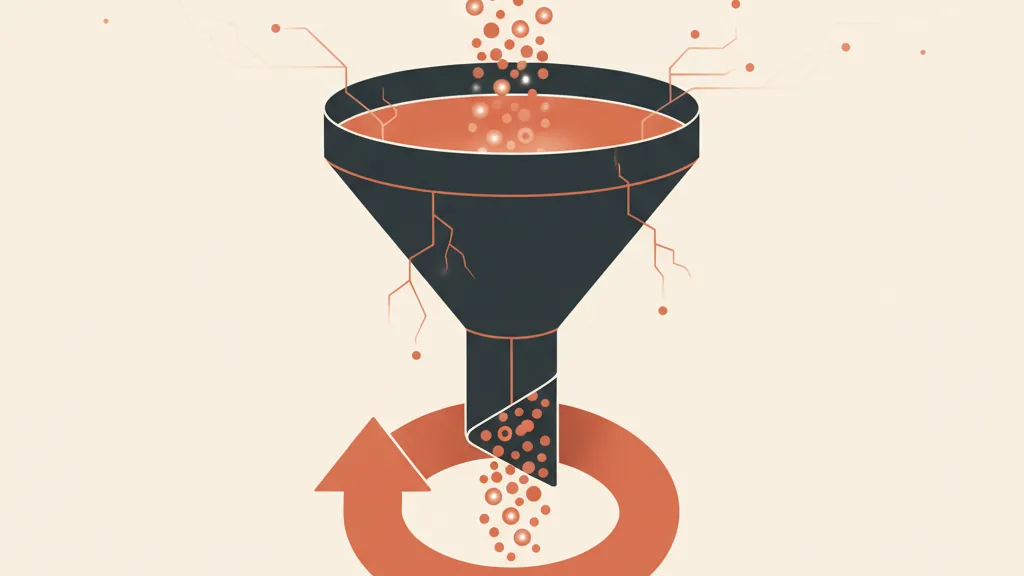
You're paying Google Ads to drive traffic, someone buys or hands over their details, but that conversion never shows up in the dashboard. It's not a bug. It's the combined effect of short-lived cookies, browsers that block tracking, ad blockers, and users who decline consent. Every conversion the platform doesn't register is one the algorithm can't learn from — and one you're optimizing blind against.
The Enhanced Conversions feature is Google's answer to this problem. The idea is simple: use the data your customer has already given you (email, phone number) in encrypted form to reconnect that conversion to the ad click, even after the cookie is gone. The result isn't new sales — it's real sales you can finally measure.
In this guide, we'll explain them without the jargon: what they are, how the hashing that protects the data works, how much they actually recover, and how to set them up in 2026. If you need the bigger picture first, start with our complete guide to conversion tracking and come back here for the hands-on part.
The problem: conversions that vanish into thin air
Classic tracking relies on a cookie: the user clicks the ad, the cookie records the visit, and when that person converts, Google links the two events. The problem is that cookie has become fragile.
- Safari and Firefox have limited cookie lifespan for years (often 7 days on Safari, sometimes just 24 hours). If a customer clicks today and buys in ten days, the connection is already broken.
- Chrome didn't kill third-party cookies as originally announced, but their reliability has dropped and Privacy Sandbox has largely been scaled back — the push toward thinner measurement remains.
- Ad blockers and privacy settings block tracking scripts for a non-trivial share of users.
- Consent: anyone who declines cookies in the banner isn't tracked in the standard way, and in Italy and the EU that share is high.
- Cross-device behavior: click on a smartphone, buy on desktop, and the two paths never connect.
In practice, losing a chunk of measurable conversions is the norm: depending on your traffic mix, it can range from a few percentage points up to 20-30% for heavily Safari-based or privacy-conscious audiences. And that's where the real damage kicks in. Google's Smart Bidding optimizes on the conversion data it receives. Fewer signals — and dirty ones at that — mean worse bids, higher CPA, and budget burned on decisions made with incomplete information.
What Enhanced Conversions actually are, in plain terms
Enhanced Conversions don't replace your tracking — they reinforce it. When a user completes an action on your site (a purchase, a form submission), they've almost always entered contact details: email, phone number, sometimes name and address. That's your first-party data — the data customers give you directly, and that belongs to you.
Enhanced Conversions take that data, turn it into unreadable code, and send it to Google alongside the conversion event. Google compares that code against its own account data and, if it finds a match, attributes the conversion to the click that generated it — even if the cookie has expired, even if the journey crossed multiple devices.
The obvious question is: "so am I sending Google my customers' emails?" No — and this is where hashing comes in.
Hashing, explained without the technicalities
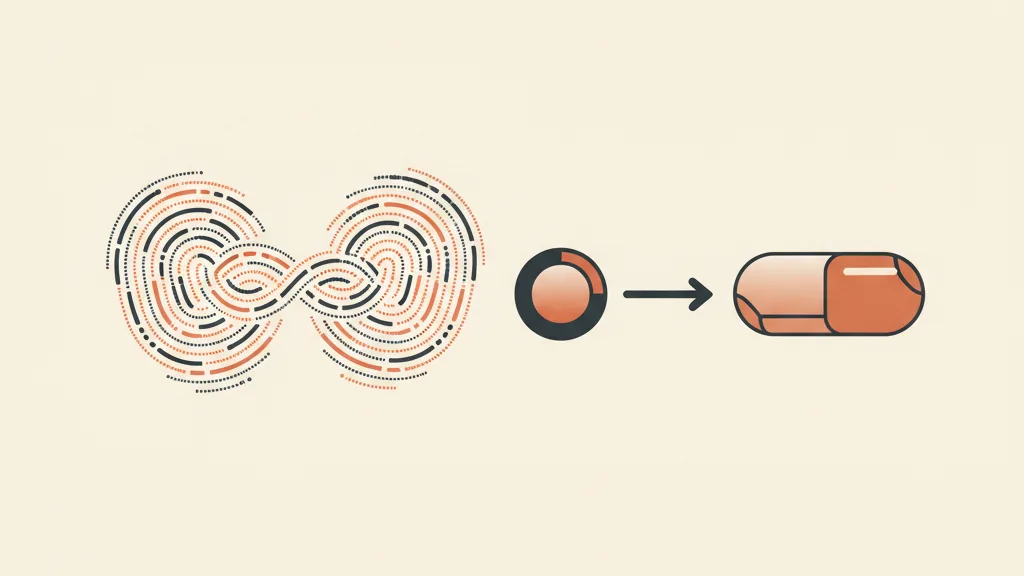
Hashing is a one-way transformation. Take "jane.doe@email.com" and run it through a function (Google uses the SHA-256 standard), which turns it into a fixed, unreadable string — a kind of digital fingerprint. You can't work backward from that fingerprint to the original email: it's like grinding meat — you can't turn the mince back into a steak.
Google runs the exact same operation on its own account data, then compares fingerprint to fingerprint — not email to email. If two fingerprints match, it's the same person. Your customer's plain-text email never travels anywhere, and Google never "reads" it: it just checks whether two fingerprints are identical. Before hashing, the data is also normalized (lowercased, spaces stripped) so small formatting differences don't break the match.
Match rate: the metric that tells you how much you're recovering
The match rate is the percentage of conversions for which Google manages to match your fingerprint to one of its accounts. The higher it is, the more "invisible" conversions get counted again.
Two factors determine it: how much data you pass (email plus phone plus name matches better than email alone) and its quality (clean, complete data). On US accounts, match rate often sits between 55% and 70%. In Italy and the EU it tends to be lower, for a specific reason: a share of users never clear the "consent gate," so their data can't be transmitted at all. That's why a correctly configured Consent Mode v2 isn't a bureaucratic detail — it's the condition that decides how much data you'll actually get to use.
How much do you actually recover? Google reports average increases in measured conversions on the order of a few percentage points on Search, with higher figures on YouTube and Display. Treat these numbers as ballpark figures, not promises: the real recovery depends on your industry, your share of Safari traffic, and how much first-party data you manage to collect. But the principle holds: you're counting sales you'd already made and were previously throwing away.
Two types of Enhanced Conversions (and the one almost nobody turns on)
For web
Enhanced Conversions for web improve measurement of actions that close online: a purchase on an e-commerce site, a form submission on a landing page. Contact data is read on the conversion page (the thank-you page or checkout) and passed through hashed. It's the mode most e-commerce businesses need.
For leads (the goldmine almost nobody taps)
Enhanced Conversions for leads are built for businesses that sell offline or with a long cycle: agencies, professional practices, B2B, services. Here's how it works: when a user fills out a form, the hashed fingerprint of their email gets saved. That lead enters your CRM. Weeks later, when they become a customer, you upload the offline conversion and Google re-matches it to the original click.
The advantage is huge and underrated: you close the loop between ad, lead, and actual sale. You stop optimizing on the number of forms filled out (many of them junk) and start optimizing on the revenue that actually comes in. That requires a CRM that tracks the outcome of every contact — the same reason a custom-built CRM pays for itself fast. If you want the technical details, we've covered them in our guide to offline conversions imported from your CRM.
Want to know how many conversions you're losing along the way, and how to get them back? Request a tracking audit from us: we'll show you exactly where the data is leaking and how to close the loop with your CRM.
How to set them up (and what changed in 2026)
There are three technical ways to implement them:
- Google Tag Manager: the most common route — you configure the conversion tag to read the right fields from the form or checkout.
- Google tag (gtag.js): if you manage tracking directly in your site's code.
- Google Ads API / Data Manager: for high volumes or for importing conversions from your CRM.
In 2026, Google simplified things considerably. As of April 2026, the platform accepts user-provided data from site tags, Data Manager, and the API at the same time, instead of forcing you to pick a single method, and since June 2026 web and leads are managed with a single toggle. In practice, setup is far less cumbersome than it used to be, but the prerequisite hasn't changed: you actually need to be collecting first-party data. If your form doesn't ask for an email, there's nothing to hash.
One step you can't skip is privacy. You're handling personal data, so you need a legal basis and a privacy policy that discloses the use of data for advertising measurement purposes too, in line with the GDPR (EU Regulation 2016/679) and the guidance of Italy's data protection authority (Garante per la protezione dei dati personali). This article is informational: always check the legal setup of your data collection with whoever handles your compliance.
Enhanced Conversions alone aren't enough
Enhanced Conversions are one piece of a modern tracking setup, not the whole solution. They work alongside — and reinforce — other tools:
- Consent Mode v2, to correctly handle users who decline cookies without losing the signal entirely.
- Conversion modeling, which lets Google statistically estimate the conversions no direct method can recover.
- Server-side tracking, which moves data collection from the browser to the server, making it more stable and reliable.
The same principle applies on Meta: the equivalent of Enhanced Conversions is the Conversions API, which sends events from the server instead of relying solely on the browser pixel. Same logic: hashed first-party data stitching back together the measurement that privacy has torn apart.
The mistakes that undo everything
- Turning them on without collecting contact data: if you're not capturing email or phone, hashing has no raw material to work with.
- A poorly configured Consent Mode: consent doesn't pass through and the data stays blocked upstream, no matter how perfect everything else is.
- Ignoring lead conversions if you're B2B: that's where the biggest recovery is hiding, and almost nobody turns it on.
- Never checking the diagnostics reports: match rate tells you whether it's working. If you never look, you're working blind.
- Expecting a +30% sales jump: this isn't new marketing. It's a more honest measurement of sales you were already making.
Bottom line: budget that goes back to work
Enhanced Conversions aren't some technical feature to push off "until there's time." In a landscape where privacy erodes measurement capability a little more every year, they're how you keep seeing the conversions you've actually earned. And when the algorithm optimizes on real data instead of leaky signals, every euro you invest works harder: lower CPA, sturdier decisions, and an acquisition system that stops correcting course in the dark.
Frequently asked questions
What are Google Ads Enhanced Conversions?
It's a feature that reinforces standard tracking by sending Google the customer's contact data (email, phone) in encrypted form, to re-match the conversion to the ad click even when the cookie isn't available. It recovers real conversions that would otherwise go unmeasured.
Are Enhanced Conversions GDPR-compliant?
The data is hashed with SHA-256, and Google never receives emails or phone numbers in plain text. That said, it's still personal data: you need a legal basis, an adequate privacy notice, and a correctly configured Consent Mode. Always verify the setup with whoever handles your compliance.
What is match rate, and how high should it be?
It's the percentage of conversions Google manages to match to an account. On US accounts, it often sits between 55% and 70%; in Italy and the EU it tends to be lower because of consent. The more quality data you pass (email plus phone plus name), the higher it climbs.
What's the difference between Enhanced Conversions for web and for leads?
The web version measures actions that close online (purchases, form submissions). The leads version is for long sales cycles: it matches the initial lead to the sale closed later in your CRM, so you optimize on revenue rather than on the number of contacts collected.
How many conversions do Enhanced Conversions actually recover?
It depends on your traffic. Google reports average increases of a few percentage points on Search, with higher figures on YouTube and Display. These aren't new sales — they're sales you'd already made that you can finally count.
Do you need technical skills to set them up?
Setting them up via Google Tag Manager is within reach for anyone already managing tracking, and Google simplified it further in 2026. The tricky part is collecting clean data and connecting your CRM for lead conversions — that's where expert help makes the difference.
If you'd rather start from results instead of configuration, let's talk: we'll get your measurement, campaigns, and CRM in order so every ad euro works on real data.