Why Emails Go to Spam: Causes and Fixes for 2026
9 min read · AstraLoop Studio
You send 500 prospecting emails, open the stats, and see a 4% open rate. It's not that the message didn't land with anyone. It's that the message never reached the inbox at all. It went to spam, or worse, got dropped by the server before delivery even happened. In 2026 this is the number-one bottleneck in cold outreach, and most Italian agencies either handle it superficially or ignore it completely.
Deliverability, meaning the ability to land in the inbox instead of the junk folder, isn't magic or luck. It's the sum of precise technical rules that Google, Yahoo and Microsoft made mandatory between 2024 and 2026. Follow them and you land. Ignore them and you get filtered out silently, without so much as a visible error. In this guide we look at why emails go to spam, the exact thresholds you need to hit, and how to fix your domain before you burn your reputation.
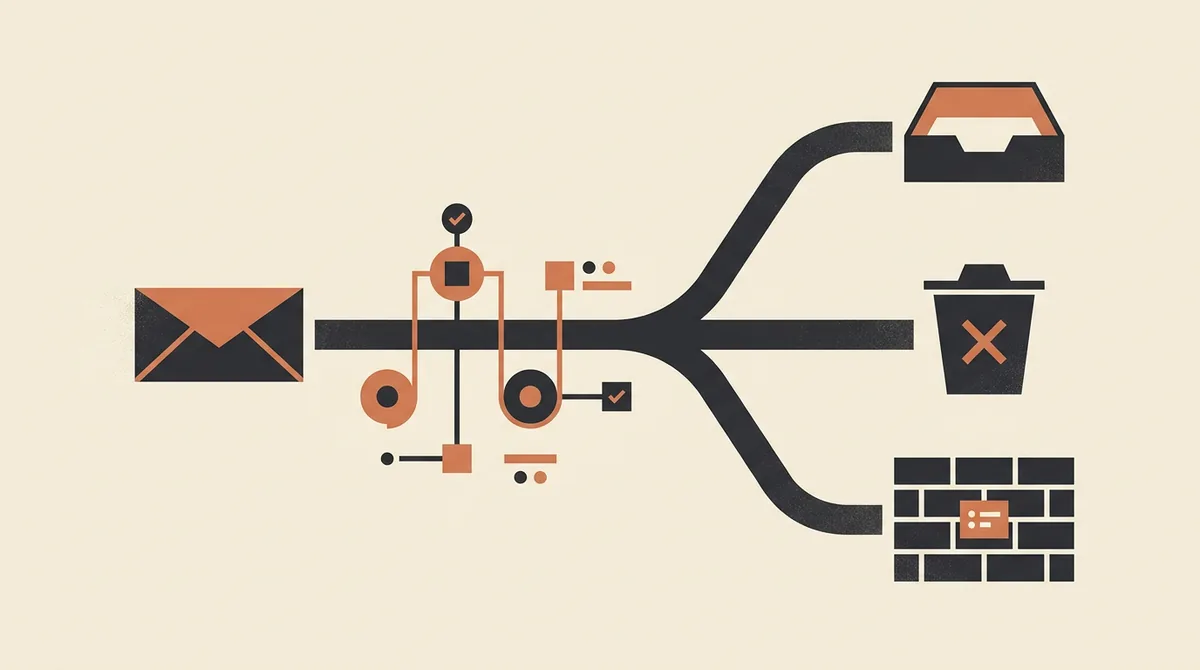
What actually happens when an email goes to spam
Before talking about fixes, you need to understand the mechanism. When you send an email, the recipient's server (Gmail, Outlook, Yahoo, or a corporate provider) doesn't decide where to put it at random. It assigns your domain and IP address a reputation score, and based on that score it decides one of three things: deliver to the inbox, deliver to spam, or reject it outright (the so-called hard bounce).
That score builds up over time by watching dozens of signals. The main ones are these.
- Domain authentication. Have you set up SPF, DKIM and DMARC? Without these records your domain can't be verified and gets downgraded.
- Spam complaint rate. How many people click "report as spam" on your emails.
- Bounce rate. How many emails are sent to addresses that don't exist or are full.
- Engagement. How many people open, reply, and don't immediately unsubscribe.
- Volume and consistency. A new domain firing off 300 emails a day looks suspicious. A domain that grows gradually doesn't.
The problem is these filters are designed to protect the user, not to help you sell. One mistake on a single one of these parameters and your reputation tanks for weeks. And a burned reputation is hard to rebuild.
The 2026 bulk sender rules: the thresholds you can't ignore
The real turning point came in February 2024, when Google and Yahoo introduced mandatory requirements for anyone sending more than 5,000 emails a day to their users. Microsoft followed in 2025, extending similar rules to Outlook, Hotmail and Live. By 2026 these thresholds have effectively spread to anyone doing outreach even at moderate volumes, because the filters apply the same criteria at lower thresholds too.
Here are the numbers you need to know by heart.
| Parameter | Required threshold | What happens if you exceed it |
|---|---|---|
| Spam complaint rate | Under 0.3% (ideally under 0.1%) | Above 0.3% filters start routing everything to spam |
| Bounce rate | Under 2% | High bounce rates signal dirty or purchased lists |
| Authentication | SPF, DKIM and DMARC mandatory | Without them, the email can be rejected outright |
| DMARC policy | At least p=none, ideally p=quarantine or p=reject | No policy means a spoofable, downgraded domain |
| One-click unsubscribe | Mandatory for bulk commercial sends | Its absence means penalties and more complaints |
The 0.3% threshold is the trickiest one. It sounds generous, but do the math: out of 1,000 emails, it only takes 3 people clicking "report spam" to blow past the limit. If your list is cold and unqualified, three complaints is nothing. That's why mass cold blasting is over. It's not a question of ethics, it's simple math that burns your domain.
SPF, DKIM and DMARC: the non-negotiable technical foundation
These three DNS records are your domain's ID card. Without them, you're an anonymous sender and you'll be treated as one. Let's run through them quickly, since they're the first thing to fix.
SPF (Sender Policy Framework)
Declares which servers are authorized to send email on behalf of your domain. It's a TXT record in your DNS. If you send from a cold email tool, you need to include its servers in your SPF, otherwise your emails come back as unauthorized.
DKIM (DomainKeys Identified Mail)
Adds a cryptographic signature to every email. The receiving server verifies the message wasn't altered and that it really came from you. It's proof of authenticity.
DMARC (Domain-based Message Authentication)
The rule that tells servers what to do when SPF or DKIM fail. It has three levels of severity.
p=none: monitors but blocks nothing. A starting point for gathering data.p=quarantine: suspicious emails go to spam.p=reject: unauthenticated emails are rejected outright. The most protected level, recommended once you're confident in your setup.
The classic mistake is jumping straight to p=reject without checking that all your legitimate flows (newsletter, CRM, ERP, outreach tool) pass authentication. Result: you block your own emails. The right path is to start with p=none, read the reports for a few weeks, fix your flows, then move up to quarantine and finally to reject. If you want to understand each record in detail, we wrote a dedicated guide on what SPF, DKIM and DMARC are and how to configure them step by step.
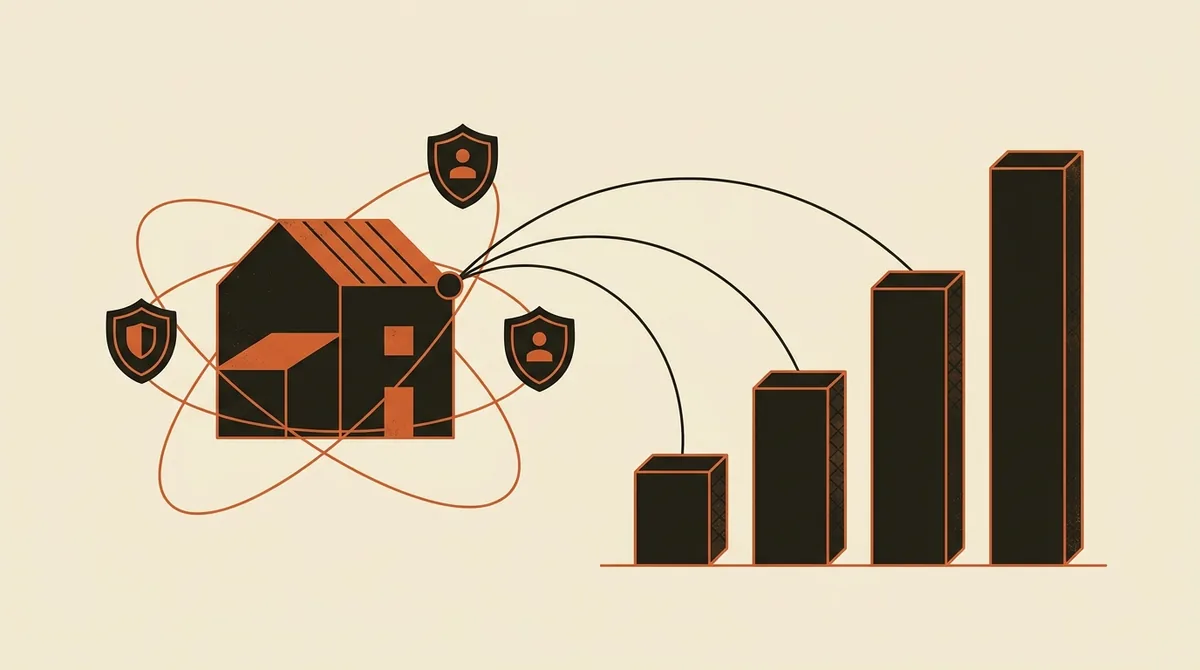
New domains and warmup: why you can't start at full speed
One of the most costly mistakes is buying a fresh domain, connecting it to a sending tool, and immediately firing off hundreds of emails. To the filters, a domain with no history that suddenly generates volume is the textbook spammer profile.
Warmup is the process of building up a domain's reputation: you start with a handful of sends per day (10 or 20), to addresses that open and reply, and gradually increase over 3 to 4 weeks. This builds reputation and teaches providers you're a legitimate sender. Here are the practical warmup rules that work in 2026.
- Buy the domain in advance. A domain registered at least 2 or 3 weeks ago starts off better than one just created.
- Use secondary domains for outreach. Never burn your company's main domain. Use variants (for example .net, .co, or prefixed versions) that redirect to the main site.
- Cap sends per mailbox. Max 30 to 50 emails a day per single address, even once you're at full ramp. Better to have several mailboxes across multiple domains than one overworked mailbox.
- Grow gradually. Double your volume every few days, not overnight.
Most serious cold email tools include automatic warmup. If you're evaluating which platform to adopt, we compared the options in our guide to the best cold email software of 2026.
The most common causes that send you to spam (and you'd never suspect)
Beyond the technical side, there are behaviors that trigger filters even with a perfectly authenticated domain. Here are the most frequent causes we see in the field.
- Purchased or scraped lists with no verification. They're full of dead addresses, your bounce rate spikes past 2%, and you get flagged immediately.
- Too many links and images. A prospecting email packed with tracked links, images and attachments looks like a promotional newsletter. In cold outreach, plain text and one link, or none, works better.
- Trigger words and aggressive formatting. All caps, multiple exclamation points, words like "free", "unmissable offer" or "guaranteed" raise your spam score.
- Sudden, identical volume. 300 identical emails sent in the same minute. Personalization and spreading sends over time matter.
- No way out. If you don't offer an easy way to stop receiving emails, people click "spam" instead of "unsubscribe".
- Tracking links on a shared domain. If your tool uses a tracking domain already burned by other users, you inherit its problems.
One important note: technical deliverability is a necessary condition, but it's not enough on its own to get results. Even with guaranteed inbox placement, if you contact accounts that show zero signal of interest, your complaint rate still climbs. The right direction is to contact fewer, better people, which in 2026 means signal-based selling and qualified lead generation, not indiscriminate blasting.
Want to know whether your domain is set up to land in the inbox, or whether you're burning reputation without realizing it? Request a review of your deliverability and outreach system — let's talk it through, no strings attached.
How to fix it: the operational checklist
Let's put this in order. If your emails are going to spam, here's the sequence of fixes, from most urgent to most refined.
- Check your authentication. Verify that SPF, DKIM and DMARC are configured and passing. Free tools exist that read your DNS records in seconds.
- Set DMARC to p=none and read the reports. Identify unauthenticated send flows before raising the policy.
- Clean your list. Use an email verification service to remove dead addresses and get your bounce rate under 2%.
- Separate the domain. Move outreach to dedicated secondary domains, never your company's main domain.
- Start the warmup. 3 to 4 weeks of gradual growth before going to full volume.
- Add one-click unsubscribe and a clear way to leave the list.
- Lighten up your messages. Plain text, a single link, real personalization, no trigger words.
- Monitor spam rate and engagement. If complaints get close to 0.3%, stop and fix it before your reputation collapses.
- Move gradually to p=quarantine and then p=reject, once all legitimate flows pass authentication.
That's the bare minimum for having an email channel that actually delivers. But deliverability is just one gear inside a bigger machine. A warm, authenticated domain doesn't do much good if it isn't connected to a funnel that qualifies replies and books appointments. That's why it makes sense to treat email not as a standalone tactic, but as part of a complete client acquisition system, where outreach, deliverability, qualification and follow-up work together.
Email or LinkedIn? The channel choice matters
Given how strict the filters have become, many wonder whether cold email is still worth the investment. The answer is yes, but with eyes open. Email remains the channel with the widest reach and the lowest cost per contact, as long as you follow the rules. For high-value outreach or complex accounts, though, a multichannel approach that alternates email and social works better. We compared the two approaches in our analysis of cold email vs LinkedIn.
Here's the strategic point: in 2026, the winner isn't whoever sends the most, it's whoever sends best. Deliverability is the barrier to entry, not the finish line. Once you clear it, the game shifts to list quality and the ability to manage the resulting pipeline predictably, a topic we dig into when talking about how to build a steady flow of clients instead of occasional spikes.
In summary
Emails go to spam because of a mix of technical causes (missing authentication, an unwarmed domain, dirty lists) and behavioral ones (aggressive volume, complaints above 0.3%, spammer-style messages). In 2026 the rules from Google, Yahoo and Microsoft made these thresholds non-negotiable. The good news is they're all fixable with concrete steps: authenticate your domain, warm it up, clean your lists, respect the 0.3% threshold and always offer a way out. Do that, and your outreach stops disappearing and starts generating replies again.
Frequently asked questions
Why do my emails go to spam even though they aren't spam?
In most cases the problem is technical, not about content. If your domain doesn't have SPF, DKIM and DMARC configured, or it's new and hasn't been warmed up, filters downgrade it regardless of the copy. Check your authentication and domain history first.
What's the spam complaint threshold I can't exceed in 2026?
Google, Yahoo and Microsoft require staying under a 0.3% complaint rate, with an ideal target under 0.1%. Out of 1,000 emails, just 3 people clicking "report spam" is enough to blow past the limit and watch your deliverability collapse.
What are SPF, DKIM and DMARC, and are they mandatory?
They're three DNS records that authenticate your domain: SPF authorizes servers, DKIM signs messages, DMARC defines what to do if authentication fails. Since 2024 they've effectively been mandatory for anyone sending in bulk. Without them, emails get rejected or routed to spam.
How long does it take to warm up a new domain?
Warmup generally takes 3 to 4 weeks. You start with 10 to 20 emails a day to recipients who open and reply, gradually increasing volume. Don't exceed 30 to 50 emails a day per single mailbox, even once you're at full ramp.
Can I use my company's main domain for cold outreach?
No, it's not recommended. If something goes wrong, you risk burning the reputation of the domain that all your company's communication runs through. Use dedicated secondary domains that redirect to the main site, so outreach doesn't put your important emails at risk.
Is one-click unsubscribe really mandatory?
Yes, Google and Yahoo have required it for bulk commercial sends since 2024. Beyond being a requirement, it reduces spam complaints: without an easy way out, people who aren't interested click "report as spam" instead of unsubscribing, which damages your reputation.
If you want an email channel that actually delivers, built into an acquisition system that qualifies replies and books appointments, let's talk: we'll look at your situation and tell you where to start.