Meta Pixel and Conversions API: reliable tracking in 2026
9 min read · AstraLoop Studio
If you run Meta campaigns and still rely on the pixel alone, you're working with incomplete data. That's not an opinion. Ever since Apple introduced App Tracking Transparency and Safari tightened the screws on cookies, the browser-based pixel has been losing a sizable chunk of real conversions. Industry estimates put the gap at 20 to 40% of events that never reach Meta.
The problem isn't just reporting. Every conversion the pixel fails to log is a signal the Advantage+ algorithm never receives. And an algorithm optimizing on partial data gets targeting wrong, wastes budget, and makes you pay more for results. The Conversions API (CAPI) exists to close that gap: it sends conversion events straight from your server to Meta's servers, bypassing the browser and everything that blocks it.
In this guide we'll look at what CAPI actually does, how to implement it without breaking tracking with double counting, and how to raise data quality so your campaigns run better. Practical angle, zero theory for theory's sake.
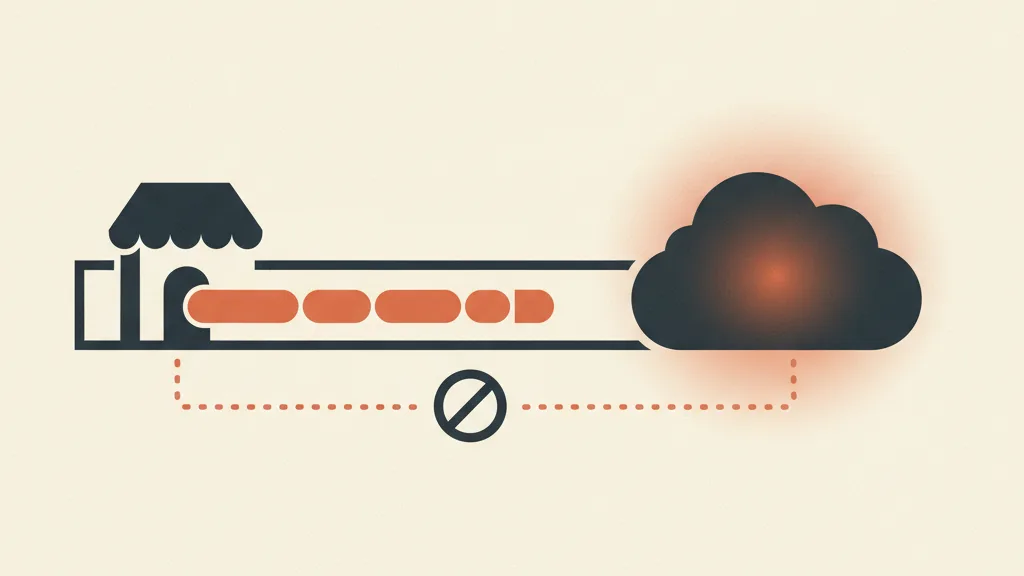
Why the pixel alone isn't enough anymore
The Meta Pixel is a JavaScript snippet that runs in the visitor's browser. When someone views a product, adds it to cart, or completes a purchase, the pixel tries to send that event to Meta. The key word is "tries," because today there are several obstacles standing between the pixel and Meta's servers:
- App Tracking Transparency (ATT): on iOS, many users have declined tracking consent. The pixel still works, but the data it can tie to a profile is far less complete than before.
- Safari's Intelligent Tracking Prevention: limits cookie lifespan and breaks attribution beyond short windows.
- Ad blockers and script blocking: a non-trivial share of users block third-party tracking scripts outright, and the pixel is one of them.
- Network errors and partial page loads: if the user closes the page before the script fires, the event is lost.
The result is that the pixel shows you fewer conversions than you're actually generating. If your back office logs 100 sales and the pixel records 65, those 35 missing events aren't just a reporting glitch. They're 35 optimization signals the algorithm never saw.
What the Conversions API does (and doesn't do)
The Conversions API is a server-to-server channel. Instead of relying on the user's browser, your server (or an intermediary) sends the conversion event directly to Meta via an API call. No script to block, no cookie to expire, no ad blocker in the way.
Let's clear up a common misconception right away: CAPI doesn't replace the pixel, it complements it. Meta itself recommends running both. The pixel captures browser-side signals (useful for device info and client-side data), while CAPI guarantees the event gets through even when the browser fails. According to Meta's own data, advertisers who run both see an average cost-per-result improvement of around 13%.
A quick terminology note so you don't get lost in Events Manager: what you used to call your "pixel" now lives inside a dataset. The dataset is the single container where website events (pixel), server events (CAPI), app events, and offline activity all converge. One Dataset ID collects everything. If you search for "Pixel ID" and find "Dataset ID" instead, it's the same thing.
What actually changes for the algorithm
More reliable events mean three very concrete things. First, campaign optimization runs on a more complete audience, so Advantage+ understands who's really converting. Second, attribution improves, giving you reports closer to reality and letting you make budget decisions on real numbers. Third, audiences (lookalikes included) get built on richer data. If you want to dig into how Meta's automation works and why it needs clean signals, we covered that in this guide to Advantage+.
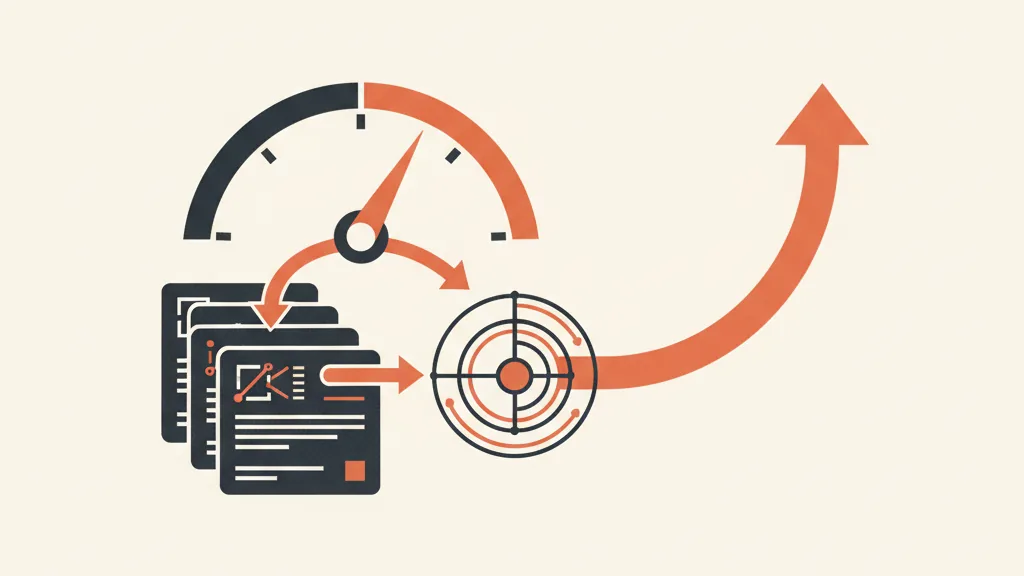
Ways to implement CAPI: which one to pick
There isn't just one way to turn on the Conversions API. The right choice depends on the technical skills you have in-house, the platform your site runs on, and how much control you want over the data. Here are the main options in 2026.
| Method | Technical effort | Data control | Best for |
|---|---|---|---|
| Partner integration (Shopify, WooCommerce) | Low | Medium | E-commerce on standard platforms |
| Native CAPI in Events Manager (Meta-enabled) | Very low | Low | Those who want to start now without a developer |
| Conversions API Gateway | Low-medium | Medium | Those who want server-side hosted by Meta |
| Google Tag Manager server-side | Medium | High | Advanced, multi-platform setups |
| Direct API integration | High | Maximum | Teams with developers who want full control |
Partner integration
If your site runs on Shopify, WooCommerce, or similar platforms, there's often an official connector that turns on CAPI in a few clicks. It's the fastest route for an e-commerce store: the platform handles sending the events and, usually, deduplication too. The trade-off is less control over exactly what data gets passed.
Native CAPI and Conversions API Gateway
Meta offers a one-click setup inside Events Manager (the so-called "Meta-enabled" CAPI) that requires neither a developer nor a server, because Meta hosts the infrastructure itself. The Conversions API Gateway, on the other hand, is a no-code solution that runs alongside the pixel and automatically sends server-side copies of events, handling deduplication without any manual configuration on your part. Both options lower the barrier to entry dramatically compared to a few years ago.
Google Tag Manager server-side and direct API
These are the routes for anyone who wants full control. GTM server-side lets you manage tracking for multiple platforms (Meta, Google, TikTok) from a single container. Direct API integration is the most powerful but requires developers: you decide exactly which parameters to send and when. If you're already building serious server-side tracking, it's worth reading what server-side tracking actually means before you choose.
The crucial part: event deduplication
This is where it's won or lost. If you run pixel and CAPI together without precautions, the same purchase gets sent twice (once from the browser, once from the server) and Meta counts it twice. Inflated reports, distorted ROAS, confused optimization.
The fix is deduplication. Meta automatically discards duplicate events if they share the same event_id and the same event_name. The logic is simple:
- For each conversion you generate a unique ID (ideally server-side).
- You pass that same ID to both the pixel (the
eventIDparameter in thefbq()call) and CAPI (theevent_idfield). - Meta receives both events, notices the identical ID, and keeps only one.
If you use a partner integration or the Gateway, deduplication is almost always handled automatically. If you go with direct API or server-side GTM, it's on you to make sure the event_ids match. It's the most common mistake in DIY setups: pixel and CAPI generating different IDs, so zero deduplication and doubled-up conversions.
Quick rule to check it: open Events Manager, go to the Purchase event, and check the deduplication coverage. Meta tells you whether the events received from the two channels are being correctly merged. If you see a lot of "browser only" or "server only" events that should match, you have an ID problem.
Not sure how many conversions you're losing today, or whether your tracking is set up correctly? Request a Meta account audit: we'll show you where signals are slipping through and how to connect CAPI and CRM.
Event Match Quality: the number that decides how much your data is worth
Sending the event isn't enough. Meta also has to be able to match it to a real user profile, otherwise that data isn't much use for optimization. This is where Event Match Quality (EMQ) comes in, a score from 1 to 10 that measures how well your events tie back to Meta profiles.
The more customer parameters you send with each CAPI event, the higher your EMQ climbs. The parameters that matter:
- Email (hashed)
- Phone number (hashed)
- First and last name
- City, region, postal code, country
- External ID (your internal customer identifier)
Rough benchmark: with email alone you'll land an EMQ around 5-6. Add phone, name, and location and you climb toward 7-9. The target for Purchase events is 8.0 or higher. Below that threshold you're starting at a disadvantage against other advertisers competing in the same auction.
The mistake that kills matching: bad hashing
There's one technical detail that torpedoes entire setups. CAPI wants sensitive data in hashed form (SHA-256), but before hashing, values need to be normalized: lowercase and stripped of spaces. The string Mario.Rossi@email.it hashed as-is produces a different value than mario.rossi@email.it, and Meta can't make the match. If your EMQ is low despite sending email, this is almost always where the problem lives.
Where to pull the data to raise EMQ: the CRM's role
Here's the part many people underrate: CAPI is only as powerful as the data you feed it. If you have a well-organized CRM, you already have email, phone, name, and location data for your customers. Linking that asset to conversion events is what separates an EMQ of 5 from one of 8.
It's also how you upload offline conversions from your CRM: sales closed over the phone, in-store, after a sales call. Events the pixel will never see, but that tell the algorithm exactly who your best customers really are. If you work in B2B or have long sales cycles, this is often the most valuable signal you can send, and you'll only find it in the CRM. We went deeper into this logic in how to get Meta Ads and CRM talking about conversion signals.
That's why serious tracking starts with clean data upstream. Well-organized first-party data isn't just about privacy compliance: it's the fuel that raises EMQ and improves every campaign. Whoever has their CRM in order starts the auction with a structural advantage.
Consent and privacy: don't skip this step
Sending data server-side doesn't exempt you from privacy obligations — if anything, the opposite. The customer data you pass to CAPI remains personal data, even in hashed form. In Europe you must comply with GDPR, and for users who haven't given marketing tracking consent, you shouldn't send their identifying data. Consent Mode and banner-based consent management remain the prerequisite: collect valid consent first, then track. For the operational side on Google and consent setup, our guide to Consent Mode v2 covers principles that apply to Meta too.
Bottom line: CAPI recovers data the browser loses, but it isn't a shortcut around consent. The right approach is to send as many signals as possible from users who have opted in, with the highest possible match quality.
Implementation checklist
- Create or verify your dataset in Events Manager (the container that replaced the old pixel).
- Install the pixel on your site, if it isn't there already.
- Choose your CAPI method based on your team's skills: partner, Gateway, server-side GTM, or direct API.
- Set up deduplication: same event_id and same event_name between pixel and CAPI.
- Send rich customer parameters with every server event: email, phone, name, location, external_id.
- Normalize before hashing: lowercase, no spaces, then SHA-256.
- Connect your CRM to feed events and upload offline conversions.
- Respect consent: send identifying data only for users who have opted in.
- Monitor EMQ and deduplication in Events Manager, targeting 8.0+ on Purchase.
If you're overhauling your entire measurement setup, a Meta account audit is the right place to start to figure out how many signals you're losing today and where to begin.
The full picture
The pixel alone, in 2026, has you flying blind. The Conversions API isn't a luxury reserved for big advertisers: it's the baseline for running campaigns on real data instead of a third of them being phantom conversions. The right sequence is clear: pixel plus CAPI, clean deduplication, rich customer parameters pulled from the CRM, consent respected. Get these four steps right and the algorithm stops optimizing in the dark.
What makes the difference in the long run isn't the technical setup itself, but the quality of the data you feed the system. Whoever has their CRM in order and clean first-party data is playing a different game. Everything else is just configuration.
Frequently asked questions
Does the Conversions API replace the Meta Pixel?
No, it complements it. Meta recommends running both: the pixel captures browser signals, while CAPI guarantees the event still arrives when the browser, an ad blocker, or privacy restrictions block it. Together, advertisers see an average cost-per-result improvement of around 13%.
What is Event Match Quality and what score should I aim for?
It's a score from 1 to 10 that measures how well your events match Meta user profiles. The more customer parameters you send (email, phone, name, location, external_id), the higher it climbs. The target for Purchase events is 8.0 or higher: below that threshold you're at a disadvantage in the auction.
How do I avoid double-counting conversions with pixel and CAPI running together?
You need deduplication. Generate a unique ID for each conversion and pass the identical value to both the pixel (the eventID parameter) and CAPI (the event_id field). With the same event_id and event_name, Meta recognizes the duplicate and keeps only one event. Partner integrations and the Gateway handle this automatically.
Why does my Event Match Quality stay low even though I'm sending email?
It's almost always a normalization problem before hashing. Data needs to be lowercased and stripped of spaces before applying SHA-256. Mario.Rossi@email.it hashed as-is produces a different value than mario.rossi@email.it, and Meta can't match it to the profile.
Do I need a developer to implement the Conversions API?
Not necessarily. In 2026 there are no-code options: partner integration for Shopify and WooCommerce, native one-click CAPI inside Events Manager, and a Conversions API Gateway managed by Meta. A developer is only needed for direct API integration or advanced server-side GTM setups.
Does sending data via CAPI make me GDPR compliant?
No, CAPI doesn't get you around privacy obligations. Customer data remains personal data even in hashed form. You must collect valid consent before tracking and avoid sending identifying data for users who haven't consented to marketing tracking.
Want tracking that feeds the algorithm real data instead of phantom conversions? Let's talk: we combine CAPI, CRM, and first-party data into a system that makes your campaigns run better.